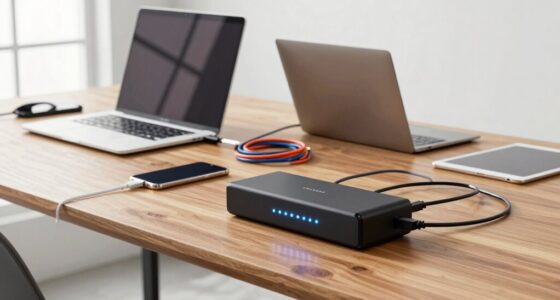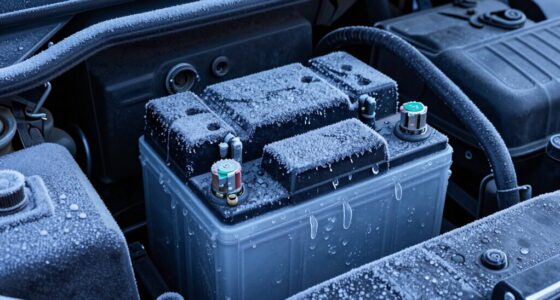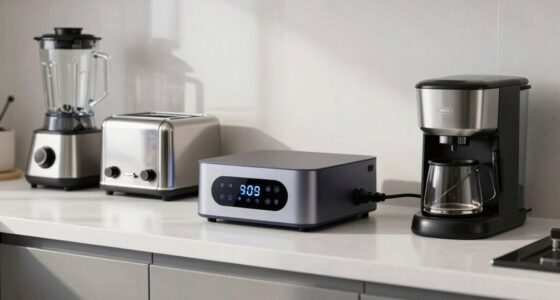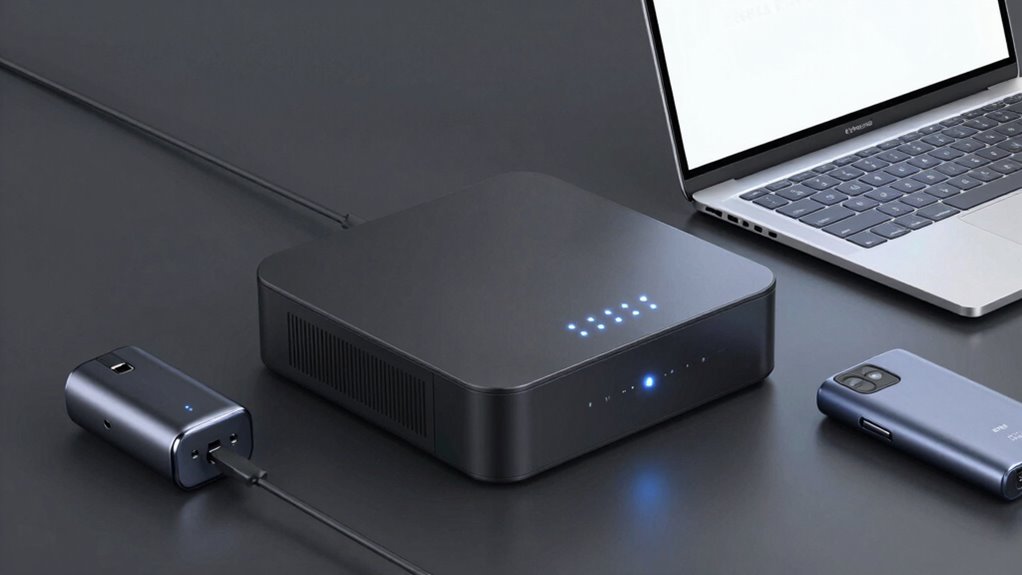
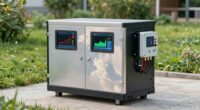
To make your battery backup more efficient, choose energy-efficient devices with high ratings like ENERGY STAR, and avoid unnecessary gadgets during outages. Select smart devices with adjustable settings that monitor and reduce power use automatically. Limit connection to essential items only, such as medical or communication devices. Regularly maintain and update your devices for peak performance. By making smarter device choices, you can extend backup runtime and save energy — learn more to maximize your setup.
Open a free Amazon Business account
Business pricing, bulk buying and tax-exempt orders.
As an affiliate, we earn on qualifying purchases.
Key Takeaways
- Select energy-efficient devices with high ratings like ENERGY STAR to reduce overall power consumption.
- Prioritize essential devices and limit usage of non-critical appliances during outages.
- Use devices with adaptive, smart features that optimize energy use automatically.
- Ensure device compatibility and perform regular maintenance for peak efficiency.
- Choose durable, high-quality devices to operate more efficiently and extend backup runtime.

Are you looking to get the most out of your battery backup system? Choosing the right devices can significantly boost its efficiency, helping you save energy and extend battery life. When selecting backup devices, focus on energy conservation. Opt for models with energy-efficient features, like low standby power consumption and optimized power management settings. These devices draw less power during operation, reducing strain on your battery and allowing it to last longer during outages. Additionally, look for appliances that have high energy efficiency ratings—such as those labeled ENERGY STAR. They consume less electricity during normal use, which means your backup system won’t be overwhelmed when powering essential devices.
The quality of your devices directly impacts your battery lifespan. Cheaper, lower-quality options often demand more power and may have shorter lifespans themselves, forcing you to replace components more frequently. On the other hand, investing in durable, well-designed devices ensures they operate efficiently and put less stress on your battery backup. For example, choosing LED lighting over incandescent bulbs reduces energy consumption, which in turn lessens the load on your backup system. Similarly, selecting energy-efficient appliances like refrigerators, HVAC units, and computers helps conserve energy and prevents frequent depletion of your battery reserve.
Another smart move is to prioritize devices with smart technology or adjustable settings. Smart devices can monitor their own energy use and adjust accordingly, conserving power without sacrificing performance. This kind of energy conservation means your backup system doesn’t need to work as hard, which prolongs the overall battery lifespan. In addition, avoid plugging in unnecessary devices during a power outage. The more devices you connect, the faster your battery drains. Only power essential items—like your refrigerator, medical equipment, or communication devices—to maximize backup time and maintain system efficiency.
Lastly, consider the compatibility of your devices with your backup system. Mismatched devices can cause inefficiencies, forcing your system to compensate and potentially reducing battery lifespan. Regular maintenance and checking for firmware updates can also improve device performance and energy conservation. Additionally, understanding energy-efficient features can help you make smarter device choices that optimize overall system performance. Being aware of energy-conservation strategies can further enhance your system’s efficiency and longevity.
ENERGY STAR certified backup power supplies
As an affiliate, we earn on qualifying purchases.
As an affiliate, we earn on qualifying purchases.
Frequently Asked Questions
What Are the Best Brands for Reliable Backup Batteries?
You should consider brands like APC, CyberPower, and Eaton for reliable backup batteries. They’re known for brand reliability and offer products with longer battery lifespan, guaranteeing your backup system stays functional during power outages. These brands provide quality, durability, and consistent performance, making them excellent choices. Investing in reputable brands helps you avoid frequent replacements and ensures your backup system remains dependable when you need it most.
How Often Should I Replace My Backup Battery?
You should replace your backup battery every 3 to 5 years, depending on its battery lifespan and usage. Regularly check for signs of decreased performance, such as shorter backup times or difficulty holding a charge. Keeping an eye on these indicators helps you determine the right replacement frequency, ensuring your backup system remains reliable. Proper maintenance and timely replacement prevent unexpected failures when you need backup power most.
Can Using Multiple Devices Slow Down Battery Performance?
Yes, using multiple devices can slow down battery performance because it increases overall battery drain. When devices aren’t compatible or optimized for simultaneous use, they may work harder, consuming more power. To prevent this, choose compatible devices and limit the number connected at once. This helps maintain better battery backup efficiency, ensuring your system lasts longer during outages without overloading or draining quickly.
What Safety Precautions Are Needed for High-Capacity Backup Batteries?
You should prioritize battery safety by handling high-capacity backup batteries carefully, avoiding punctures or damage. Follow proper charging protocols, like using chargers recommended by the manufacturer and not overcharging batteries. Keep batteries in a cool, dry place away from flammable items. Always wear protective gear when handling large batteries, and never attempt to disassemble or modify them. These precautions help prevent accidents and guarantee reliable, safe operation.
How Do Temperature Changes Affect Battery Backup Efficiency?
Temperature changes directly impact your battery backup’s efficiency by affecting thermal regulation and temperature stability. When temperatures rise or fall outside ideal ranges, the battery’s chemical reactions slow down or speed up, reducing performance and lifespan. To maintain efficiency, keep your backup batteries in environments with stable temperatures, avoid extreme heat or cold, and guarantee proper thermal regulation. This way, your backup system stays reliable and ready when you need it most.
smart energy-efficient surge protectors
As an affiliate, we earn on qualifying purchases.
As an affiliate, we earn on qualifying purchases.
Conclusion
By choosing the right devices and optimizing your setup, you can greatly boost your battery backup’s efficiency. For example, imagine upgrading to a high-capacity inverter and switching to energy-efficient appliances—your backup lasts longer during outages. This simple swap not only conserves power but also guarantees your essential devices stay operational when you need them most. With thoughtful choices, you turn your backup system into a reliable, long-lasting solution that keeps you connected and powered up.
LED emergency lighting for backup systems
As an affiliate, we earn on qualifying purchases.
As an affiliate, we earn on qualifying purchases.
high efficiency portable battery backup
As an affiliate, we earn on qualifying purchases.
As an affiliate, we earn on qualifying purchases.
Fall Picks
fall essentials
As an affiliate, we earn on qualifying purchases.