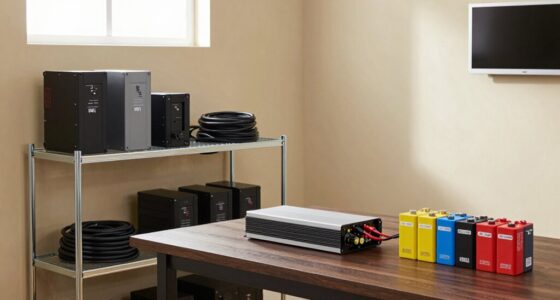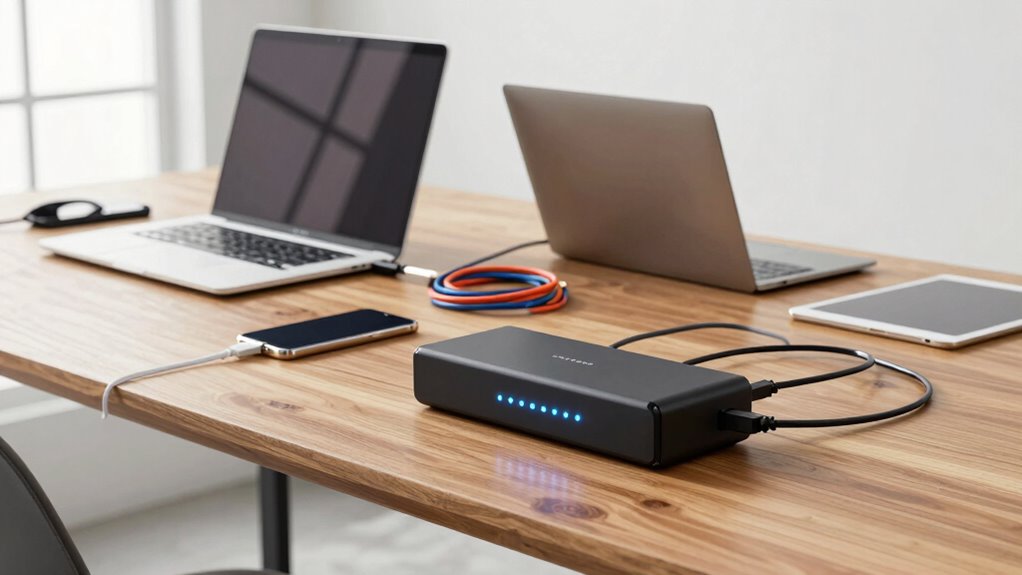

To build a battery backup for everyday convenience, start by identifying essential devices like your fridge, Wi-Fi, and lights. Choose a battery capable of supporting these loads, preferably lithium-ion for longer lifespan and quick recharge. Integrate solar panels to recharge batteries and extend backup time, while installing surge protectors to safeguard electronics. Proper wiring, professional setup, and regular maintenance guarantee safety and reliability. If you keep exploring, you’ll discover even more ways to optimize your backup system.
Listen free for 30 days with Audible
Thousands of audiobooks and originals — cancel anytime.
As an affiliate, we earn on qualifying purchases.
Key Takeaways
- Identify essential devices and calculate their total power needs to select an appropriately sized battery system.
- Integrate solar panels to recharge batteries and extend backup duration sustainably.
- Install surge protectors to safeguard electronics from voltage spikes.
- Choose high-quality batteries like lithium-ion for longevity and reliable performance.
- Ensure professional installation and regular system maintenance for safety and optimal operation.
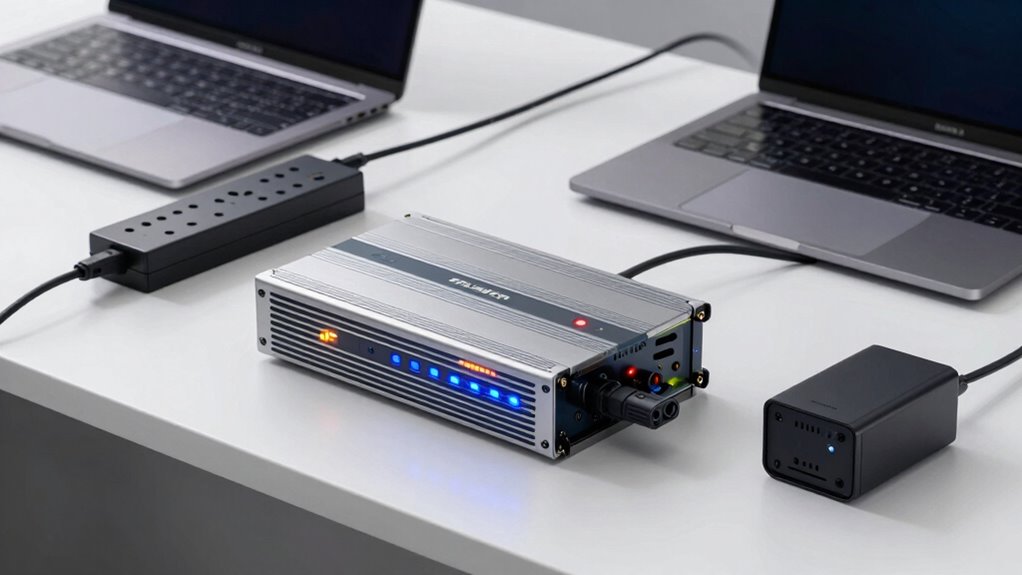
Having a reliable battery backup setup can make your daily routine smoother, especially during power outages or unexpected disruptions. When you’re prepared with the right system, you avoid the frustration of losing important work, spoiled food, or interrupted daily tasks. To start, assess your power needs to determine what devices and appliances require backup. Think about essential items like your refrigerator, Wi-Fi router, lights, and medical devices. Once you know what’s indispensable, you can select a battery system that provides enough capacity to keep those running during an outage.
Next, consider integrating solar power into your backup setup. Solar integration can greatly extend the duration of your backup power and reduce reliance on grid energy. By adding solar panels, you can recharge your batteries during the day, creating a sustainable and eco-friendly power source. This setup not only guarantees you have power when you need it but also lowers your long-term energy costs. Keep in mind, though, that a proper inverter is necessary to convert solar DC power into usable AC power for your household devices. Incorporating solar power systems can further enhance your energy independence and sustainability.
Power surge protection should also be a key feature of your backup system. Power surges can occur unexpectedly, damaging sensitive electronics and appliances. Installing surge protectors in your setup shields your devices from voltage spikes, preventing costly repairs or replacements. When designing your system, choose surge protection devices that can handle the maximum surge current and are compatible with your battery and inverter setup. This layer of protection adds peace of mind, knowing your valuable electronics are safeguarded. Additionally, understanding battery chemistry can help you select the most suitable option for your setup. A comprehensive understanding of battery chemistry can also aid in optimizing your system’s performance and longevity.
The choice of batteries is essential in building a dependable backup. Lithium-ion batteries are popular for their high energy density, long lifespan, and quick recharge times. Lead-acid batteries are more affordable but require more maintenance and have shorter lifespans. Whichever type you choose, ensure they are capable of handling the load and have sufficient capacity for your needs. Pair your batteries with a quality inverter and charge controller to optimize performance and safety. Furthermore, familiarizing yourself with battery maintenance can help prolong the life of your backup system. Properly maintaining your batteries can significantly extend their lifespan and ensure the system’s reliability over time. Additionally, selecting batteries with proper safety features is crucial to prevent potential hazards.
Finally, installation and maintenance are indispensable to keep your backup system functioning smoothly. Proper wiring, adherence to safety standards, and regular inspections ensure reliable operation. Investing in a professional setup can save you headaches down the line and guarantee that your system is safe and efficient. With these elements in place—solar integration, power surge protection, appropriate batteries, and professional installation—you’ll have a dependable backup setup that enhances your everyday convenience, giving you peace of mind no matter what disruptions come your way.

Vertiv Liebert PowerUPS 100 PUL-350LVT Lithium-Ion UPS 350VA Battery Backup
- Flexible Battery Options: VRLA and Lithium-Ion models available
- Extended Battery Life: Lithium-Ion lasts up to 3 times longer
- High-Temperature Durability: Operates effectively up to 104°F (40°C)
As an affiliate, we earn on qualifying purchases.
As an affiliate, we earn on qualifying purchases.
Frequently Asked Questions
How Long Can a Battery Backup Power My Devices?
Your battery backup can power your devices for a specific time depending on its battery capacity and the power duration of your devices. If your backup has a high capacity, it’ll last longer. Smaller devices with low power consumption will run longer than larger ones. To estimate, divide the battery capacity by your device’s power usage. Keep in mind, real-world power duration can vary based on usage and device efficiency.
What Is the Cost Range for Setting up a Backup System?
You can expect to spend between $500 and $3,000 for a basic battery backup system, depending on your needs. The cost varies with battery chemistry like lithium-ion or lead-acid and the system’s capacity. Do a cost comparison to determine what fits your budget. Consider factors like installation, maintenance, and longevity, as these can influence the overall expense and help you choose the most cost-effective option.
Are There Portable Battery Backup Options for Travel?
Yes, there are portable battery backup options perfect for travel. You can carry travel chargers and portable power banks to keep your devices charged on the go. These compact devices are lightweight, easy to pack, and often feature multiple USB ports, allowing you to power smartphones, tablets, and other gadgets. Investing in reliable travel chargers and high-capacity portable power banks guarantees you stay connected, even when you’re away from power outlets.
How Often Should I Maintain or Replace My Battery Backup?
Think of your battery backup like a car; it needs regular check-ups to run smoothly. You should maintain and replace it based on the manufacturer’s recommended maintenance schedule, typically every 3-5 years. Keep an eye on the battery’s lifespan—if it shows signs of reduced capacity or doesn’t hold a charge, it’s time for a replacement. Regular maintenance guarantees reliable backup power when you need it most.
Can I Connect Multiple Devices to One Battery Backup?
Yes, you can connect multiple devices to one battery backup, but you need to take into account device compatibility and power capacity. Check the backup’s maximum wattage or load capacity to ensure it can handle all connected devices simultaneously. Avoid overloading it, as this can reduce backup runtime or damage the system. Distribute the load evenly, and prioritize essential devices to maintain reliable power during outages.
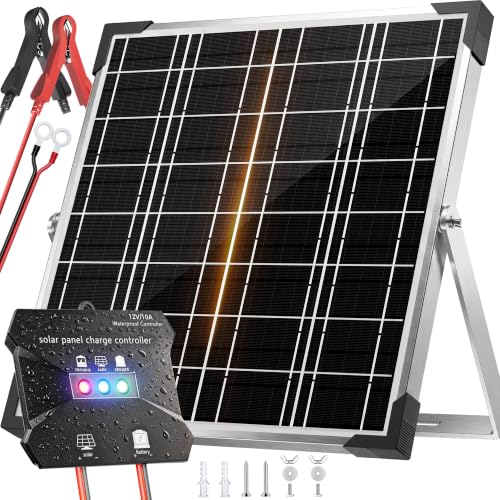
Voltset Solar Panel Kit 20W 12V, Waterproof Solar Battery Charger for Car
- High-Efficiency MPPT Charging: Delivers 20-30% faster charging for 12V batteries
- Maximized Power with Monocrystalline Panels: High conversion efficiency for more sun capture
- Multi-Layer Safety Protection: Prevents overcharge, over-discharge, short circuit, reverse polarity
As an affiliate, we earn on qualifying purchases.
As an affiliate, we earn on qualifying purchases.
Conclusion
Now, imagine the gentle hum of your backup system quietly kicking in as a storm rumbles outside, keeping your devices running smoothly. With your new setup, you’re wrapped in a cocoon of security, ready for any power outage. No more worries about lost moments or interrupted routines—just seamless comfort and peace of mind. You’ve built more than a backup; you’ve created a reliable haven that keeps your everyday life flowing effortlessly, rain or shine.

ALESTOR 6 Ft Surge Protector Power Strip with 12 Outlets and 4 USB Ports
- Multi-Function Power Strip: 12 AC outlets and 4 USB ports
- Heavy Duty Extension Cord: 6-foot long power cord for flexibility
- High Surge Protection: 2700 Joules surge energy absorption
As an affiliate, we earn on qualifying purchases.
As an affiliate, we earn on qualifying purchases.

BELTTT 2000W Pure Sine Wave Inverter 12V DC to 120V AC, 4000W Surge
- High Power Output: 2000W continuous, 4000W surge power
- Pure Sine Wave: Provides grid-like AC waveform
- High Efficiency: Over 93% conversion efficiency
As an affiliate, we earn on qualifying purchases.
As an affiliate, we earn on qualifying purchases.
Pool season Picks
robotic pool cleaners
As an affiliate, we earn on qualifying purchases.