
When you use a high-wattage USB-C charger, it might feel slow because your device and cable can limit the actual power transfer. Devices negotiate their maximum charging rate based on what they support, and internal protections prevent overcharging. Even with a powerful charger, bad cables or background activities can slow things down. To get the most out of your charger, you’ll want to understand how these factors work together—and there’s more to uncover below.

Get backup power and energy gear delivered free with Prime
- Fast, free delivery on millions of items
- Prime Video, Amazon Music and more included
- Member-only deals all year
Key Takeaways
- Devices negotiate only the power profiles they support, limiting charging speed regardless of the charger’s wattage.
- Internal device protections and battery management systems restrict current flow to ensure safety and longevity.
- Inadequate or high-resistance cables can cause voltage drops, reducing effective power transfer and slowing charging.
- Background activities and screen use consume power, decreasing the net charging rate even with high-wattage chargers.
- High wattage alone doesn’t guarantee fast charging; compatibility, cable quality, and device limitations also play crucial roles.
How USB Power Delivery Negotiates Power Levels
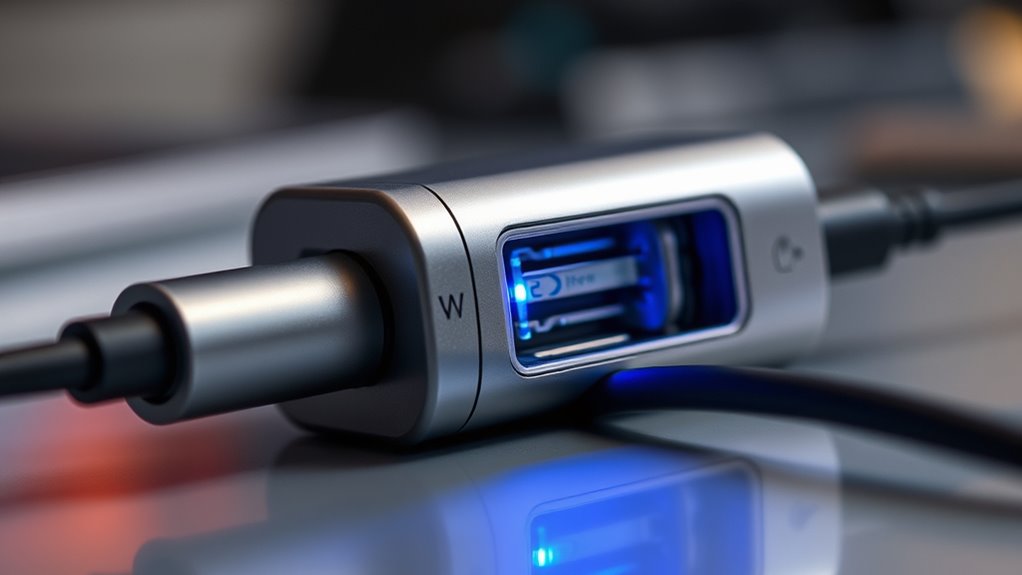
USB Power Delivery (PD) negotiates power levels by dynamically adjusting voltage and current between the charger and your device. When you connect a compatible device, the charger and device communicate using a series of data messages called “power contracts.” These messages specify supported voltage and current levels, allowing the device to request the ideal power profile it can handle safely. The charger then responds by offering a matching profile, increasing or decreasing voltage and current as needed. This negotiation ensures efficient, safe charging tailored to your device’s needs. Unlike fixed-output chargers, PD adapts in real-time, providing higher wattages when appropriate and scaling down to protect the device and battery. This process relies on the communication protocol to ensure precise power delivery. This dynamic process is key to fast, flexible, and safe charging experiences, especially with the increasing demand for higher wattages in modern devices such as laptops and tablets. Additionally, the negotiation process involves a power management protocol that coordinates the flow of power based on ongoing device requirements. Incorporating smart communication enhances the accuracy of power delivery and helps prevent potential damage during charging. An understanding of power negotiation can help users select the right chargers for optimal performance.
The Impact of Device and Battery Limits on Charging Speed
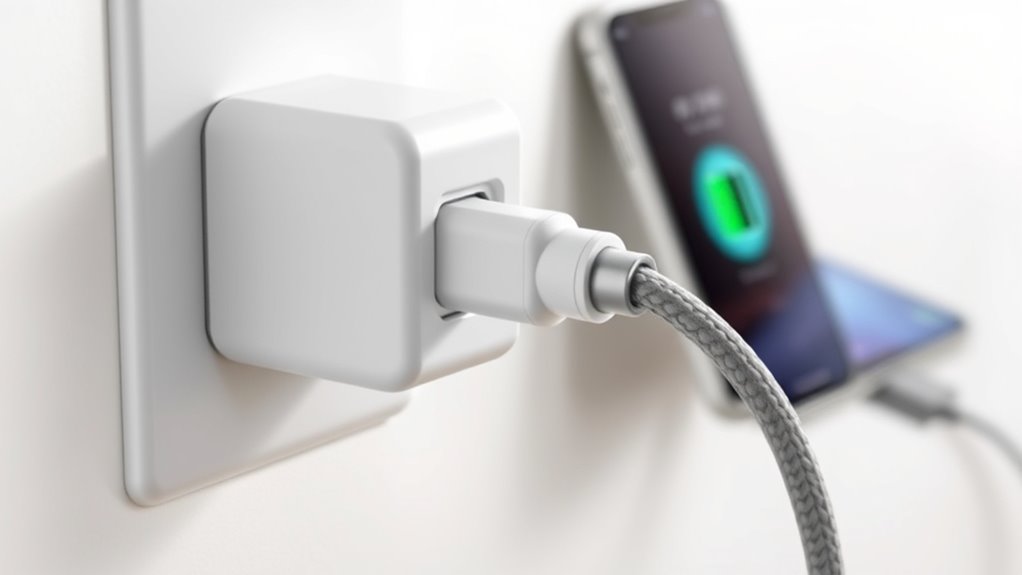
Have you ever wondered why plugging in a high-wattage charger doesn’t always result in rapid charging? It’s because your device and battery set limits on how fast they can charge. Modern batteries have built-in safety and longevity protocols that cap the current flow, even if more power is available. Your device’s internal circuitry and charging firmware also regulate the rate, especially as the battery nears full. Larger batteries take longer to fill, and thermal management can slow charging to prevent overheating. Additionally, if your device isn’t designed to support higher PD profiles, it simply won’t utilize the full wattage. All these factors work together to ensure safe, reliable charging, which can make a powerful charger feel “slow” despite its technical capacity. Device compatibility also plays a critical role in determining charging speed and efficiency. Furthermore, the device’s charge management system enforces these limitations to protect its components and battery health. The battery capacity directly influences how quickly a device can be charged, with larger batteries naturally taking more time to reach full capacity. Additionally, charging protocols help coordinate the power flow to optimize safety and longevity. The power delivery profile negotiated between charger and device often dictates the maximum achievable charging speed.
The Role of Cables and Their Ratings in Power Delivery
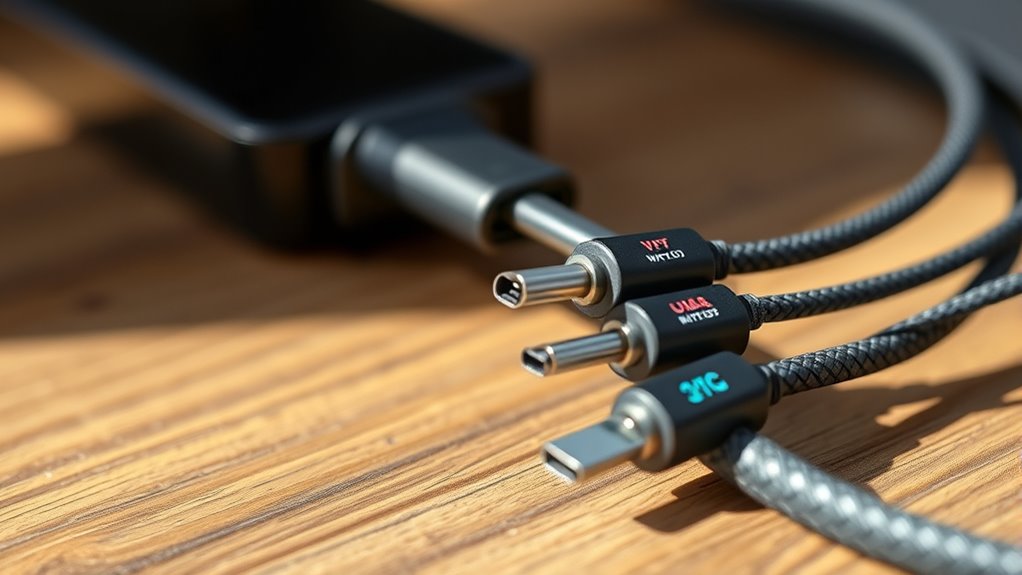
Your cable’s current rating directly affects how much power it can safely carry, influencing charging speed and device performance. Voltage drop across the cable also plays a role, as excessive drop reduces the effective wattage reaching your device. Choosing the right-rated cable guarantees you get the full benefit of your charger’s wattage without risking damage or slow charging. Properly rated cables also help prevent electrical hazards, supporting safer and more efficient charging experiences. Ensuring your cables are properly rated can also help maintain your equipment’s longevity and performance over time, especially when considering factors like current capacity that determine safe and optimal operation. Additionally, understanding decoding slang can help you better navigate product descriptions and reviews, making informed choices easier.
Cable Current Ratings
The current rating of a cable plays a crucial role in safely delivering the power a charger can supply, especially at higher wattages. If your cable isn’t rated for the current your device demands, it can limit charging speed or even cause safety issues. Standard USB-C cables typically support up to 3 A, suitable for around 60 W at higher voltages. For 100 W charging, you need an electronically marked (e-marker) cable rated for 5 A, ensuring it can handle the higher current safely. Longer or thinner cables may experience voltage drop, reducing effective power transfer. Using a cable with an inadequate current rating can slow down charging and risk overheating or damage. Always match your cable’s current rating to your device’s power requirements for safe, efficient charging. Proper cable specifications are essential for maximizing charging efficiency and safety.]
Voltage Drop Impact
Voltage drop occurs when the electrical resistance within a cable reduces the voltage delivered from the charger to your device, especially over longer distances or with thinner conductors. This drop means less power reaches your device, slowing charging speeds even if the charger supports high wattage. The cable’s rating, conductor gauge, and length influence how much voltage is lost; lower-rated or longer cables cause more decline. Using a cable with insufficient current capacity or lacking proper shielding can lead to higher resistance. If voltage drops considerably, your device won’t receive the full power negotiated by the charger, which can trigger slower charging or even prevent fast charging altogether. To optimize power delivery, always use high-quality cables rated for your device’s power needs. Additionally, cable quality and proper shielding can significantly reduce resistance, ensuring efficient power transfer. Recognizing the voltage drop effect can help you troubleshoot charging issues and select the best cables for your setup. Understanding power transfer efficiency can also guide you in choosing the right accessories for your charging needs. Incorporating cable ratings that match your device’s requirements is essential for maintaining optimal charging speeds. Properly rated cables, often specified with ampere ratings, are crucial to prevent unnecessary resistance and ensure safe, efficient charging.
Common Reasons Why High-Wattage Chargers Feel Slow
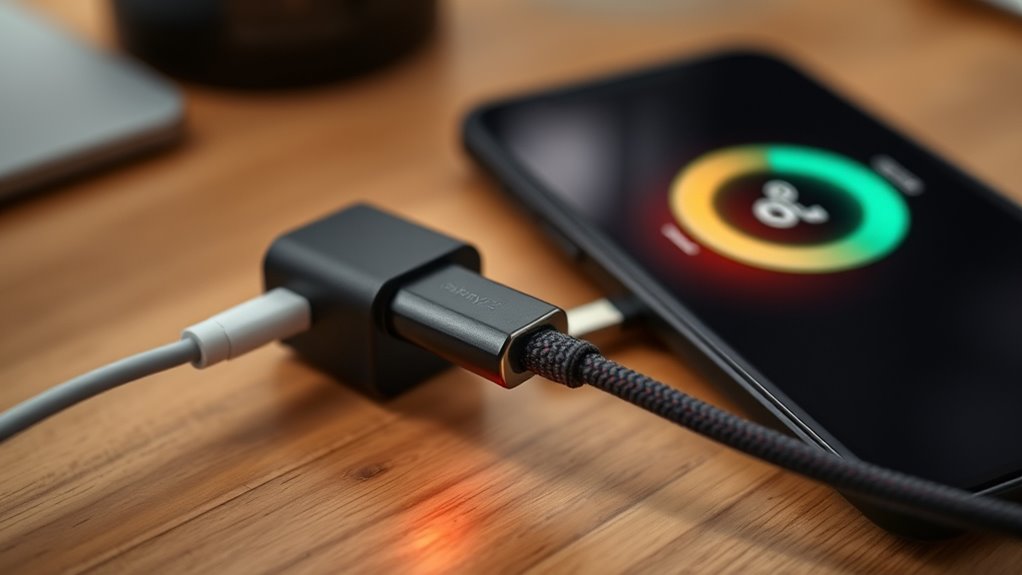
High-wattage chargers often don’t deliver power as quickly as expected because various device and cable factors limit the actual charging speed. First, your device requests only the power it’s designed to handle, so even a 100 W charger may supply less if it limits current or voltage. Thermal management and battery chemistry also restrict charging rates, protecting longevity. Background activities like screen use or running apps drain power, slowing net charge. Additionally, the cable’s rating matters—if it’s not rated for higher currents, it can’t carry the full wattage. Cable ratings play a crucial role in ensuring optimal power transfer. Older PD versions or non‑PD chargers fallback to slower, lower-voltage profiles, making charges seem sluggish. All these factors combine, preventing high-wattage chargers from always delivering their maximum potential. Connected equipment and app-based monitoring can help optimize charging conditions for better performance. Moreover, charger compatibility with your device and cable influences the overall charging speed.
Factors Affecting Real-World Charging Performance
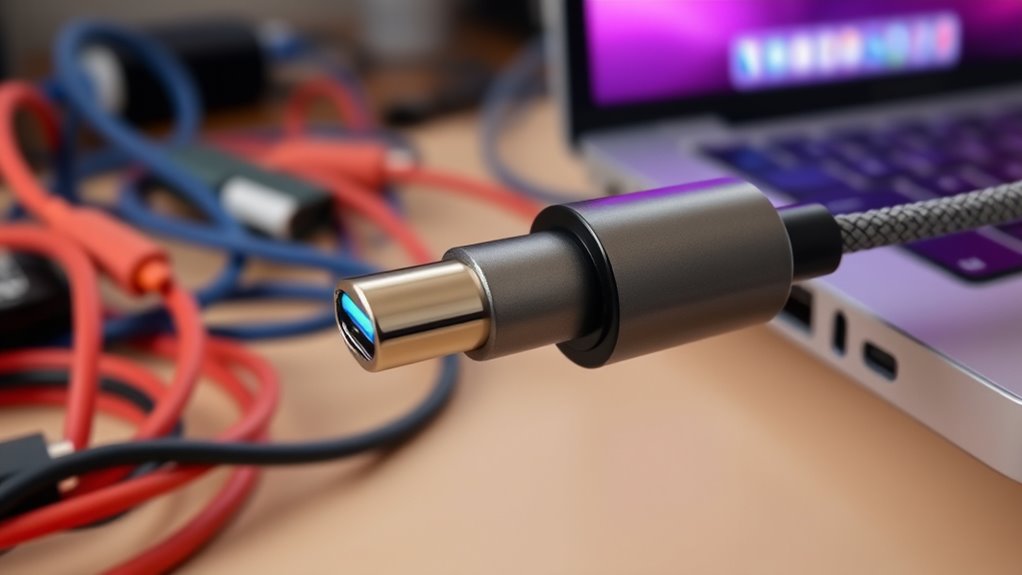
Your device’s power requests and the quality of your cables play a pivotal role in charging speed. If your device only supports lower PD profiles or your cable isn’t rated for higher wattages, charging will be slower regardless of the charger’s capacity. Ensuring your cables and device support the right standards helps you get the most out of your charger’s power.
Device Power Requests
Have you ever wondered why a charger with a high wattage doesn’t always result in fast charging? It’s because your device controls how much power it requests. Even if your charger can deliver 100 W, your device might only ask for 18 W or 30 W based on its design. Devices negotiate power through USB Power Delivery profiles, which specify voltage and current levels. If your device supports lower profiles, it won’t request higher power, regardless of what the charger offers. Battery management systems and internal circuitry also limit charging current to protect longevity and thermal health. Additionally, background activities like screen use or running intensive apps drain power, reducing the net charging rate. All these factors influence how quickly your device actually charges, regardless of the charger’s maximum wattage.
Cable and Connector Limitations
Cables and connectors play a essential role in determining actual charging speeds because they must safely handle the power negotiated between your device and charger. If a cable isn’t rated for the current or wattage, it can cause voltage drops, reducing the effective power reaching your device. Many standard USB-C cables support only 3 A, limiting charging to around 60 W, even if your charger can deliver more. For higher wattages, you need electronically marked (e-marker) cables rated for 5 A, which guarantee safety and performance at 100 W or more. Cable length and quality also matter; longer or lower-quality cables increase voltage drop, slowing charging. Using the right cable for your device’s power needs is essential for achieving top charging speeds and safety.
Tips for Ensuring Faster and More Efficient Charging
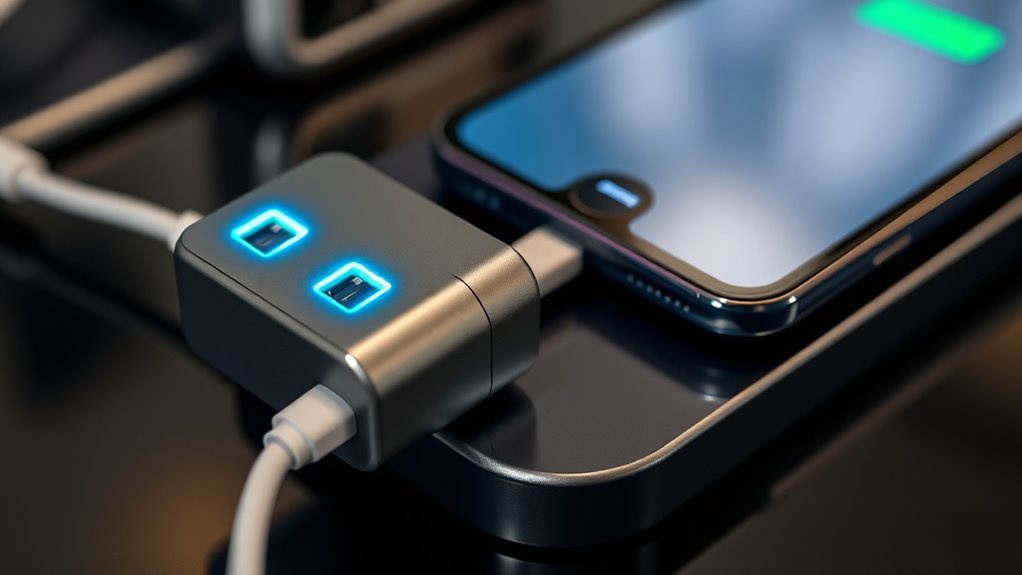
To guarantee faster and more efficient charging, start by matching your device’s power needs with an appropriate charger that offers at least the rated wattage your device supports. Use a charger with a higher wattage—like 65–100 W for laptops—to provide headroom and avoid bottlenecks. Ascertain your cable supports the required current; an e-marked 5 A cable is essential for 100 W charging. Verify that your device supports the appropriate PD profile or EPR for higher wattages to fully utilize the charger’s capabilities. Reduce background activity, such as closing apps and lowering brightness, to decrease power drain during charging. Finally, choose reputable brands that publish clear specifications and incorporate safety features for consistent, safe, and faster charging.
Frequently Asked Questions
How Does Charger Wattage Relate to Actual Charging Speed?
Your charger wattage sets the maximum power it can deliver, but your actual charging speed depends on your device’s power request, cable quality, and current usage. Even with a high-wattage charger, if your device only requests lower power or if the cable can’t handle the current, your charge will be slower. To optimize speed, match your charger to your device’s needs, use quality cables, and minimize background activity during charging.
Can a Higher-Wattage Charger Charge a Device Faster?
Ever wonder if a higher-wattage charger will speed up your device’s charging? It depends. If your device supports higher PD profiles and your cable can handle the wattage, then yes, it can charge faster. However, if your device’s internal circuitry or battery chemistry limits charging speed, or if thermal management kicks in, the higher wattage won’t make much difference. Always match your charger to your device’s capabilities for maximum results.
Why Do Some Cables Limit Charging Even With High-Wattage Chargers?
You may find that some cables limit charging because they aren’t rated to handle the higher current needed for fast charging. Many standard cables only support up to 3 A, which caps power at around 60 W. To access full speed, you need an e-marked cable rated for 5 A or higher, especially for 100 W charging. Using the right cable guarantees your high-wattage charger can deliver its maximum power safely and efficiently.
Does Device Size Affect How Quickly It Charges?
Think of your device’s battery like a garden that needs time to bloom. Its size definitely affects charging speed—you’ll notice larger batteries take longer to fill up because they need more energy. Smaller devices, like smartphones, charge faster since they hold less power. Also, internal circuitry and device limitations can slow the process, regardless of charger wattage. So, bigger isn’t always faster; it’s about how much the device can handle at once.
Are Older USB-C Chargers Compatible With Newer High-Power Devices?
Older USB-C chargers may not be compatible with newer high-power devices, especially those requiring over 100 W, because they often lack the necessary Power Delivery profiles like PD 3.1 or EPR. If your charger doesn’t support the right voltage, current, or wattage, your device won’t charge at maximum speed or might not charge at all. To guarantee fast, safe charging, use a charger designed for the device’s power demands.
Conclusion
Remember, charging isn’t just about plugging in; it’s a dance of cables, devices, and power levels. Picture your charger as a skilled conductor, guiding energy smoothly to your device’s battery stage by stage. When all parts work in harmony, your phone drinks in power quickly and efficiently. So, choose the right cables, understand your device’s limits, and watch your charging speed transform from a slow drip to a steady stream, keeping you powered up and ready to go.
Columbus Day / Indigenous Peoples' Day Picks
long weekend sales
As an affiliate, we earn on qualifying purchases.