
During outages, laptops usually last longer than tablets because they have bigger batteries and higher capacity. Laptops can run 6-10 hours or more, especially when optimized for power efficiency, while tablets often last 8-14 hours but are designed for lighter use. Your device’s battery life depends on hardware, software, and usage habits. To discover which device best suits your needs during extended outages, explore the details that follow.
Key Takeaways
- Tablets typically last longer per charge (8-14 hours) than laptops (6-10 hours), especially older models with less efficient batteries.
- Energy-efficient processors and software optimizations in tablets extend their battery life during outages.
- Laptops support repairs and upgrades, potentially prolonging their usefulness, but sealed tablets are harder to repair and often have shorter lifespan.
- Portable weight and smaller screens in tablets help conserve power, enabling longer active use away from power sources.
- Fast charging in tablets (1.5-2 hours) can quickly restore battery, making them more reliable for extended outages compared to many laptops.

SOARAISE Solar Power Bank 48000mAh Wireless Portable Charger with 4 Cables
- High-Efficiency Solar Panels: Charges 5 times faster with 4 panels
- Large 48000mAh Capacity: Extended power for outdoor use
- Multi-Device Charging: Supports 7 devices simultaneously
As an affiliate, we earn on qualifying purchases.
Battery Life Per Charge Analysis
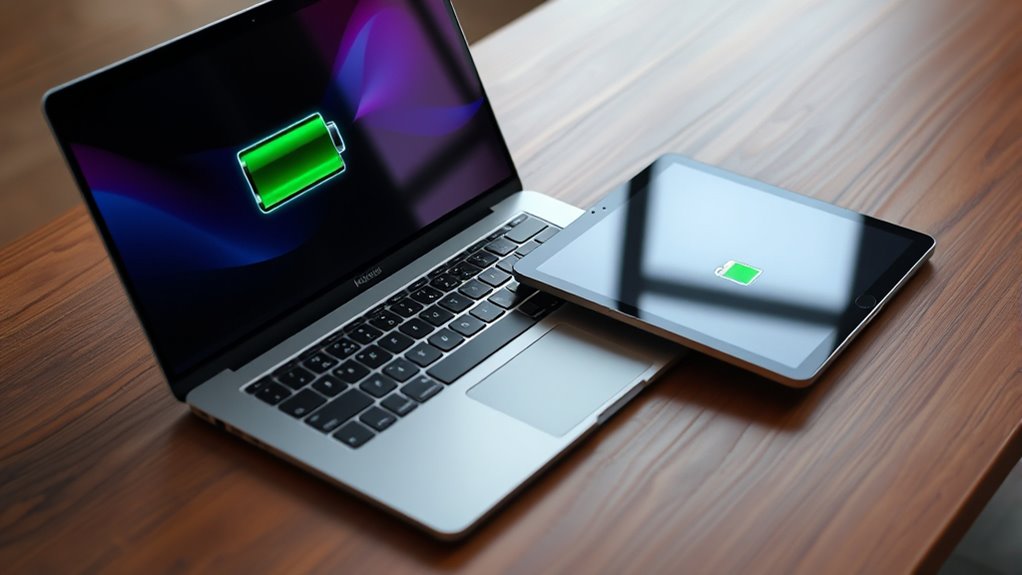
When comparing battery life per charge, tablets generally last longer than laptops because they use energy-efficient chips and smaller displays. They’re also optimized for mobile energy consumption, which helps extend their battery life during everyday tasks. You’ll find tablets typically deliver 8 to 14 hours of active use, thanks to their optimized hardware and lower power consumption. Laptops, on the other hand, usually last between 6 and 10 hours, depending on workload, screen brightness, and processor type. Older models might only last 3 to 6 hours, but modern laptops with M-series or Evo chips can approach all-day use. Tablets are designed for lighter tasks like browsing and streaming, which helps extend their battery life. Their power-efficient processors and compact displays make them more suitable for prolonged use without frequent recharging, especially when portability is a priority. Additionally, the contrast ratio of a device can influence how efficiently it uses power during viewing, with higher ratios sometimes requiring more energy to display deep blacks and vibrant images. Moreover, battery optimization features in modern devices further enhance how long a device can sustain usage between charges. Furthermore, software efficiency plays a crucial role in maximizing battery life by managing background processes and optimizing power consumption.

Takki Solar Generator 120W Peak Portable Power Station with 21W Solar Panel 88.8Wh Battery Power Bank with 110V AC Outlet for Camping RV Tent Home Outages Emergency
- Lightweight and Compact: Weighs only 2.29 lbs, fits in backpack
- Fast Charging: Charges from 0% to 80% in 2 hours
- Includes Solar Panel: Foldable 21W high-efficiency solar panel
As an affiliate, we earn on qualifying purchases.
Device Longevity and Durability
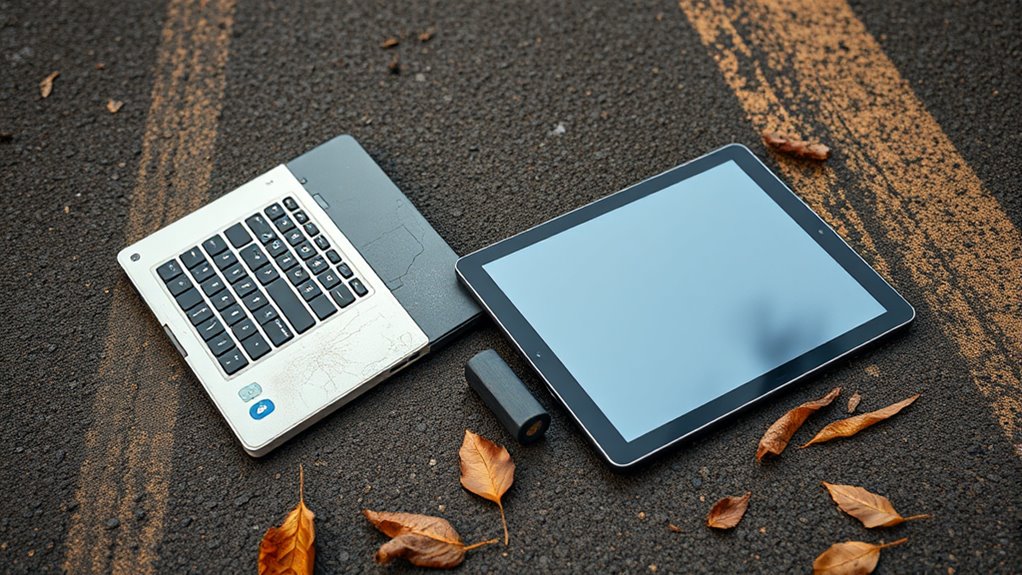
You’ll find that laptops often support repairs and upgrades, helping them stay relevant longer. In contrast, tablets have sealed designs that limit repairs and hardware updates, reducing their lifespan. This difference can considerably impact how durable each device remains during extended outages. Additionally, the potential for piercing care and hygiene to influence device longevity highlights the importance of proper maintenance and handling of your devices during outages. Moreover, understanding the device durability features can help users make informed choices to extend their device’s usable life during unforeseen disruptions. To maximize longevity, considering modular components can offer more flexibility for repairs and upgrades over time.
Repairability and Upgrades
While both laptops and tablets serve as portable devices, their repairability and upgrade options markedly influence their long-term durability. Laptops generally allow you to upgrade RAM, storage, and sometimes even the CPU or GPU, extending their lifespan. This flexibility means you can replace aging components and keep your laptop relevant for years. Additionally, the European cloud innovation behind device manufacturing can influence the availability of repair services and spare parts, impacting overall device longevity. The design and build quality of a device also play crucial roles in its durability, affecting how well it withstands daily wear and tear. Furthermore, bioluminescent fungi research into materials used in device components could lead to innovations that improve durability and sustainability. A repair ecosystem that supports component replacement and maintenance can significantly enhance device lifespan. Considering the availability of spare parts is also essential when evaluating device longevity, as it directly affects repair options and costs. Your choice impacts not just durability but also potential costs and convenience over the device’s lifespan.
Hardware Sealed Design
Sealed hardware in tablets substantially impacts their long-term durability and repairability. Because the internal components are glued or welded shut, you can’t easily replace batteries, screens, or other parts. This design makes tablets more vulnerable to damage over time, especially if the device suffers drops or exposure to elements. Repairs become costly or impossible without professional help, often leading to device replacement rather than upgrades. On the other hand, laptops typically feature accessible internals—removable batteries, upgradable RAM, and storage—extending their lifespan. While sealed designs save space and improve water resistance, they limit your ability to maintain or upgrade your device, reducing its overall longevity. If durability and ease of repair matter most, laptops generally offer more resilience over the long haul compared to tablets.

DARAN Portable Power Station 89.6Wh LiFePO4 Battery 100W(200W Peak) Solar Power Bank, Portable Charger Small Generator with AC Outlets & PD Fast Charging for Home/Laptop/Camping(Solar Panel Optional)
- Compact and Lightweight: Fits in pocket, weighs 2.54 lbs
- Multiple Output Ports: 7 ports including AC, USB-C, USB-A, DC
- High Capacity Battery: 89.6Wh LiFePO4 for reliable power
As an affiliate, we earn on qualifying purchases.
Power Consumption Patterns
Your device’s power consumption depends heavily on its processor and hardware efficiency, with tablets typically using low-power chips that extend battery life. Software optimization also plays a big role, as tablet operating systems are designed for energy-saving tasks, unlike some laptops that prioritize performance. Understanding these patterns helps you choose the right device for longer outages and lower energy use. Additionally, precious metals like gold and silver are often used in electronic components, which can influence device durability and recycling options. Moreover, energy efficiency of hardware significantly impacts how long devices last during outages, further emphasizing the importance of optimized components. Factors such as battery technology also play a crucial role in overall device longevity during power interruptions, and advancements in power management systems continue to improve device endurance. The manufacturing quality of devices can also affect their resilience and battery longevity under such conditions.
Processor and Hardware Efficiency
Processors and hardware components play a key role in determining the power consumption patterns of laptops and tablets. Your device’s processor speed, architecture, and hardware efficiency directly impact battery life. Laptops typically use high-performance processors that consume more energy, especially during demanding tasks. In contrast, tablets rely on energy-efficient mobile chips optimized for low power use. These differences influence how long your device lasts between charges. Additionally, the use of Free Floating design elements can reduce power consumption by minimizing unnecessary energy use in hardware components. Incorporating power management features further enhances device longevity by optimizing energy use during various operational states. Employing hardware optimization techniques can also significantly extend battery life by streamlining component performance and reducing energy waste. Selecting components with low power consumption characteristics can further improve overall device endurance, especially when combined with energy-saving software that manages background processes effectively.
Software Optimization and Usage
Software optimization plays a crucial role in how efficiently devices consume power during everyday use. When you run lightweight apps or keep background processes minimal, both tablets and laptops use less energy, extending battery life. Mobile operating systems like iOS and Android are designed to prioritize power efficiency, automatically adjusting resources and screen brightness. On laptops, software that’s optimized for performance often sacrifices some efficiency, leading to faster battery drain. Conversely, tablets focus on low-power tasks, running optimized apps that conserve energy. Your usage habits also impact longevity; browsing, streaming, or working on demanding software increases power consumption. By managing app activity, screen brightness, and background processes, you can markedly improve how long your device lasts during outages. Proper software use makes a noticeable difference in battery longevity. Additionally, software optimization can be tailored through updates and settings adjustments, further enhancing energy conservation. Optimizing power management settings can help prolong battery life even further during extended outages. Being aware of power consumption patterns enables users to make smarter choices to extend device uptime when power sources are limited.

Portable Power Station, 146Wh 100W Solar Powered Power Bank with AC Outlet
- High Capacity Portable Power: 146Wh/39600mAh for multiple devices
- Lightweight and Compact: Weighs only 3.3lb, fits in backpack
- Multiple Output Options: 7 outlets including AC, USB, DC
As an affiliate, we earn on qualifying purchases.
Charging Speed and Efficiency
Charging speed and efficiency vary markedly between laptops and tablets, impacting how quickly each device can be recharged during outages or urgent use. Tablets typically reach full charge in 1.5 to 2 hours thanks to USB-C fast charging, making them ready quickly when needed. Laptops usually take 2 to 3 hours to recharge due to larger batteries, but their higher power draw affects overall charging time. Tablets benefit from energy-efficient chips and streamlined design, boosting charging efficiency. Meanwhile, laptops prioritize performance, which can slow down charging speed. To maximize your device’s readiness, keep these points in mind:
- Tablets charge faster with optimized USB-C fast charging.
- Laptops need more time but can handle larger batteries.
- Power-saving modes can help extend usability during charging.
Portability and Its Effect on Battery Life
Because of their lightweight design, tablets generally have better battery life in portable scenarios. Their compact size and slim profile reduce power consumption, making them ideal for on-the-go use. You’ll notice that tablets weigh under 0.8 kg, which means less energy is needed to keep them running during extended periods away from power sources. Their smaller screens and energy-efficient processors further conserve battery life, often delivering 8-14 hours of active use. In contrast, laptops, averaging around 2.3 kg, require more energy to operate larger displays and more powerful components, resulting in shorter battery durations. If portability is your priority, tablets guarantee longer-lasting power, allowing you to work, browse, or stream longer without needing a recharge.
Practical Use Cases During Power Outages

During power outages, the portability and long-lasting battery life of tablets make them especially practical for keeping you connected and productive. You can easily carry a tablet to a coffee shop, library, or park without worrying about finding an outlet. Its quick charging helps you get back to work faster if needed. Tablets are ideal for browsing the web, checking emails, or streaming videos during extended outages. Their lightweight design means less fatigue during prolonged use, and their long battery life ensures you’ll stay powered through long sessions. Plus, with built-in cameras and microphones, you can attend virtual meetings or stay in touch with loved ones. Here are some practical use cases:
During outages, tablets offer portability, long battery life, and versatile use for staying connected and productive.
- Casual browsing and streaming
- Virtual meetings and communication
- Light note-taking and document review
Impact of Hardware and Software Optimization
Hardware and software optimization play a essential role in maximizing battery life and usability during outages, especially for tablets and laptops. Well-designed processors, like Apple’s M-series or Intel’s Evo, use energy-efficient architectures that extend usage time. Software improvements, such as power-saving modes and optimized operating systems like iOS and Android, reduce unnecessary background activity and conserve energy. Tablets benefit from their compact displays and low-power chips, enabling longer active use. Laptops, with their advanced hardware and software tuning, can stretch battery life through intelligent resource management. Regular updates ensure these optimizations stay effective, preventing unnecessary drain. Overall, smart hardware choices combined with efficient software considerably influence how long your device can last during outages, making them essential for reliable performance when power is scarce.
Maintenance, Repairs, and Upgradability
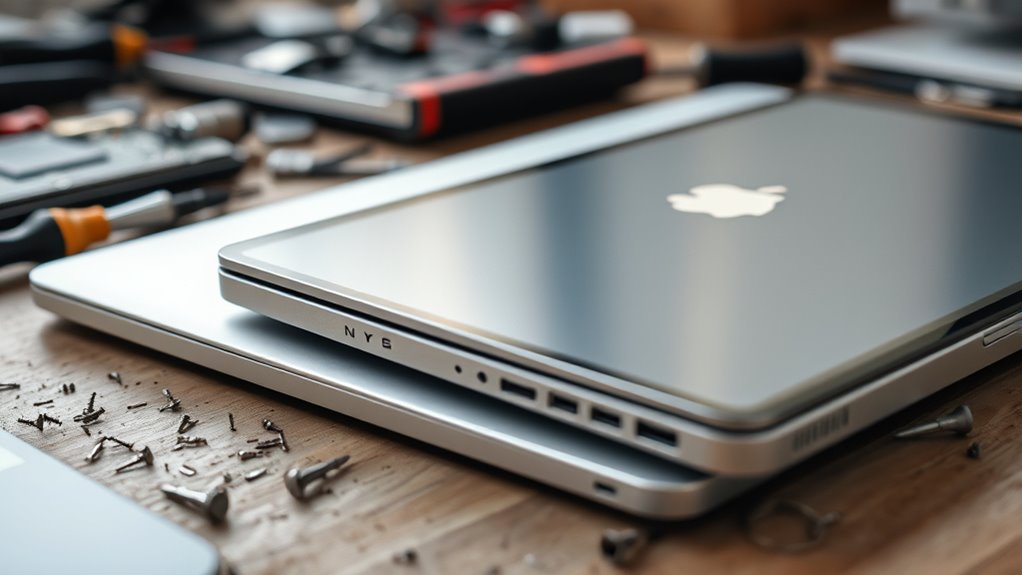
Maintaining your device’s performance during outages depends heavily on its upgradability and repairability. Laptops typically offer easier upgrades, like swapping out RAM or storage, extending their lifespan. You can replace batteries and fix components, meaning your device stays relevant longer. Tablets, on the other hand, usually have sealed hardware, making repairs difficult and upgrades nearly impossible. This limits their longevity and performance over time.
- Laptops allow you to upgrade RAM, storage, and batteries, boosting longevity.
- Tablets are often sealed, restricting repairs and upgrades.
- Modern laptops with upgradable parts tend to last longer and stay current.
Overall Suitability for Extended Outages
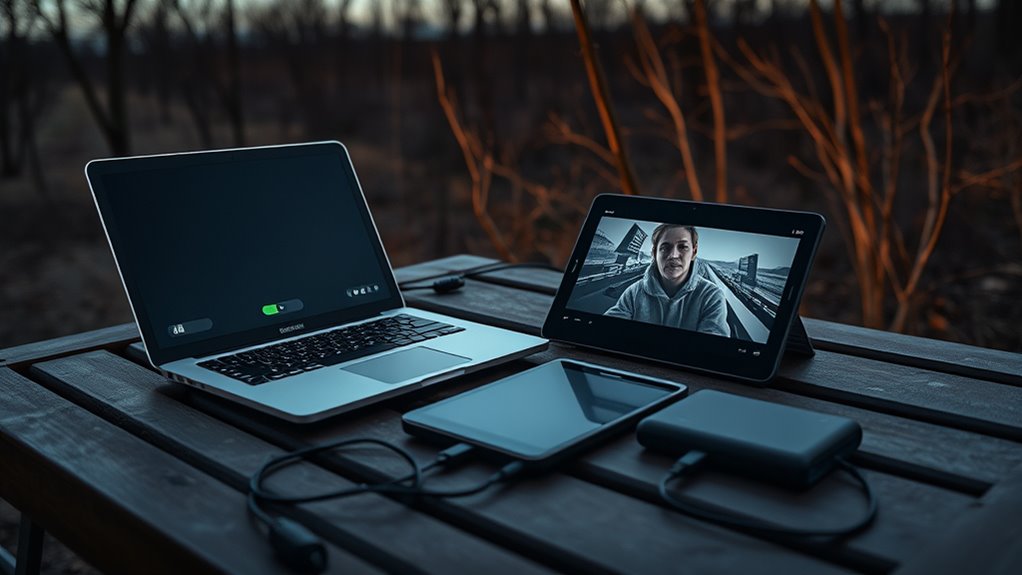
When considering devices for extended outages, their ability to keep you connected without frequent recharging becomes essential. Tablets often last longer between charges, making them ideal for quick communication, browsing, and light tasks on the go. Their energy-efficient design and smaller screens help conserve power, letting you stay connected for up to 14 hours. Laptops, while offering more versatility for work and creative tasks, typically provide 6-10 hours of use, which can be limiting during prolonged outages. However, modern laptops with advanced chips like M-series or Evo can approach all-day battery life. Overall, if your priority is long-lasting connectivity with minimal recharging, tablets generally suit extended outages better. Laptops excel in versatility but may need more frequent recharging, reducing their suitability for very long outages.
Frequently Asked Questions
Which Device Charges Faster During Power Outages—Laptop or Tablet?
During power outages, tablets charge faster than laptops, typically taking about 1.5 to 2 hours via USB-C fast charging. Laptops usually need 2 to 3 hours to recharge fully. You’ll find that tablets are designed with energy-efficient hardware and quick-charging capabilities, making them ideal for rapid recharging when power is limited. So, if you need a quicker recharge, your tablet is the better choice.
How Does Software Efficiency Impact Battery Life in Outages?
Think of software efficiency as your device’s secret ally during outages. If you optimize your apps and settings, you’ll conserve energy like a wise sage, extending your battery life. You’ll notice less drain from background processes, just like a skilled musician avoiding unnecessary notes. This means your device lasts longer, giving you more time to work or relax without needing to recharge. Smart software use is your safeguard against quick drain.
Are There Any Differences in Battery Health After Multiple Recharge Cycles?
You’ll notice that battery health declines after multiple recharge cycles on both devices. Laptops, with larger batteries and upgradable parts, tend to retain capacity longer, but still weaken over time. Tablets, with sealed hardware and smaller batteries, may show faster capacity loss. To extend battery health, avoid deep discharges and frequent full cycles, and keep devices cool and properly charged. Proper care helps both devices last longer during outages.
Can External Batteries Extend Device Usage During Long Outages?
Yes, external batteries can extend your device usage during long outages. You simply connect the external power bank via USB-C or other compatible ports, and it supplies additional charge. This is especially helpful if your device’s battery is running low and no power source is available nearby. Keep in mind, the capacity of the external battery determines how long it can keep your device powered, so choose one with sufficient mAh for your needs.
Which Device Is More Reliable for Continuous Use in Prolonged Outages?
You’ll find that tablets are more reliable for prolonged outages because they typically last longer on a single charge, often 8-14 hours. Their energy-efficient design means you can keep browsing, streaming, or light work going longer without needing a recharge. Laptops may offer more power, but their shorter battery life and higher power consumption make tablets the better choice when power sources are limited.
Conclusion
Ultimately, whether you’re wielding a laptop or tablet during outages, durability and data are your dependable defenders. Choose the device that best balances battery breath and portability’s punch, pairing power with practicality. Remember, smart strategies and swift charging can stretch your supplies, turning a brief blackout into a manageable moment. With the right device in hand, you’ll ward off worries and weather power woes with unwavering confidence and clarity.