To avoid getting locked out during blackouts, make certain your smart lock has backup power options like external USB or 9V ports, and keep spare batteries handy. Use locks with manual overrides such as mechanical keys or thumbturns, and store spare keys securely nearby. Regularly test your backup methods and maintain your system, so you’re prepared for power failures. If you continue exploring, you’ll find practical tips to keep your access always reliable.
Key Takeaways
- Ensure your smart lock has mechanical key backup or manual override options for reliable access during power outages.
- Keep spare batteries and portable power banks ready to prevent lockouts due to power loss.
- Regularly test all unlocking methods, including mechanical keys and electronic features, to confirm proper functionality.
- Use hybrid or externally powered locks with emergency power ports (USB-C or 9V) for quick backup during outages.
- Store physical keys securely nearby or with trusted persons as a fail-safe during prolonged blackouts.
Understanding Different Types of Smart Locks and Their Outage Behaviors

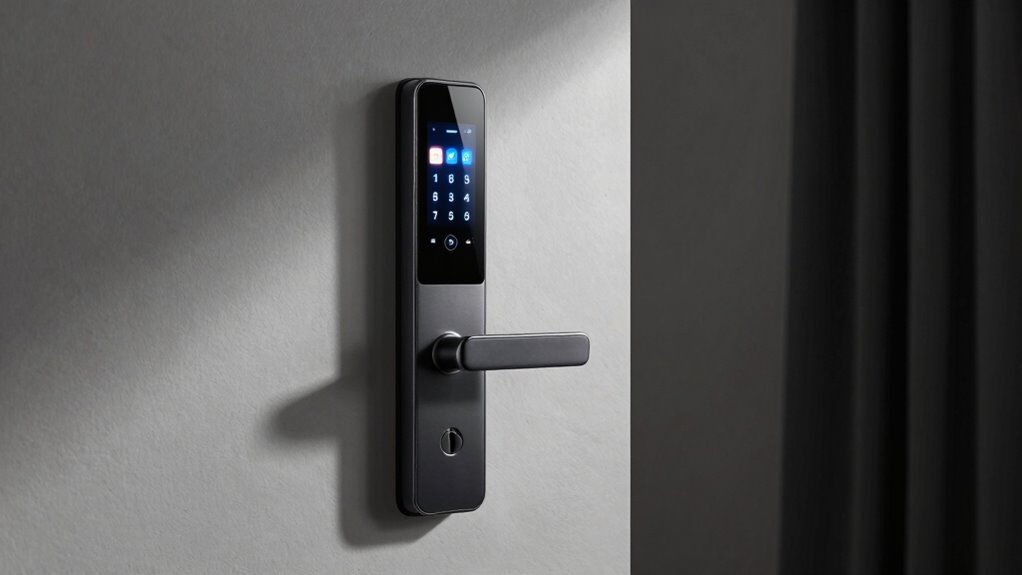
Understanding the various types of smart locks and how they behave during outages is essential for reliable home security. Battery-powered deadbolts and retrofit motors keep working during power failures as long as their internal batteries are charged. Hardwired locks, like electric strikes and magnetic locks, depend on external power and typically fail-secure or fail-safe, losing function without backup power. Hybrid models switch from mains to internal batteries automatically, ensuring continued operation. Bluetooth-only locks allow local unlocking within radio range even when internet or mains power is out. Wi-Fi-dependent features, such as remote access or alerts, stop functioning during WAN outages, but local unlocking still works. Recognizing these behaviors helps you choose the right lock and prepare for outages effectively. Power source understanding is crucial for selecting a lock that meets your needs during outages. Additionally, understanding power backup options can help you mitigate potential failures during outages. Having reliable backup power sources like uninterruptible power supplies (UPS) or external batteries can further enhance your security system’s resilience during outages. Being aware of outage management strategies ensures your smart lock system remains secure and accessible when needed.
Essential Backup Power Options for During Power Failures
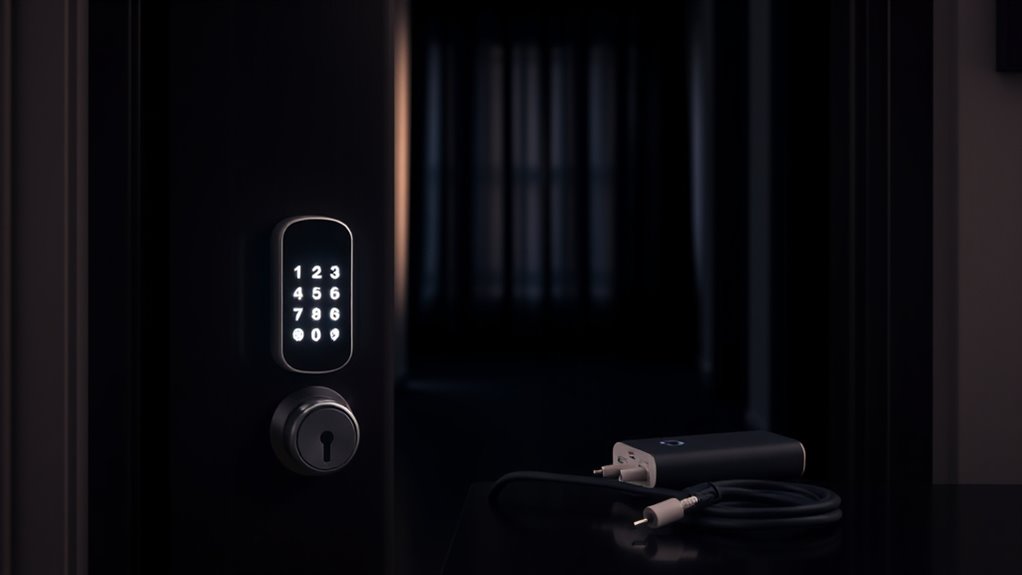
To keep your smart lock operational during power failures, external emergency power sources like USB-C or 9V ports can provide temporary juice. Mechanical and manual overrides guarantee access regardless of electronic status, offering a reliable backup if batteries die or electronics fail. Understanding and utilizing these options helps maintain security and access when the grid goes down. Additionally, staying informed about modern kitchen technology can ensure your smart devices remain functional even during outages. Being aware of emergency preparedness strategies can further enhance your ability to respond effectively to power disruptions. Incorporating backup power options into your home security plan can give you added peace of mind during unexpected outages, especially considering that piercing accessories and electronics both require consistent power sources for proper function. Properly managing home automation systems with backup power ensures seamless operation and security continuity.
External Emergency Power Sources
External emergency power sources are essential for maintaining smart lock functionality during power outages, especially when internal batteries run low or fail. They provide a temporary power boost that keeps your lock operational. You should consider these options:
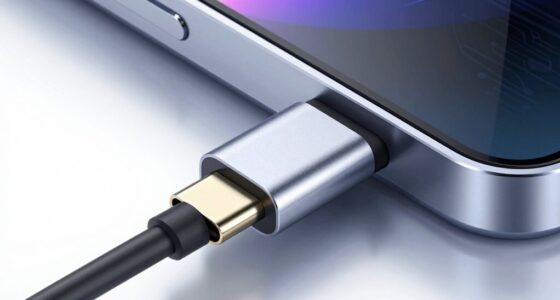
- USB-C or 9V external power ports—allow you to connect a power bank and temporarily energize the lock for unlocking.
- Portable power banks—compatible with the lock’s emergency port, providing quick, reliable backup power during short outages.
- Generator or solar backup systems—supply sustained power to hardwired locks or network equipment during prolonged outages, guaranteeing continuous access and remote management. Incorporating these can help ensure your security system remains operational even in extended blackouts, aligning with system resilience principles. Additionally, understanding backup power options can optimize your preparedness for unforeseen emergencies.
- Utilizing Free Floating techniques can help optimize backup power usage and ensure your smart lock remains accessible during critical times.
Using these sources guarantees you won’t get locked out when mains power fails, maintaining security and convenience.
Mechanical and Manual Overrides
Mechanical and manual overrides serve as reliable backup options when electronic systems fail or power is lost. They provide a direct way to access your home without relying on batteries, Wi-Fi, or electricity. Most smart locks feature a traditional key cylinder, allowing you to open with a physical key if the electronic system malfunctions. Inside, a thumbturn can also open the lock manually. It’s essential to keep a spare key in a secure location, like a lockbox or with a trusted person. Regularly test these overrides to guarantee they work properly. By maintaining a physical backup, you prevent being locked out during outages or electronic failures. Remember, these manual options are your last line of defense when digital methods are unavailable. Lesser-known spots offer additional peace of mind by providing alternative access points or backup plans in outdoor settings. Additionally, understanding backup power options ensures you are prepared for unexpected outages, especially since some smart locks also incorporate battery backup systems to maintain functionality during power failures. Knowing about manual override procedures can help you act quickly in emergency situations, ensuring continued access when needed. Incorporating knowledge about Floating on Water can also inspire innovative solutions for outdoor security setups or emergency access scenarios.
Practical Strategies to Maintain Access During Blackouts

During blackouts, maintaining reliable access requires proactive planning and multiple backup strategies. You should:
- Keep spare batteries on hand and replace them before they run out, using app alerts or reminders. Consider battery life factors to ensure your devices remain operational during outages.
- Store a physical key securely nearby—inside a lockbox or with a trusted neighbor—to ensure manual entry if electronics fail.
- Use a portable power bank compatible with your lock’s emergency port (USB-C or 9V) to provide temporary power during dead batteries or outages.
- Regularly check and update your home security systems to ensure they function properly during power failures. Understanding how your backup power options work can help prevent unexpected lockouts.
- Keep emergency contact information readily accessible in case assistance is needed during power outages.
These steps guarantee you won’t get locked out when power or internet fails. Regularly test your backup methods, and keep emergency supplies accessible. Combining these strategies maximizes your chances of maintaining access during blackouts.
Selecting the Right Lock Features to Minimize Lockout Risks

To reduce lockout risks, you should select smart locks with multiple open methods like mechanical keys, PINs, or biometrics. This guarantees you can still access your home even if internet or power connections fail. Additionally, choosing locks that store credentials locally keeps your access options available during outages. Incorporating thermal management features can also help prevent electronic failures caused by extreme temperatures. Ensuring your lock has redundant access methods provides extra security and peace of mind during unforeseen circumstances. Considering backup power sources can further ensure your lock remains operational during outages. Implementing fail-safe mechanisms in your lock design can offer additional reliability in emergency situations.
Multiple Unlock Methods
Choosing smart locks with multiple open methods is essential for reducing lockout risks, especially during power or internet outages. You want options that guarantee access regardless of failures. Look for locks that offer:
- Mechanical keys or thumbturns—the fail-safe fallback when electronics are down.
- Keypad or PIN entry—local access without relying on internet or Bluetooth.
- RFID or Bluetooth proximity—for quick unlocks within range, even if Wi-Fi is offline.
Local Credential Storage
Storing user credentials locally within a smart lock guarantees reliable access even when the internet or cloud services are unavailable. This feature guarantees that PINs, fingerprints, or RFID tags can be used without relying on remote connections. Look for locks that store data securely on the device, so you can open via familiar methods during outages. Some models offer multiple local options, providing redundancy if one fails. Confirm that the lock supports emergency access methods like mechanical keys or backup batteries. Proper local credential storage minimizes lockout risks, especially during power or network failures, giving you peace of mind.
| Feature | Benefit | Consideration |
|---|---|---|
| Local PIN/Fingerprint/RFID | Immediate offline access | Guarantee secure storage |
| Mechanical key backup | Manual override during electronic failure | Keep keys accessible |
| Internal backup batteries | Power during battery depletion | Check battery lifespan |
Security Considerations When Planning for Outages
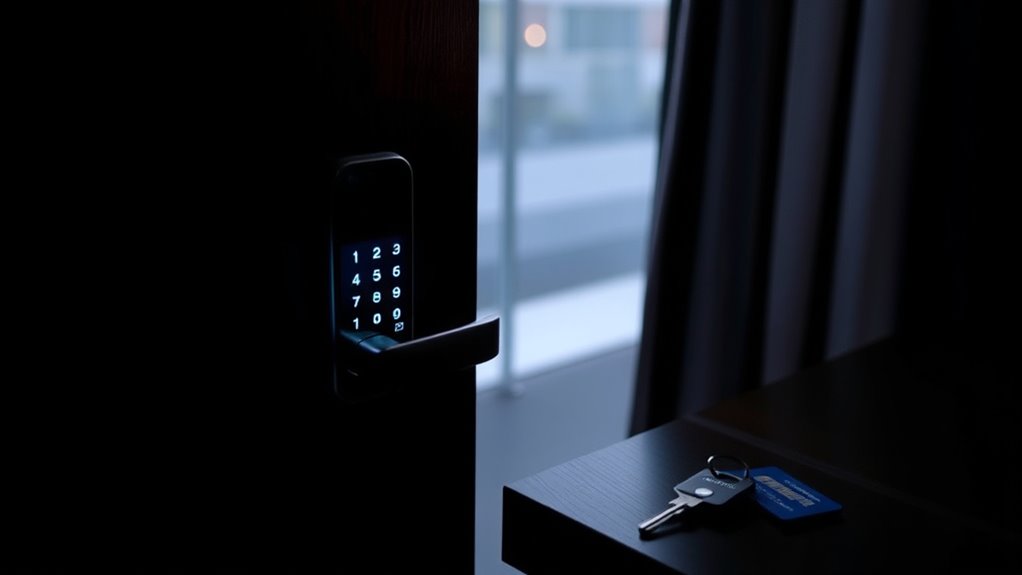
Planning for outages requires careful attention to security risks, as reliance on electronic locks can create vulnerabilities if backup systems fail or are compromised. To mitigate these risks, consider:
- Using locks with multiple independent unlock methods, like mechanical keys or biometric options, to maintain access during failures.
- Ensuring external emergency power inputs (USB‑C or 9V) are present and functional for temporary power during battery depletion.
- Maintaining physical keys in secure locations, such as a lockbox or with trusted individuals, to guarantee manual access if electronic systems are compromised or offline.
Additionally, monitor low-battery warnings and test backup procedures regularly. Document your emergency plan, including backup power sources and key access points, to prevent lockouts during outages.
Routine Maintenance and Testing to Ensure Reliability
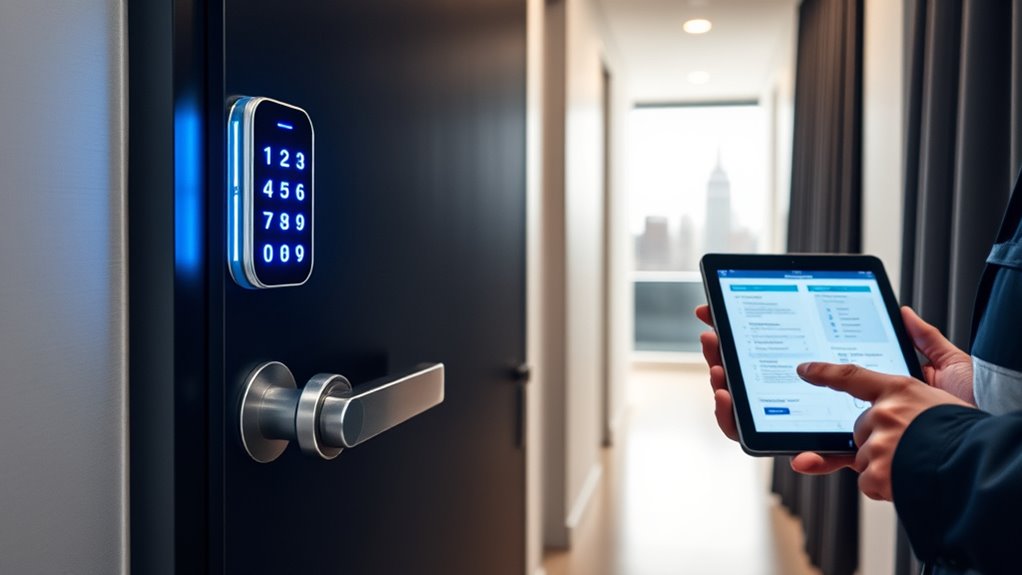
Regular maintenance and testing are essential to keep your smart lock reliable during outages. You should routinely verify each unlocking method—mechanical key, keypad, app, or biometric—to guarantee smooth operation. Replace batteries before they run out, following manufacturer schedules or after low-battery alerts. Simulate outage scenarios by disconnecting power or disabling Wi-Fi to confirm emergency procedures work. Keep firmware updated for accurate battery reporting and security patches.
Visualize your maintenance plan with this table:
| Task | Frequency | Purpose |
|---|---|---|
| Battery replacement | Every 3–6 months | Prevent unexpected power loss |
| Manual testing of locks | Quarterly | Detect wear or configuration issues |
| Outage simulation | Twice a year | Confirm emergency procedures |
| Firmware updates | As released | Guarantee reliability and security |
Emergency Preparedness: Creating a Comprehensive Access Plan
To guarantee you’re prepared for smart lock outages, you need a thorough access plan that accounts for all potential failure modes. First, identify multiple ways to open your door, such as mechanical keys, keypads, or biometric options. Second, keep spare batteries and emergency power sources, like portable power banks, readily available and tested regularly. Third, establish clear procedures for manual override use and ensure trusted individuals know how to access them. Consider storing a physical key in a secure location or with a trusted neighbor. Also, document step-by-step instructions for emergency power-up and share this plan with household members. Having these measures in place guarantees you won’t get locked out, regardless of power or internet failures.
Upgrading Your Smart Lock System for Enhanced Outage Resilience

Upgrading your smart lock system can substantially boost its resilience during outages by incorporating multiple backup options and improved design features. Start by choosing models with hybrid power sources, such as those combining hardwired and battery backup, to guarantee continued operation during power failures. Select locks with external emergency power ports like USB-C or 9V taps, enabling quick connection to a power bank if batteries die. Keep spare batteries handy and set reminders to replace them before they run out. Consider installing a mechanical key cylinder or thumbturn as a fail-safe manual option, and verify low-battery alerts via app and LEDs. Additionally, add a small UPS for your router and smart hub to maintain internet connectivity. These upgrades ensure you retain access, even during prolonged outages.
Frequently Asked Questions
How Long Can a Smart Lock Operate on Internal Batteries During a Power Outage?
Your smart lock can operate on internal batteries for hours to months during a power outage, depending on usage and battery capacity. Most consumer models last several months with typical use, but frequent unlocking or low batteries cut this time. To guarantee continued access, keep spare batteries handy, perform regular maintenance, and consider external emergency power options like USB-C or 9V taps. This way, you won’t get locked out when the power’s lost.
What Are the Best Ways to Store Emergency Keys Securely?
You should store emergency keys in a secure, discreet location like a locked lockbox or a hidden spot outside your home. Give a trusted neighbor or family member a spare key for quick access if needed. Avoid obvious places like under doormats. Use a lockbox with a combination code or secure key safe, and make certain only trusted individuals know the access details. Regularly check and update the location for safety.
How Do I Test My Lock’s Backup Power Features Effectively?
Think of testing your lock’s backup power like a fire drill—you want to be prepared before an emergency strikes. To do it effectively, simulate a power outage by disabling Wi-Fi and draining batteries, then try accessing with all methods: mechanical key, keypad, Bluetooth, and app. Confirm the emergency power port works with a portable power bank, and verify low-battery alerts. Regular testing guarantees you won’t be left stranded when it really counts.
Can a Smart Lock Be Unlocked Remotely During a Power Outage?
You can’t open most smart locks remotely during a power outage if they rely on Wi-Fi or internet connection, as those features stop working without WAN access. However, if your lock supports Bluetooth or has a backup power source like an external battery or emergency port, you can still access it locally. Always check your lock’s specifications and guarantee you have a backup plan, like a physical key or portable power, for such situations.
What Security Risks Are Associated With Using External Emergency Power Sources?
Using external emergency power sources can turn your smart lock into a vulnerability as big as a canyon. If someone gains access to your power bank or backup, they could bypass security and disengage your door. Also, compromised or stolen power supplies might cause unauthorized entry, making your home less safe. Always store backup power securely and limit access to prevent turning emergency power into a security loophole.
Conclusion
Think of your smart lock system as a delicate web — when one strand falters, the whole connection risks unraveling. By understanding your lock’s outage behaviors, keeping backup power handy, and planning ahead, you’ll strengthen every link. Stay proactive, test regularly, and upgrade wisely. With these steps, you’ll weave a resilient security net, ensuring you’re never caught in the dark or locked out when it matters most.