During power outages, wired doorbells often stop working because they lose power or get damaged from brownouts, while wireless, battery-powered cameras may stop recording or sending alerts as their batteries drain or WiFi disconnects. Network failures prevent remote access and live streaming even if the device remains powered. Some features, like local recording, still work during outages, but consistent operation depends on backup power solutions—discover how to keep your cameras running smoothly despite disruptions.
Key Takeaways
- Remote notifications and live streaming stop during power or internet outages, but local recordings often remain accessible.
- Wired doorbells cease functioning if transformer power is lost or damaged, while wireless models depend on battery or solar power.
- WiFi and network failures prevent remote access and alerts, even if the camera remains powered and recording locally.
- Battery-powered cameras can still detect motion and record locally during outages, but may experience faster battery drain.
- Reconnection after outages often requires manual resets or re-adding devices, especially if network issues persist.

24V Doorbell Transformer, 500MA AC Adapter for All Ring Video Doorbell Versions, 18ft Doorbell Power Supply, Power Cable Compatible with Ring, Nest, Wyze, and Eufy Doorbells
- Compatibility: Universal 24V power for smart doorbells
- Power Output: Delivers 24V, 12W for reliable operation
- Easy Installation: Quick wall-mount setup without existing wiring
As an affiliate, we earn on qualifying purchases.
As an affiliate, we earn on qualifying purchases.
How Power Outages Affect Wired and Wireless Doorbells
Power outages can considerably disrupt the functionality of both wired and wireless doorbells. Wired doorbells rely on transformers that supply 16-24VAC power, but if the transformer or wiring is damaged during a brownout, your doorbell may stop working altogether. If the power is simply turned off, the doorbell loses its electricity source, rendering it inoperative. Wireless doorbells depend on rechargeable batteries or solar panels, but without power, their networks may go offline, preventing remote notifications or live view access. Even if batteries are charged, a loss of WiFi or internet during an outage cuts off remote features. Restoring power doesn’t guarantee instant operation; often, you need to reset or repair components to get your doorbell back online fully. Understanding power supply systems can help you troubleshoot and prevent some common issues. Additionally, power fluctuations during outages can cause damage to sensitive electronic parts within your doorbell components if not properly protected. Proper surge protection can help safeguard your device from these unpredictable electrical events. Knowing how electrical components respond to these conditions can further improve your troubleshooting efforts.

BOTSLAB Solar Powered Doorbell Camera Wireless, No Subscription Required, 2K Video Doorbell with Head-to-Toe View, Package Detection, Human Detection, 2-Way Audio, Easy Installation, 2.4GHz WiFi Only
- Solar Powered: Runs continuously with included solar panel
- No Subscription Fees: Includes 48-hour free cloud storage
- Secure Local Storage: Supports SD card storage (not included)
As an affiliate, we earn on qualifying purchases.
As an affiliate, we earn on qualifying purchases.
Battery Life and How Outages Accelerate Drain
During power outages, your doorbell camera’s battery drains faster because it works harder to record and stay active. Poor WiFi or extended outages can also accelerate this drain, reducing how long your battery lasts. Once the power is back, you might find yourself recharging or replacing batteries more often than usual. Understanding battery performance can help you better prepare for these situations. Additionally, being aware of your backup power setup can ensure your camera remains functional during outages. Proper placement of your camera can also minimize disruptions caused by signal interference, helping maintain consistent operation even during challenging conditions. Incorporating energy-efficient hardware can further extend your camera’s battery life during outages and conserve power overall. Using power management strategies can additionally optimize battery longevity in these scenarios.
Outages Deplete Batteries Faster
When your doorbell camera’s battery is running low, outages can accelerate its drain considerably. During power or internet disruptions, your camera works harder to maintain functionality, increasing battery consumption. Without stable power, your device’s internal processes become strained, and features like motion detection and recording often stay active longer to compensate for connectivity issues. This extra activity drains the battery faster than usual, leaving you with a shorter window of reliable operation. Additionally, local automation features may attempt to compensate for network loss, further increasing power use. These scenarios highlight the importance of power management strategies to mitigate battery drain during outages. Furthermore, battery conservation techniques can help extend operation time when disruptions occur.
Power Loss Affects Device Longevity
Outages not only drain your doorbell camera’s battery faster but also shorten its overall lifespan. When power is lost, batteries are forced to work harder to record and store footage, accelerating wear. Continuous cycling between charging and discharging during outages stresses the battery, reducing its capacity over time. For rechargeable models like Ring or wired doorbells with removable batteries, this repeated strain can lead to premature failure. Solar-powered cameras, such as Reolink Argus PT Ultra, may seem unaffected initially, but prolonged outages challenge their backup systems, potentially causing battery depletion or damage. Power fluctuations and brownouts can also harm internal components, further decreasing device longevity. Proper device maintenance can help mitigate some risks associated with power loss. Additionally, understanding the impact of power stability on device health can assist in planning for outages and prolonging equipment life. Ultimately, frequent power loss accelerates battery degradation and shortens the functional lifespan of your doorbell camera.
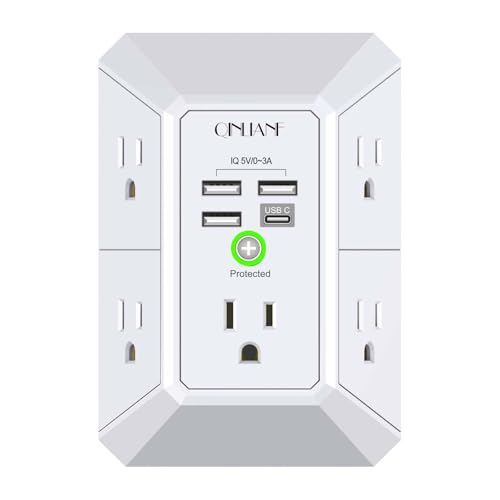
Wall Charger, Surge Protector, QINLIANF 5 Outlet Extender with 4 USB Charging Ports, 3-Sided 1680J Power Strip Multi Plug Adapter Spaced for Home Travel Office
- Wall-Mounted Design: Securely attaches to duplex outlets
- Spaced Power Outlets: Five outlets with 2.1-inch spacing
- Wide Compatibility: Fits outlets with >1 inch spacing
As an affiliate, we earn on qualifying purchases.
As an affiliate, we earn on qualifying purchases.
Impact of WiFi and Network Failures on Camera Functionality
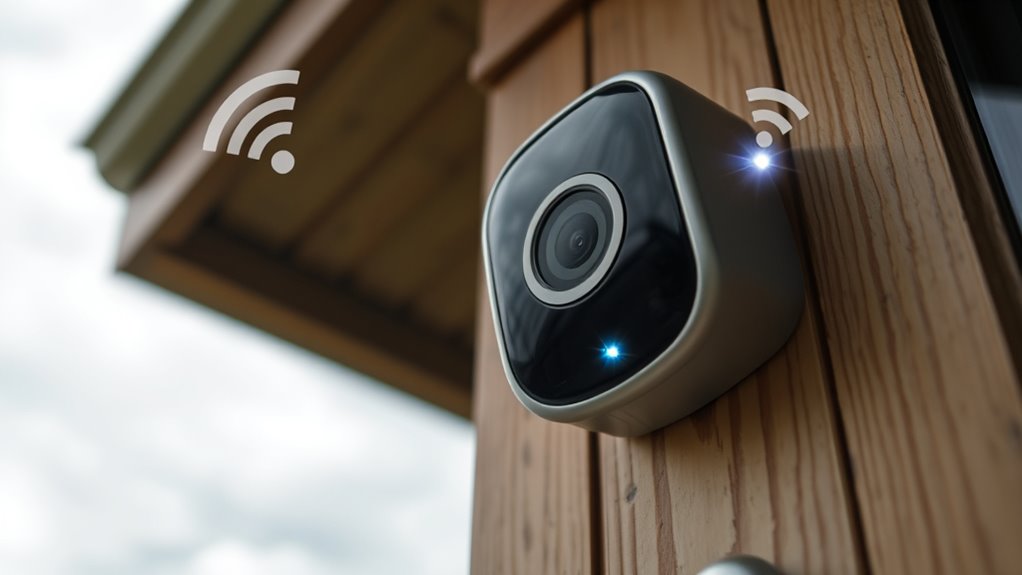
WiFi and network failures can substantially impair your camera’s ability to function properly, even if the device itself remains powered. Without a stable connection, remote access, live streaming, and alerts become impossible. You might still have local recordings, but you won’t receive notifications or be able to check footage remotely. Poor WiFi signals cause frequent disconnects, which drain batteries faster on models like Ring. After an outage, cameras may fail to reconnect automatically, requiring manual resets or physical intervention. Some cellular models, like Reolink Go PT Ultra, operate independently of WiFi, maintaining access. However, most wired or WiFi-dependent cameras lose key features during network failures. Proper network configuration and signal placement can help mitigate some issues during outages.

Lesaps 2-Pack 7200mAh Replacement Battery for Ring Doorbell
- Increased Battery Capacity: Up to 7200mAh for longer use
- Wide Compatibility: Fits Ring Video Doorbell 2/3/4 and more
- Dual Charging Options: Micro-USB port and charger station included
As an affiliate, we earn on qualifying purchases.
As an affiliate, we earn on qualifying purchases.
Features That Continue Working During Power and Internet Losses
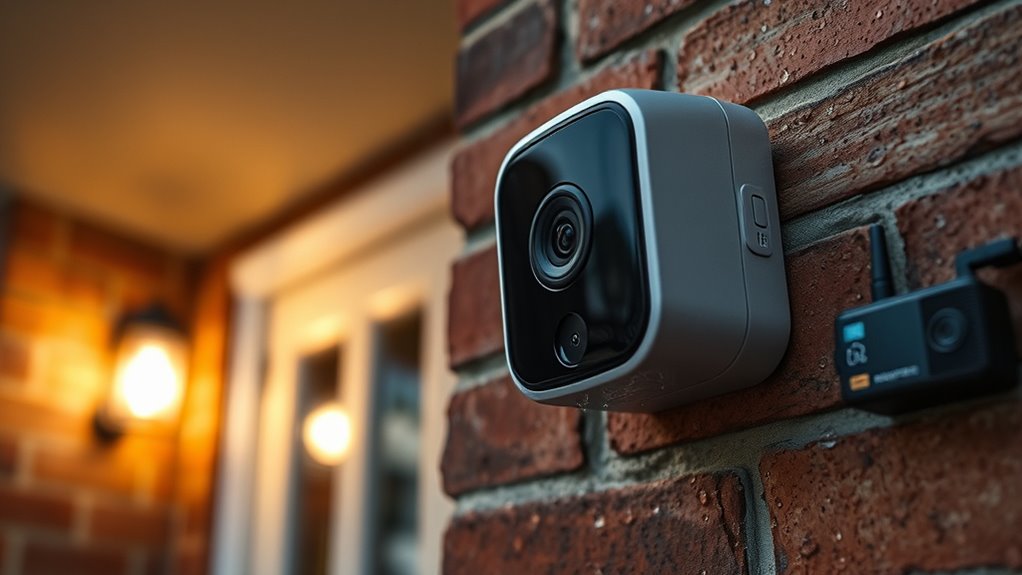
Battery-powered and solar-powered cameras continue recording motion events and saving footage even if your power or internet goes out. They operate independently of your home’s electrical system, relying on internal batteries or solar panels for power. This smart design ensures continued security during outages. This means you can still capture activity at your door, and footage is stored locally on the device or SD card, allowing you to review clips once power is restored. Features like motion detection remain active, alerting you to movement without internet or power. However, remote notifications and live viewing won’t be available until your network is back online. These cameras are designed to keep functioning during outages, providing a critical layer of security when wired or traditional systems fail. Just remember, battery life and solar panel efficiency influence how long they can operate during extended outages. Additionally, understanding power management strategies can help optimize the operation time of your cameras during prolonged outages. Proper battery maintenance can further extend their usefulness and reliability in emergency situations.
Backup Power Solutions for Doorbell Cameras
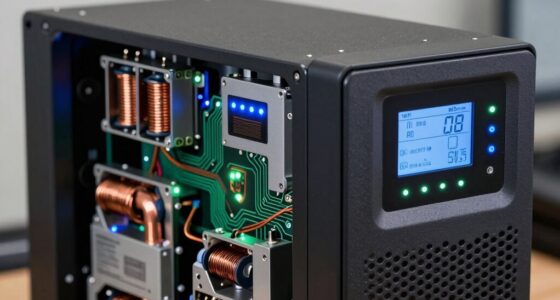
To keep your doorbell camera running during outages, you need reliable backup power options. Portable charging devices, like power banks and solar chargers, can extend camera operation when the main power fails. Considering these solutions helps make certain your security system stays active no matter what happens. Backup power systems are essential to ensure continuous operation and peace of mind during storms or outages. Additionally, selecting uninterruptible power supplies (UPS) can provide seamless power backup without interruption. Using battery storage solutions can also help store energy for extended outages, ensuring your camera remains operational longer and maintaining a consistent power supply. Incorporating energy resilience strategies can further optimize your backup power setup and improve overall reliability.
Power Backup Options
Ever wondered how to keep your doorbell camera functioning during power outages? Backup power options can help guarantee your system stays active when the grid fails. You can use a UPS to keep your WiFi router and cameras powered for hours, maintaining remote access and notifications. For wired doorbells, rechargeable batteries or solar panels provide continuous power, reducing downtime. Ring Power Packs serve as dedicated backup sources, keeping alarm systems operational. Additionally, portable power stations such as Jackery can charge your doorbell via USB during outages. Incorporating energy storage solutions can further enhance your backup capabilities, ensuring consistent operation even during extended outages.
Portable Charging Devices
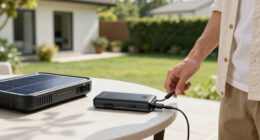
When power outages strike, portable charging devices like portable power stations and USB chargers become essential tools to keep your doorbell camera operational. A portable power station can power your Ring Doorbell or other cameras via USB or AC outlets, providing hours of backup during outages. For shorter outages, a high-capacity USB charger or power bank can quickly recharge batteries or supply power directly. These devices are especially useful if your doorbell has a rechargeable battery or removable power pack, allowing you to maintain functionality without relying on the main electrical system. Keep a fully charged portable power station or USB charger handy, so you’re prepared to sustain your doorbell camera’s operation until power is restored. This simple backup helps ensure continuous security and peace of mind during outages.
Challenges in Reconnecting Cameras After Power Restoration
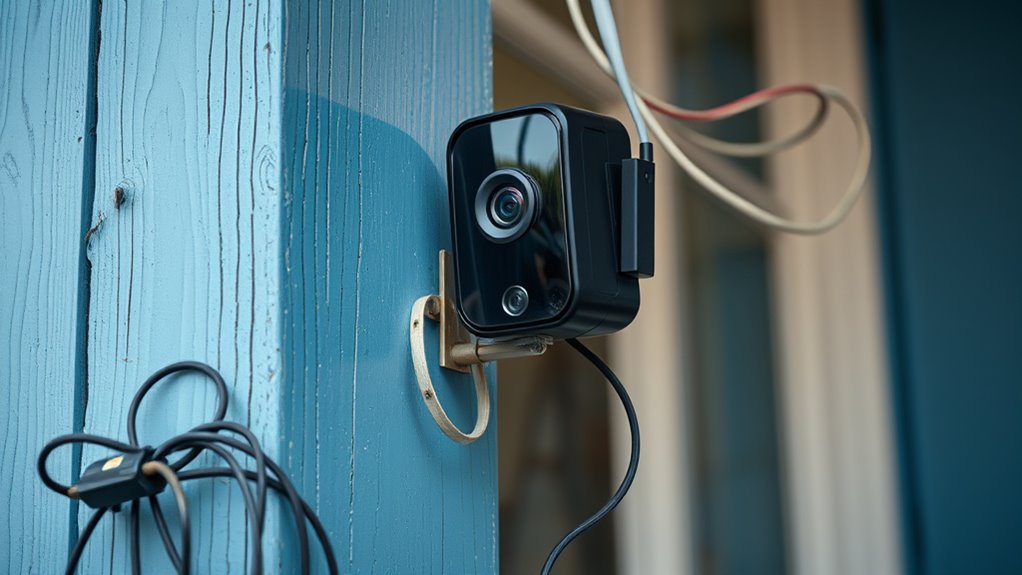
Restoring power doesn’t automatically reconnect your cameras or doorbells, often leaving you with a frustrating delay. You may find that some devices need manual resets or re-adding to your app, even after power is back. Network issues, incomplete reconnections, or device glitches can prevent seamless reintegration. You might also need to check wiring or replace damaged components, especially on wired models. Physical intervention is sometimes required, like removing batteries or reconnecting cables. Keep in mind these challenges:
- Devices may need manual reinstallation or reset
- WiFi routers might require rebooting or reconfiguration
- Some cameras won’t reconnect without app re-setup
- Wired systems may have damaged components needing repair
- Power or network interruptions can cause ongoing issues
Being prepared for these hurdles helps ensure quicker recovery after outages.
Limitations of Cellular and Solar-Powered Models
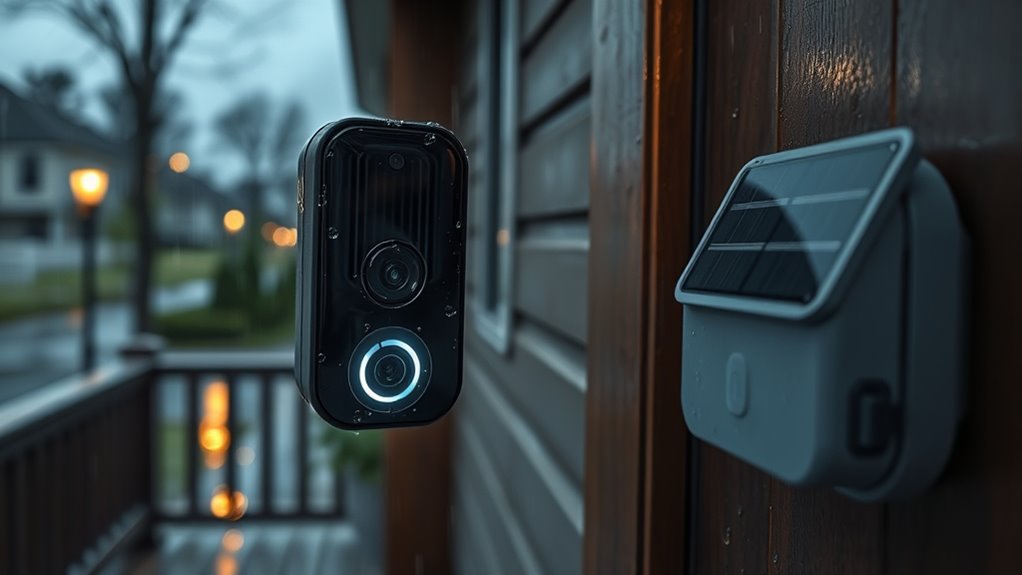
Cellular and solar-powered doorbell cameras offer greater independence from traditional power sources, but they come with notable limitations. Cellular models rely on cellular networks, which can be unreliable or slow, especially in remote areas, leading to delays or missed notifications. They also depend on a stable cellular signal; poor coverage can render them ineffective. Solar-powered cameras, like Reolink Argus PT Ultra, supplement batteries with sunlight, but they still require sufficient sunlight exposure to maintain charge. Overcast days or shaded locations reduce power availability, risking downtime. Additionally, these models often have limited storage options, relying on cloud services that may require subscription fees. During power or network outages, their ability to record and send alerts is compromised unless they have backup power or cellular connectivity.
Troubleshooting Common Post-Outage Issues
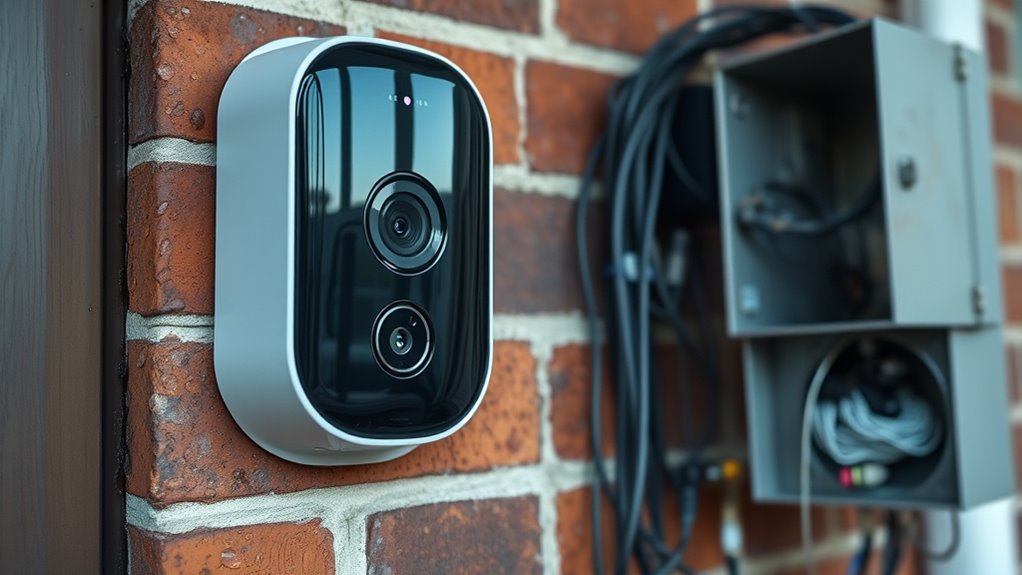
After an outage, your doorbell camera system may face issues like disconnected devices, failed reconnections, or reduced functionality. To troubleshoot, start by checking power sources—ensure transformers are supplying 16-24VAC, and replace any damaged wiring. Reset your cameras and apps, then attempt manual reconnections. Verify WiFi connectivity; a router on UPS can prevent disconnections. For battery models, recharge or replace batteries if LEDs indicate low power. If cameras won’t reconnect remotely, physically reset or re-add them in the app. Consider these points:
Check power, reset devices, and verify WiFi to restore your doorbell camera after an outage.
- Confirm transformer voltage and wiring integrity
- Reboot your router and cameras
- Recharge or replace batteries as needed
- Manually reset devices to reconnect
- Use cellular backup options if available
These steps help restore functionality efficiently.
Best Practices to Keep Doorbell Cameras Operational During Outages
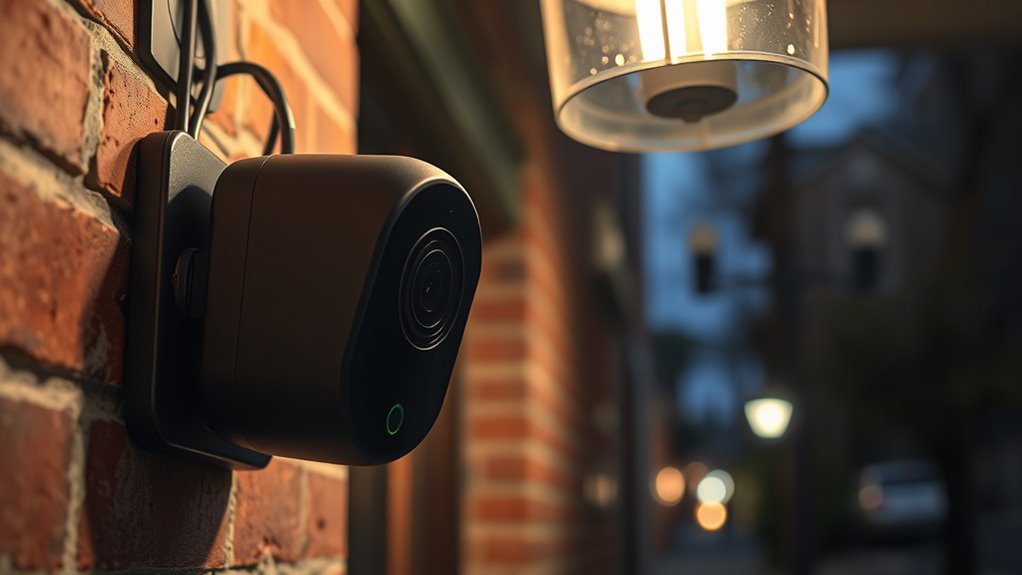
To keep your doorbell cameras operational during outages, implementing a combination of backup power sources and proactive maintenance is essential. Start by connecting your WiFi router to a UPS, ensuring your network stays active during power failures. Use battery-powered or solar-powered cameras to maintain recording and motion detection independently of mains power. Regularly check and charge rechargeable batteries or replace them as needed to prevent sudden failures. For wired models, inspect transformers for damage after outages and replace if necessary. Consider cellular backup options like Ring Alarm Pro or Reolink’s cellular models to enable remote access without WiFi. Schedule routine maintenance to test backup systems and ensure all connections are secure, reducing downtime and keeping your camera system reliable during outages.
Frequently Asked Questions
Can Wired Doorbells Operate Without Power During Outages?
Wired doorbells can’t operate without power during outages because they rely on transformers (16-24VAC) to function. When power is cut, they lose all operation, including ringing notifications and video features. If the transformer or wiring is damaged, the doorbell won’t work until it’s repaired or replaced. To keep them running during outages, you need a backup power source like a battery or solar-powered system.
Do Battery Cameras Record Footage When the Battery Runs Out?
Like a marathon runner hitting the wall, battery cameras stop recording when their batteries die. Once the power’s exhausted, they can’t save new footage or detect motion until you recharge or replace the batteries. You won’t get remote alerts or live views either. So, if you’re counting on continuous security, make sure to keep spare batteries handy or consider models with solar power or backup options.
Will My Doorbell Reconnect Automatically After Power Is Restored?
Your doorbell won’t reconnect automatically after power is restored. You’ll likely need to manually reset or reconfigure it, especially if it’s wired or relies on specific power sources. For battery or solar models, verify the battery is charged and the WiFi connection is stable. Sometimes, a router restart or re-adding the device in the app is necessary to restore full functionality. Keep a close eye on the device during the recovery process.
How Long Can a UPS Keep My Doorbell Camera System Running?
A stitch in time saves nine, so knowing your UPS can keep your doorbell camera system running is vital. Typically, a UPS can power your system for 1 to 8 hours, depending on its capacity and your device’s power draw. For example, a Jackery power station can charge your Ring Doorbell for about 7 hours. Regularly check your UPS’s battery level to guarantee continuous protection during outages.
Are Cellular-Based Doorbells Unaffected by Local Power Outages?
Yes, cellular-based doorbells are unaffected by local power outages because they rely on cellular networks, not your home’s electrical system. You can still receive live feeds, motion alerts, and recordings even if your power goes out. However, verify your cellular signal is strong, and the device has a sufficient data plan. These doorbells provide reliable security during outages without depending on your home’s WiFi or power supply.
Conclusion
To keep your doorbell camera shining bright through outages, think of it as a trusty lighthouse guiding you safely home. Regular maintenance, backup power options, and understanding what still works can help you weather any storm. Stay proactive, troubleshoot issues quickly, and you’ll guarantee your home’s eyes stay watchful, no matter how dark or disconnected the night gets. After all, a well-prepared doorbell is your home’s silent guardian, always ready to ring true.