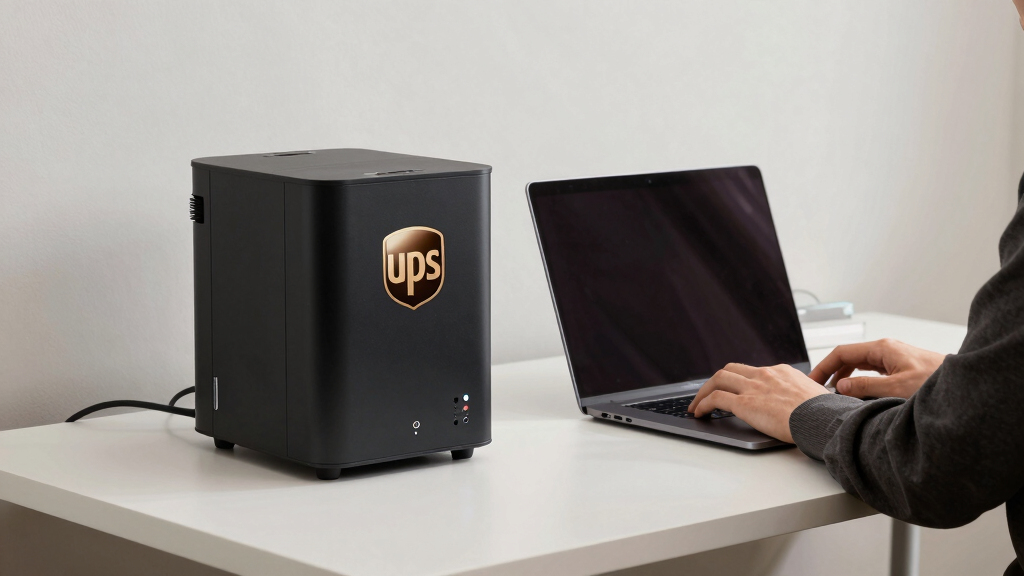
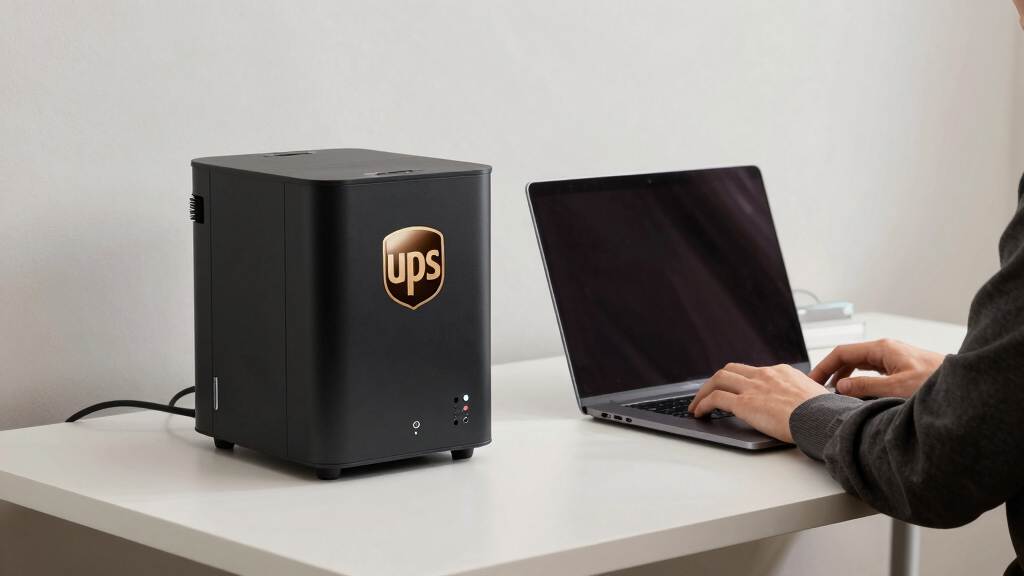
Choosing the best UPS for your home office desk is essential to keep your equipment protected during outages and power fluctuations. The APC BE600M1 stands out as the best overall due to its reliable performance and compact design, perfect for most home setups. The APC BE850G2 offers a higher capacity for those with more devices, while the GOLDENMATE 600VA provides a budget-friendly lithium option for longer-lasting backup. Each option balances power, price, and usability differently, creating tradeoffs between capacity, size, and cost. Continue reading for a detailed breakdown to find the best fit for your home office needs.
Listen free for 30 days with Audible
Thousands of audiobooks and originals — cancel anytime.
Start your free trialAs an affiliate, we earn on qualifying purchases.
Key Takeaways
- The best UPS for home office desks balances capacity with size to avoid clutter.
- Lithium-based UPS options offer longer lifespan but tend to be more expensive upfront.
- Higher VA ratings generally support more devices but come with increased cost and size.
- Surge protection is a common feature, but not all models include the same number of outlets.
- Choosing between standby and line-interactive UPS types depends on the stability of your local power supply.


More Details on Our Top Picks
APC 600VA UPS Battery Backup & Surge Protector, 7 Outlets, USB Charging, BE600M1
This model stands out as the most versatile option, offering a solid balance between capacity and convenience. Its 600VA/330W rating makes it suitable for protecting a typical home office setup, including a computer, router, and small peripherals. Compared with the Tripp Lite BC600R, the APC BE600M1 provides a slightly higher surge protection rating and a more user-friendly design, especially with its USB charging port. However, its limited runtime means it’s best for brief outages rather than extended power failure. The user-replaceable battery and clear indicators make maintenance straightforward. While it’s compact and easy to fit on a desk, this model might fall short if you need to sustain high-power devices or run critical equipment during outages for longer periods.
Pros:- Provides dependable backup power for essential devices
- Multiple outlets with surge protection and USB charging
- User-replaceable battery simplifies maintenance
- Compact design fits easily on a home desk
Cons:- Limited runtime for high-power devices or extended outages
- Battery replacement costs extra and requires purchasing separately
- Design is basic, lacking advanced management features
Best for: Home office users who want reliable backup for essential devices without complex setup.
Not ideal for: Users with high-power setups or those needing long backup durations; this UPS isn’t designed for high-capacity needs.
- Voltage:120 Volts
- Maximum Power:330 Watts
- Battery Charge Time:10 Hours
- Surge Protection Rating:490 Joules
- Form Factor:Compact
- Input Voltage:120 Volts (AC)
- Output Current:1.5 Amps
Bottom line: This UPS is best suited for home office users seeking straightforward, reliable backup power for everyday devices.
APC Back-UPS 850VA / 450W UPS Battery Backup & Surge Protector, 9 Outlets, Type B Charger, BE850G2
The APC BE850G2 offers a significant upgrade over smaller models like the APC BE600M1 by supporting higher power loads and longer runtime—up to 20 minutes at 450W. Its 850VA capacity is well-suited for a typical home office with multiple devices, including desktops, monitors, and external drives. The user-replaceable batteries and multiple outlets with surge protection make it a flexible choice. Compared with the CyberPower ST425, this UPS provides a more robust power reserve, but it requires a longer 8-hour recharge cycle. Its larger size and higher capacity make it less ideal for minimal setups but perfect for those with multiple or more power-hungry devices.
Pros:- Supports up to 20 minutes of backup at 450W
- Multiple outlets with surge protection
- User-replaceable battery extends lifespan
- Supports a broad range of electronic devices
Cons:- Requires 8 hours for full recharge
- Larger size may not fit small desks
- Battery replacement can be cumbersome for some users
Best for: Home office users with multiple devices needing longer backup durations and reliable surge protection.
Not ideal for: Users with very limited space or those only protecting a single low-power device; this model is larger and more capable than necessary for simple setups.
- Voltage:850V
- Maximum Power:450W
- Battery Charge Time:8 Hours
- Surge Protection Rating:354 Joules
- Form Factor:Tower
- Input Voltage:220V (AC)
Bottom line: Ideal for those with a medium-sized home office seeking longer backup times and flexible device support.
Tripp Lite 600VA UPS Desktop Battery Backup and Surge Protector, 300W, 4 Outlets, Wall Mount Option
The Tripp Lite BC600R is a practical choice for users needing a small, versatile UPS that can be mounted on a wall or sit on a desk. Its 600VA/300W capacity is suitable for protecting basic setups like a computer, router, and small peripherals. Compared to the APC BE600M1, this model offers a slightly lower surge rating but excels with its wall-mount capability, saving valuable desk space. Its user-replaceable battery simplifies routine maintenance, although the limited number of outlets and absence of USB ports mean it’s not ideal for setups requiring multiple accessories or device management features. It’s best suited for compact spaces or minimalist setups.
Pros:- Compact size suitable for small desks or wall mounting
- Easy to set up with user-replaceable battery
- Reliable surge and noise protection
- Flexible mounting options
Cons:- Limited outlets for multiple devices
- No USB or network connectivity features
- Battery life may be limited under heavy loads
Best for: Home users with limited space needing reliable surge protection for essential devices.
Not ideal for: Power users with multiple or high-demand devices, as it provides fewer outlets and lower capacity.
- Capacity:600VA / 300W
- Outlets:4 NEMA 5-15R
- Surge Protection:190 joules
- Battery Type:VRLA, user-replaceable
- Input Voltage:120V
- Mounting Options:Wall mount / desk
Bottom line: This UPS is perfect for space-constrained setups needing dependable basic backup and surge protection.
CyberPower ST425 Standby UPS Battery Backup and Surge Protector, 425VA/260W, 8 Outlets
The CyberPower ST425 offers a practical, budget-conscious solution for home offices with multiple devices. Its 425VA/260W capacity supports a handful of essential electronics during outages, and its 8 outlets provide ample surge protection for various peripherals. Compared to the APC BE600M1, it offers similar capacity but with more outlets, making it a good pick for users with several low-demand devices. Its high efficiency helps reduce power consumption, but the standby (simulated sine wave) output can limit compatibility with sensitive equipment. Battery replacement is straightforward but may be needed after the warranty period, so long-term costs should be considered.
Pros:- Affordable, space-efficient design
- Supports multiple devices with 8 outlets
- High efficiency reduces power waste
- Includes a 3-year warranty
Cons:- Limited backup runtime for high-demand devices
- Only simulated sine wave, less ideal for sensitive electronics
- Battery replacement may be necessary over time
Best for: Budget-conscious users needing to protect multiple low-power devices at home.
Not ideal for: Power users or those with sensitive electronics requiring pure sine wave output; this model is more basic and less suitable for critical equipment.
- VA:425VA
- Wattage:260W
- Outlets:8
- Input:NEMA 5-15P
- Warranty:3 years
Bottom line: This UPS is best for budget-minded home users needing simple, reliable surge and backup support for multiple peripherals.
APC Back-UPS 425VA / 255W UPS Battery Backup Surge Protector, 6 Outlets, Small UPS for Router, Modem & Home Office, BE425M
The APC Back-UPS BE425M stands out for its straightforward design tailored to small spaces, providing reliable power for essential electronics like routers and modems. Compared to larger options such as the GOLDENMATE 600VA/360W, it offers a more modest runtime—up to 15 minutes at 100W—making it ideal for short outages rather than prolonged power loss. Its six outlets, including four with backup power, are sufficient for a typical home office setup but may require additional strips for multiple devices. The compact, wall-mountable form factor makes it perfect where space is limited. However, its limited capacity means it’s not suitable for high-power or multiple devices simultaneously. The surge protection and three-year warranty add peace of mind for basic protection needs. This UPS makes the most sense for users who prioritize space-saving design and simple backup for essential devices, rather than extensive power support during outages.
Pros:- Reliable backup power for essential devices
- Compact, wall-mountable design saves space
- Surge protection guards against power spikes
- Three-year warranty and equipment protection
Cons:- Limited runtime for higher-power devices
- Only 6 outlets, may need additional power strips
Best for: Users with small home offices needing reliable backup for routers, modems, and small electronics in tight spaces
Not ideal for: Those with multiple or high-power devices requiring longer runtime or higher capacity, as the limited outlets and runtime won’t suffice
- Capacity:425VA / 255W
- Outlets:6 (4 backup + surge, 2 surge-only)
- Runtime:Up to 15 minutes at 100W load
- Warranty:3 years
- Protection Coverage:$75,000 Equipment Protection
- Form Factor:Wall-mountable
Bottom line: This UPS is best suited for users who need a space-efficient, straightforward backup for essential electronics in a small home office.
GOLDENMATE 600VA/360W Lithium UPS Battery Backup and Surge Protector
The GOLDENMATE 600VA/360W stands out for its long-lasting LiFePO4 battery and versatile features, including wireless charging and multiple USB ports, making it well-suited for users who want more than just basic backup. Unlike the APC BE425M, which is limited to essential devices, this model supports multiple peripherals, including smartphones and tablets, thanks to its USB and wireless charging capabilities. Its battery capacity of 76.8Wh is enough for short-term backup, but it’s not designed for extended outages—similar to the APC’s runtime limitations. The lightweight, compact design allows flexible placement, but the need for continuous connection to utility power limits its use as a portable power source. The long lifespan of the LiFePO4 battery offers durability that outperforms traditional lead-acid options, making it a great choice for users with a modern, multi-device setup who want a sleek, multi-functional unit. However, it’s not suitable for high-capacity or long backup durations, so it’s best for short interruptions and device charging.
Pros:- Long-lasting LiFePO4 battery with over 10 years lifespan
- Compact, lightweight design for easy placement
- Multiple outlets with surge protection, USB ports, and wireless charging
- Enhanced connectivity for modern devices
Cons:- Battery capacity limited to 76.8Wh, suitable only for short-term backup
- Requires constant utility power—not portable or standalone
Best for: Tech-savvy users with multiple devices seeking a stylish, multi-functional UPS with long-lasting battery life
Not ideal for: Users needing extended backup power or high-capacity support for numerous or high-power devices, as its battery capacity is limited
- Capacity:600VA/360W
- Battery Type:LiFePO4
- Battery Capacity:76.8Wh
- Dimensions:280 × 116 × 112 mm
- Weight:2.1 kg
- Outlets:6 surge-protected
- Wireless Charging:15W
- USB Ports:1 Type-C, 1 Type-A (10W total)
Bottom line: This UPS is ideal for users who want a sleek, multi-device backup solution with long battery life and modern features for short outages.
How We Picked
The products in this roundup were selected based on a combination of performance, usability, build quality, and value for home office users. Priority was given to UPS models that provide reliable backup power for typical office equipment like computers, monitors, and routers. We evaluated each option’s VA and wattage capacity, number of outlets, and additional features such as surge protection and USB charging. Price was also a factor, with a focus on models that offer the best balance of cost and functionality for home users. The ranking reflects how well each UPS performs in everyday office scenarios, considering durability, ease of use, and overall reliability.Factors to Consider When Choosing Best UPS For Home Office Desk
When selecting a UPS for your home office desk, several factors influence how well a model will serve your needs. Beyond raw capacity, it’s important to consider usability, build quality, and the types of outlets. Understanding these aspects helps avoid common pitfalls like underestimating your power needs or choosing a model with insufficient surge protection. A thoughtful choice guarantees your work setup remains protected and operational during power fluctuations or outages.Capacity and Power Rating
One of the most critical factors is the UPS’s capacity, measured in VA and wattage. Higher VA ratings support more devices or longer backup times. However, choosing a model with too high capacity for your needs can lead to unnecessary costs and size. Conversely, undersized units may shut down prematurely, risking data loss. Assess your equipment’s total power draw and select a UPS that provides at least 20-30% overhead for safety and future expansion.
Number of Outlets and Connectivity
Consider how many devices you’ll connect. Many home office setups include a computer, monitor, router, and perhaps external drives. Ensure the UPS offers enough outlets for all essential devices, preferably with some outlets providing surge protection and battery backup. Also, look for USB or Ethernet ports if you need to connect accessories or enable network surge protection—these features add convenience and extra safety.
Type of UPS: Standby vs. Line-Interactive
Standby UPS models are generally more affordable and suitable for areas with stable power, providing quick switching during outages. Line-interactive units include voltage regulation features, which can handle minor fluctuations without switching to battery, making them better for less stable power environments. The choice depends on your local power quality; in areas prone to brownouts or surges, a line-interactive model offers more protection.
Battery Life and Maintenance
Battery longevity impacts your overall investment. Lithium-ion batteries tend to last longer and require less maintenance than traditional lead-acid types, though they usually cost more upfront. Regularly testing your UPS battery and replacing it when needed is key to maintaining protection. Consider models with replaceable batteries or alert systems that notify you when maintenance is due to avoid unexpected failures.
Size, Design, and Price
The physical footprint and design influence how well the UPS integrates into your workspace. Compact models save space but may support fewer devices. Larger units accommodate more equipment but can be cumbersome. Price often correlates with capacity and features—investing more typically yields longer-lasting, more versatile protection. Balance your budget with your needs for space, capacity, and future expandability to select the best value.
Frequently Asked Questions
How do I determine the right VA rating for my home office?
Start by listing all the equipment you want to connect, including computers, monitors, routers, and external drives. Check their wattage ratings, then add them up to find the total power draw. Choose a UPS with at least 20-30% extra capacity to handle power surges and future additions. This approach ensures your backup runs smoothly without being over- or under-sized, which can impact cost and performance.
Is surge protection enough, or do I need a UPS with backup battery?
Surge protection alone cannot sustain your devices during an outage; it’s only designed to block power spikes. A UPS with a backup battery ensures your equipment continues to operate during a blackout, giving you time to save work and shut down safely. For most home office setups, having both surge protection and battery backup provides comprehensive protection against power issues.
Should I prioritize lithium-ion batteries or traditional lead-acid types?
Lithium-ion batteries tend to last longer, weigh less, and require less maintenance, making them an attractive choice for long-term reliability. However, they come at a higher initial cost. Lead-acid batteries are more affordable initially but may need replacing more often, especially in environments with frequent power fluctuations. Your decision should consider budget, expected lifespan, and maintenance willingness.
How important is the number of outlets on a UPS?
The number of outlets directly affects how many devices you can power simultaneously. For a typical home office, a UPS with at least 6 outlets is recommended, with a mix of surge-only and battery-backed outlets. Overloading a UPS with too many devices can reduce runtime and potentially damage your equipment. Prioritize outlets based on device criticality and backup needs.
Can I use a UPS to power my entire home office setup?
While some larger UPS units can support multiple devices, most are designed for essential equipment only. Powering an entire office—including printers, additional monitors, and auxiliary devices—may require a higher-capacity UPS or multiple units. For most home offices, focusing on critical gear like your computer, monitor, and router ensures ongoing productivity during outages without overspending on excessive capacity.
Conclusion
For most home office users seeking a reliable, balanced solution, the APC BE600M1 offers excellent value as the best overall choice. If your setup includes multiple devices or higher power needs, the APC BE850G2 provides more capacity without significant size increases. Budget-conscious buyers will find the GOLDENMATE 600VA a solid lithium option, while those with stable power may opt for simpler, smaller models like the APC BE425M. For users wanting premium features and longer lifespan, lithium-based units like the GOLDENMATE stand out. Tailor your choice based on your equipment needs, budget, and local power quality to ensure your home office stays powered and protected.
Grilling season Picks
grills
As an affiliate, we earn on qualifying purchases.