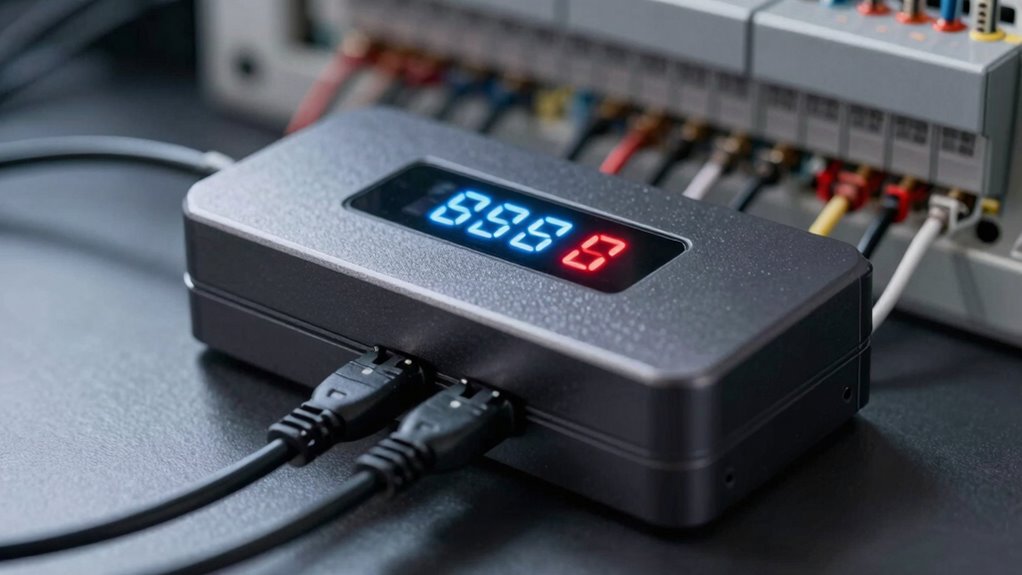

Your backup shuts off suddenly because it likely exceeds its load capacity, causing overload protection to kick in. This can happen if you connect too many devices or if your batteries are aging and can’t support high demands. Power surges, voltage fluctuations, or internal faults may also trigger shutdowns. Understanding these causes can help you prevent unexpected outages—continue exploring to learn more about protecting your UPS.
Prime for Young Adults — start your free trial
Fast free delivery, streaming and member deals for eligible 18–24 year olds.
As an affiliate, we earn on qualifying purchases.
Key Takeaways
- Exceeding the UPS’s rated wattage or load capacity triggers overload protection, causing sudden shutdowns.
- Aging batteries with reduced capacity may fail to support high loads, resulting in overload trips.
- Power surges or line fluctuations can cause internal protections to activate, shutting down the system.
- Loose connections, damaged components, or dust buildup can increase resistance and lead to overload shutdowns.
- Firmware or monitoring errors might misinterpret load conditions, triggering false overload shutdowns.
Understanding UPS Load Capacity and Overload Limits
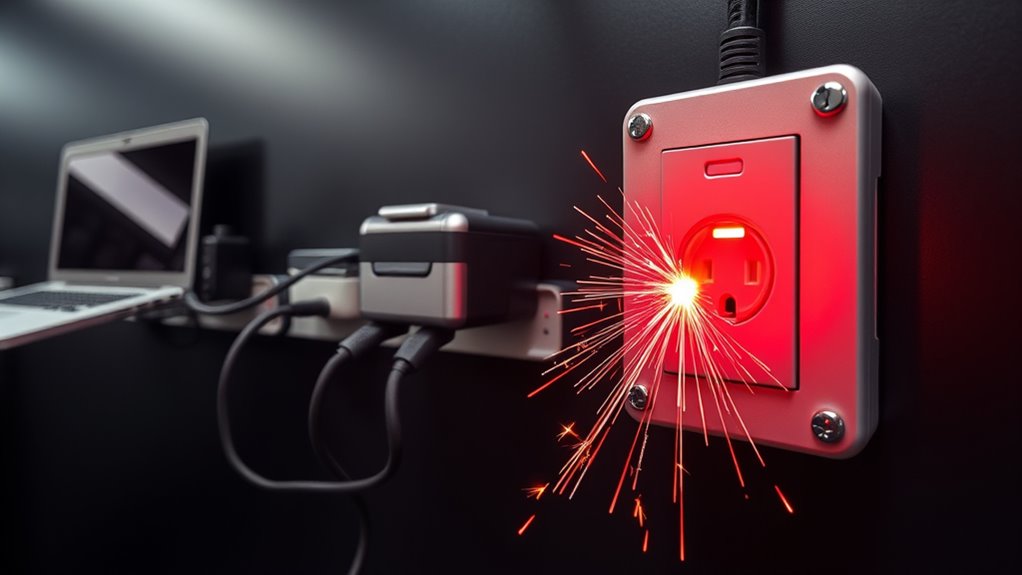
Understanding the load capacity of your UPS is vital to guarantee reliable backup power. You need to know its rated wattage and how much load it can handle continuously. Exceeding this limit triggers overload protection, causing the UPS to shut down to safeguard its components. Remember, real-world loads can be underestimated by monitoring software, so always verify total power draw from connected devices. Over time, aging batteries and internal components may reduce the UPS’s capacity, increasing overload risk even at previously safe loads. Also, avoid plugging too many high-power devices into battery-backed outlets, as this concentrates load and raises the chance of overload. Staying within the recommended limits helps prevent sudden shutdowns and ensures your backup system works when you need it most. Regularly checking backup power system safety and understanding its specifications will help you maintain reliable operation over time. Being aware of load management strategies can further optimize your system’s longevity and performance. Additionally, monitoring battery health can provide early warning signs of capacity decline, helping you plan for replacements before failure occurs. Implementing proper wiring techniques ensures your system remains safe and efficient, reducing the risk of overload. To ensure optimal performance, consider implementing preventive maintenance routines for your UPS to detect potential issues early.
Causes of Transient Overcurrent Surges and Their Impact
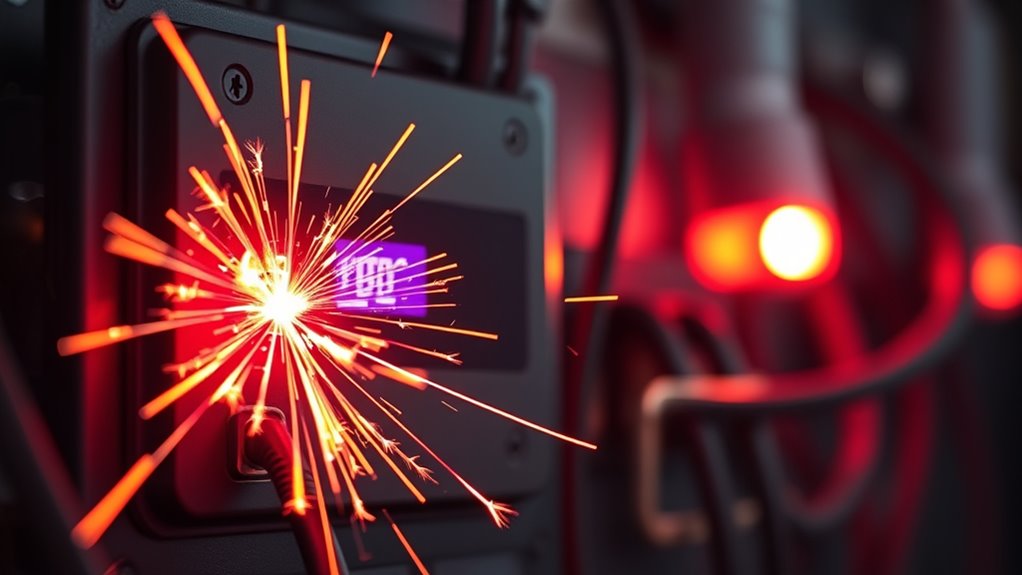
Transient overcurrent surges often originate from sudden, brief increases in electrical demand or disturbances in the power supply. These surges can cause your UPS to detect overload conditions and shut down unexpectedly. Here are three common causes:
- Inrush Currents: Starting motors, compressors, or large power supplies can draw a spike in current that exceeds normal load levels. Inrush currents are typically brief but can be quite substantial, emphasizing the importance of proper surge protection.
- Power Line Disturbances: Lightning strikes, switching operations, or grid faults create transient surges that spike voltage and current temporarily.
- Device Startup: Devices like printers or servers spinning up can produce brief overcurrent conditions, triggering overload protection.
- European Cloud Infrastructure innovations focus on integrating power management systems that help mitigate these transient surges and protect connected equipment.
These surges impact your UPS by forcing it to disconnect to prevent damage, often leading to unexpected shutdowns and risking data loss or equipment downtime.
The Role of Battery Age and Health in Overload Protection
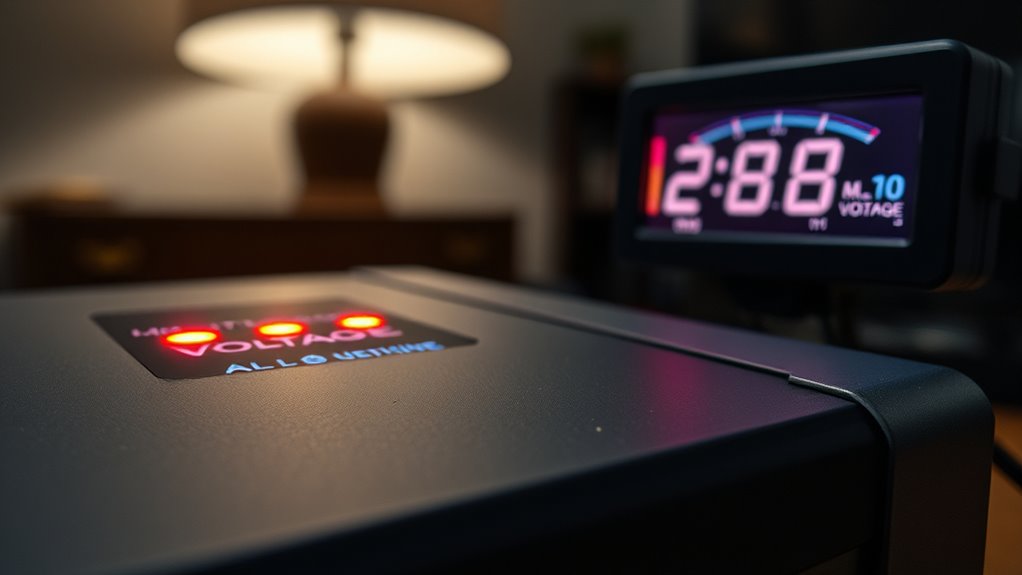
As your UPS batteries age, their ability to support connected loads diminishes, increasing the risk of overload protection tripping unexpectedly. Over time, capacity loss means your battery can’t sustain high loads, causing sudden shutdowns. Rising internal resistance results in voltage drops under load, triggering protective cutoffs. Self-test failures or alarms often signal degraded battery health, indicating it’s time for replacement. Keep in mind, temperature accelerates aging, further reducing effectiveness. Additionally, battery capacity degradation can lead to insufficient backup time during outages, compromising your system’s reliability. Proper piercing care and hygiene can extend battery life by preventing infections that may compromise system components.
How Mains Voltage Variations Trigger Shutdowns

Voltage fluctuations on the mains supply can directly cause your UPS to shut down unexpectedly. Sudden overvoltage, undervoltage, or unstable power can trip internal protections, forcing your system to switch to battery or shut off entirely. Here are three common ways mains voltage variations trigger shutdowns:
- Overvoltage Events: Excess voltage can activate surge protection or cause internal components to trip, shutting down to prevent damage.
- Undervoltage Conditions: Low voltage prompts the UPS to transfer to battery or shut down if the voltage remains out of acceptable range.
- Frequent Line Flickers or Surges: Repeated transient spikes or dips can confuse the UPS firmware, triggering shutdowns or false alarms.
These variations challenge your UPS’s stability, risking unexpected power loss during critical moments.
Internal Component Failures and Connection Issues Leading to Shutdowns
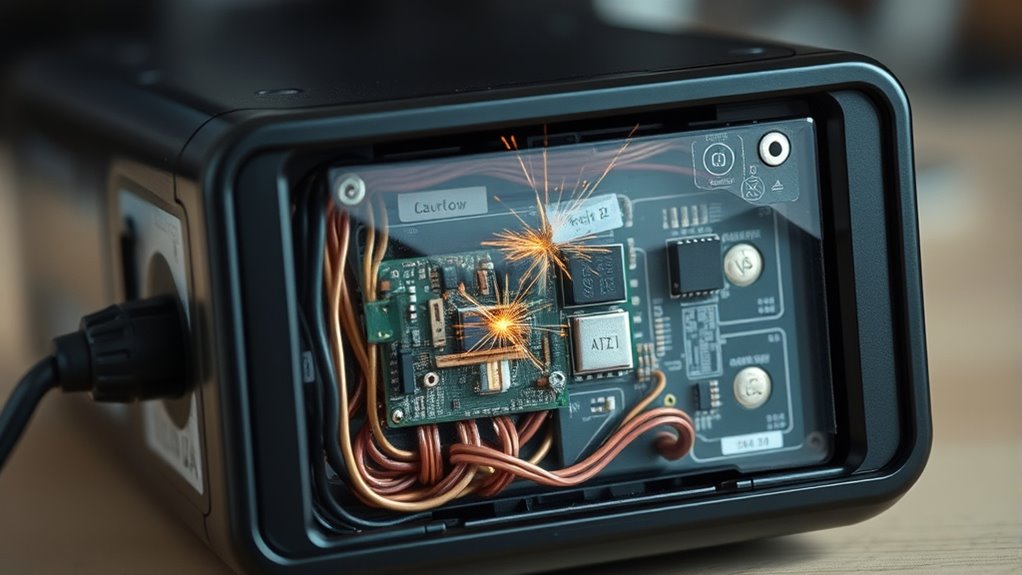
Have you ever experienced unexpected UPS shutdowns without clear cause? These sudden cutoffs often stem from internal component failures or loose connections inside the unit. Over time, capacitors, relays, or power supply parts can degrade or fail, causing voltage drops or overheating that trigger automatic shutdowns. Poor contact points, loose wiring, or corrosion on circuit boards increase resistance, leading to intermittent power loss. Dust buildup and dirt on internal components can also cause overheating or electrical shorts. Failing fans or overheated parts may prompt the UPS to shut down to prevent damage. Mechanical issues like improperly seated batteries or vibration can disrupt connections, causing sudden power loss. Regular internal inspections and cleaning help keep these issues at bay, ensuring reliable backup power. Maintaining electrical connections and monitoring component health are essential for preventing unexpected shutdowns. Additionally, component degradation over time can significantly impact overall system stability, making preventative maintenance vital. Ensuring proper connection integrity is crucial for consistent operation and can help identify potential issues before they lead to failure. In some cases, internal circuit board damage can cause intermittent failures that are difficult to diagnose without thorough testing.
Firmware Settings and Monitoring Errors That May Cause Unexpected Power Loss
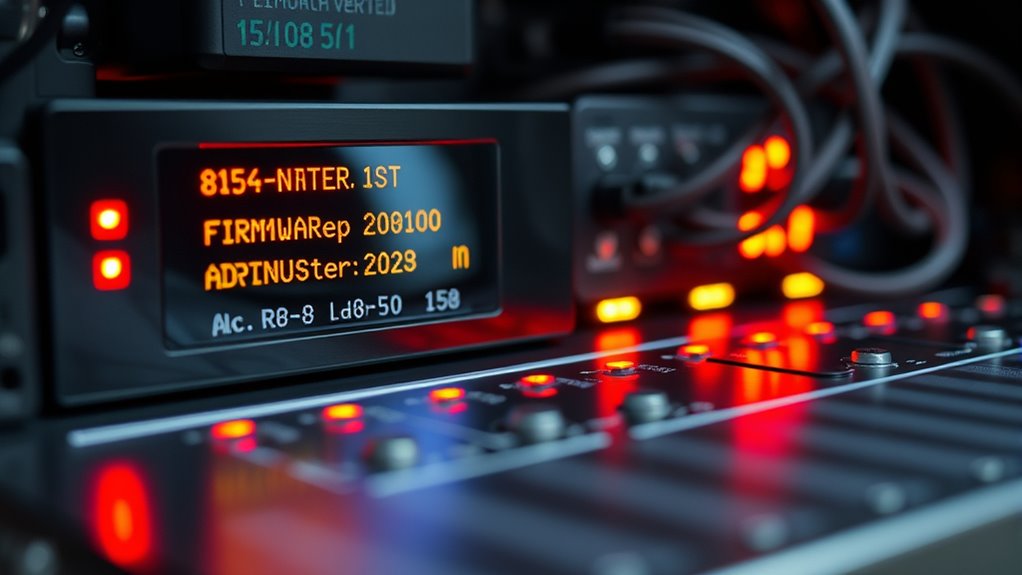
Incorrect firmware settings or monitoring configurations can silently cause unexpected power losses in your UPS. If these are misconfigured, your system might shut down prematurely or fail to alert you to issues. Vetted – wave and wind Properly calibrated settings are essential for maintaining reliable power protection and avoiding sudden shutdowns. Here are three common causes: Inaccurate thermal behavior monitoring can lead to misjudging the system’s temperature, resulting in unnecessary shutdowns or dangerous overheating. Additionally, improper voltage regulation settings may cause fluctuations that trigger shutdowns, compromising your system’s stability. Furthermore, unrecognized monitoring errors can mask underlying faults, making it difficult to diagnose and fix the root causes of power interruptions. Regularly reviewing firmware updates helps ensure your system remains resilient against configuration issues and potential vulnerabilities.
Frequently Asked Questions
Can Environmental Factors Like Temperature Cause Sudden UPS Shutdowns?
Yes, environmental factors like temperature can cause sudden UPS shutdowns. When temperatures rise above ideal levels, batteries age faster, reducing capacity and potentially triggering shutdowns to protect the system. Cold temperatures can also hinder internal components, causing malfunctions or intermittent power loss. High ambient temperatures accelerate wear, shorten battery life, and increase internal resistance, which can lead to voltage drops and unexpected shutdowns, especially if your UPS isn’t designed to operate in extreme conditions.
How Does Improper Load Distribution Affect Overload Protection Triggers?
Ever imagine plugging in multiple high-power devices and expecting your UPS to handle it smoothly? Improper load distribution can quickly trigger overload protection because the combined demand exceeds the UPS’s rated capacity. When you concentrate too many devices into one outlet or connect loads that surpass the unit’s limit, it forces the UPS to shut off to protect itself. Spreading out the load or reducing demand keeps things running safely.
What Are Signs of Internal Component Failures Leading to Shutdowns?
You notice your UPS shutting down unexpectedly, which can be a sign of internal component failures. Look for signs like intermittent power loss, overheating, or unusual noises. Failing capacitors, worn fans, or degraded relays may cause voltage drops or overheating, triggering shutdowns. Corrosion, dust buildup, or loose connections also impact performance. If you see these issues, it’s time to have a professional inspect and replace faulty parts to prevent sudden outages.
Can External Electrical Noise or Transients Cause UPS Power-Offs?
You might not realize it, but external electrical noise or transients can easily trigger your UPS to power off. When power surges, voltage dips, or line flickers occur, your UPS detects these anomalies and activates its protective shutdown to prevent damage. High-frequency transients or sustained disturbances on the mains can confuse the system, causing it to interpret the noise as a fault, and shutting down unexpectedly to protect your connected devices.
How Do Firmware Bugs Influence Unexpected UPS Shutdown Behavior?
Firmware bugs can cause your UPS to shut down unexpectedly because they mismanage transfer logic, battery reporting, or alarm responses. When the firmware doesn’t function correctly, it may trigger false overload detections, misinterpret input signals, or mishandle power state changes. These glitches can lead to sudden shutdowns without warning, making it seem like a hardware fault when, in fact, software errors are the culprit. Regular firmware updates help prevent these issues.
Conclusion
Understanding why your battery backup shuts off suddenly is like steering a stormy sea—you need to know the signs to steer clear of hidden dangers. By paying attention to load capacity, battery health, voltage fluctuations, and internal components, you can keep your system sailing smoothly. Regular checks and proper settings act as your lighthouse, guiding you safely through the darkness of unexpected shutdowns. Stay vigilant, and your backup will be a steady anchor when you need it most.
Fall yard work Picks
leaf blowers
As an affiliate, we earn on qualifying purchases.