
Start by evaluating your daily work habits and identifying essential tools like your computer, keyboard, and mouse. Prioritize ergonomic items such as adjustable chairs and sit-stand desks to prevent strain. Keep supplies organized with storage solutions and limit unnecessary items to avoid clutter. Consider your space and budget to select functional equipment that fits comfortably. To streamline your setup and adapt over time, you’ll find useful tips if you continue exploring this topic.
Key Takeaways
- Assess your daily work habits and identify essential tools and equipment needed for productivity.
- Prioritize ergonomic items and space-efficient solutions to enhance comfort and minimize clutter.
- Include only necessary technology and supplies, avoiding unnecessary or rarely used items.
- Consider your workspace size and budget to select functional items that fit and are cost-effective.
- Regularly review and update your load list to adapt to evolving work requirements and maintain organization.

Creating a realistic load list for your home office is crucial to guarantee you have everything you need without overloading your space or budget. Start by evaluating your daily work habits and identifying the core tools you use, like your computer, keyboard, and mouse. Prioritize ergonomic equipment, such as an adjustable chair, a sit-stand desk converter, or ergonomic accessories like keyboard rests and monitor stands. These items not only boost your comfort but also help prevent strain, making your workday more productive and injury-free. When selecting equipment, focus on quality over quantity, and choose options that fit your available space to avoid clutter.
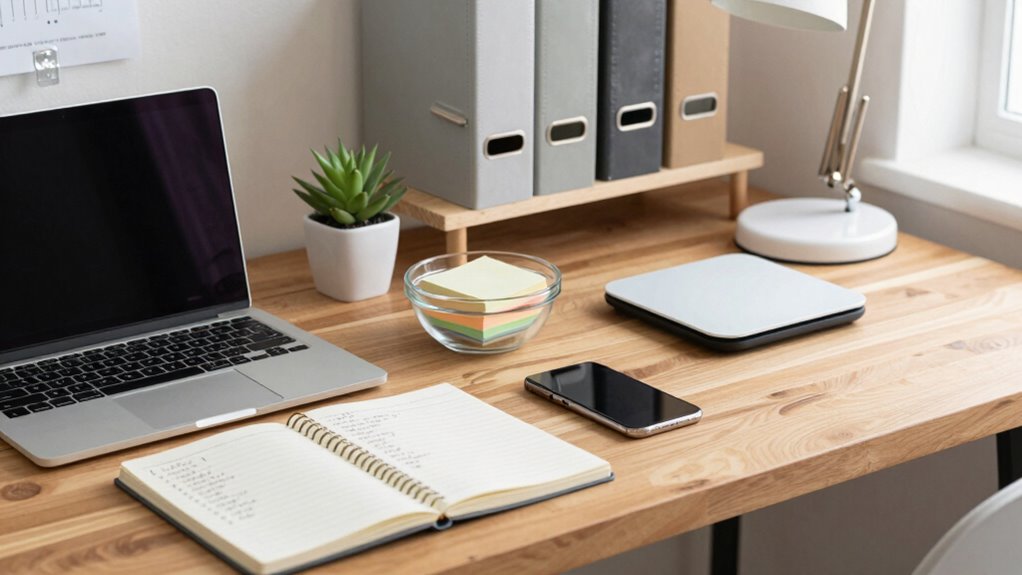
Next, consider supply organization. Keep a list of essential supplies like pens, notebooks, sticky notes, and charging cables, but avoid stockpiling unnecessary extras. Instead, plan for a manageable amount that can be replenished easily. Use storage solutions such as drawers, shelves, or desktop organizers to keep supplies tidy and accessible. This minimizes clutter and helps you maintain a clean, efficient workspace. Remember, a well-organized supply system saves time searching for items and keeps your focus on work rather than chaos. Additionally, understanding social norms related to workspace etiquette can help foster a respectful and collaborative environment, even in a home setting.
Keep essential supplies organized with drawers, shelves, and organizers to maintain a tidy, efficient, and clutter-free workspace.
As you build your load list, think about technology needs beyond your primary devices. Do you need a printer, scanner, or external monitor? Be realistic about how often you’ll use these items. If a printer is rarely used, consider printing in bulk occasionally instead of dedicating space and funds to a dedicated device. Also, include necessary accessories like surge protectors, cable management tools, and a reliable internet connection. These elements are crucial for smooth workflow and protection of your equipment. Incorporating ergonomic principles into your setup can further enhance comfort and productivity, reducing fatigue over long work sessions. It’s also beneficial to research latest industry trends to stay updated on innovative solutions that could improve your workspace in the future. Staying informed about up-to-date technology can help you make smarter choices and avoid outdated or inefficient solutions. Moreover, understanding the importance of space planning can help you optimize the layout for both comfort and functionality.
When planning your load list, be mindful of your budget. Avoid impulse purchases of trendy gadgets or unnecessary decor that may not add functional value. Instead, invest in items that improve your efficiency and comfort, such as a good ergonomic chair or adjustable desk. Keep in mind the size of your space; overloading it with furniture or accessories can lead to a cramped environment, hampering productivity. Focus on essentials that serve a purpose, and leave room for future upgrades if needed.
Finally, review and update your load list regularly. As your work evolves or new tools become available, adjust your supplies and equipment accordingly. This ongoing process ensures your home office remains practical, comfortable, and aligned with your needs. By building a balanced, realistic load list, you create a workspace that supports your work style while keeping clutter at bay, making your home office a true productivity hub.

TRALT Office Chair – Ergonomic Desk Chair with Adjustable Lumbar Support, Mesh Computer Chair, Executive Chairs for Home Office Comfortable Lumbar Support (Black)
High-Resilience Molded Foam Seat – Won’t Flatten After 1 Year – Instead of budget foam that hardens and…
As an affiliate, we earn on qualifying purchases.
As an affiliate, we earn on qualifying purchases.
Frequently Asked Questions
How Often Should I Update My Load List?
You should update your load list at least every six months or whenever you add new equipment. Regular updates improve energy efficiency and guarantee electrical safety by preventing overloads. Reviewing your list allows you to identify unnecessary devices, reduce power consumption, and maintain safe electrical loads. Staying proactive helps your home office run efficiently, saves energy, and minimizes risks of electrical issues.
What Tools Can Help Me Create an Accurate Load List?
Imagine you’re using inventory management software like Sortly; it helps you track equipment easily. Tools like this streamline creating an accurate load list by organizing your cables, gadgets, and supplies. They enable you to visualize what’s in your home office, improve cable organization, and prevent over-purchasing. With these tools, you quickly identify what you need, ensuring your load list stays realistic and up-to-date for your workspace needs.
How Do I Prioritize Essential Versus Optional Items?
You should prioritize essential items like devices that require calibration to guarantee accuracy and reliability, such as printers or monitors. Focus on ergonomic setup tools, like adjustable chairs or desks, to promote comfort and productivity. Optional items, like decorative accessories, can come later. By sorting items based on their impact on your work efficiency and health, you create a balanced load list that supports both functionality and well-being.
Should I Include Future Equipment in My Load List?
Yes, you should include future equipment in your load list. Planning for upcoming devices helps you allocate space and power capacity now, avoiding surprises later. By considering future equipment, you guarantee your home office setup remains flexible and scalable. Incorporate these items realistically, estimating their size and power needs, so your load list accurately reflects your current and future requirements, making your workspace efficient and adaptable.
How Do I Account for Power Surges or Outages?
You should include surge protection devices in your load list to safeguard your equipment from power surges. For outages, consider adding an uninterruptible power supply (UPS) to maintain power during interruptions. This approach enhances outage preparedness and guarantees your work isn’t disrupted. By accounting for both surge protection and backup power, you protect your devices and keep your home office running smoothly even during unexpected power issues.

VIVO 32 inch Desk Converter, K Series, Height Adjustable Sit to Stand Riser, Dual Monitor and Laptop Workstation with Wide Keyboard Tray, Black, DESK-V000K
Create Instant Active Standing – VIVO’s desk riser provides on-demand standing throughout the day for the freedom to…
As an affiliate, we earn on qualifying purchases.
As an affiliate, we earn on qualifying purchases.
Conclusion
Creating a realistic load list for your home office keeps your workspace efficient and stress-free. Remember, studies show that a well-organized home office can boost productivity by up to 25%. By accurately evaluating your needs and equipment, you guarantee everything runs smoothly without overloading your space or budget. Keep refining your list as your work habits evolve, and you’ll enjoy a comfortable, functional environment that supports your success every day.

gianotter Desk Organizers and Accessories, Monitor Stand with Drawer and 2 Pen Holder, Desktop Organizer Suitable for Offices and Dormitories (Black)
【Unique Desk Decor】: The monitor stand has a classic black coating, adding elegance and modernity to your office…
As an affiliate, we earn on qualifying purchases.
As an affiliate, we earn on qualifying purchases.

BONTEC Dual Monitor Stand Riser, Adjustable Length & Swivel Angle, Ergonomic Wooden Desktop Organizer with Smartphone Holder, Computer Monitor Stand for PC Monitor, Laptop, Printer, Large Storage
DUAL MONITOR STAND WITH ADJUSTABLE LENGTH & ANGLE – Elevate two monitors to an ergonomic height for better…
As an affiliate, we earn on qualifying purchases.
As an affiliate, we earn on qualifying purchases.