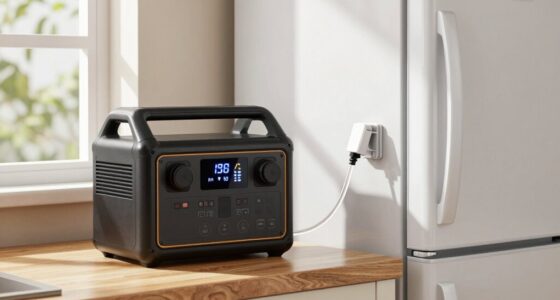
To determine what needs backup power during a blackout, start by listing your essential devices like medical equipment, refrigeration, communication tools, and heating or cooling systems. Measure or estimate their power consumption using wattmeters or energy monitors, then add up the total. Regularly review and update this list as your needs change, ensuring your backup plan covers everything critical. Want to learn how to optimize your backup system for reliability and safety?
Open a free Amazon Business account
Business pricing, bulk buying and tax-exempt orders.
As an affiliate, we earn on qualifying purchases.
Key Takeaways
- Identify essential devices such as medical equipment, refrigeration, communication, heating, and cooling systems.
- Use wattmeters or energy monitors to measure each device’s power consumption accurately.
- Create a comprehensive list of critical appliances requiring backup power during outages.
- Calculate total power needs based on device consumption to size backup systems appropriately.
- Regularly review and update the list to adapt to changing power requirements and ensure preparedness.
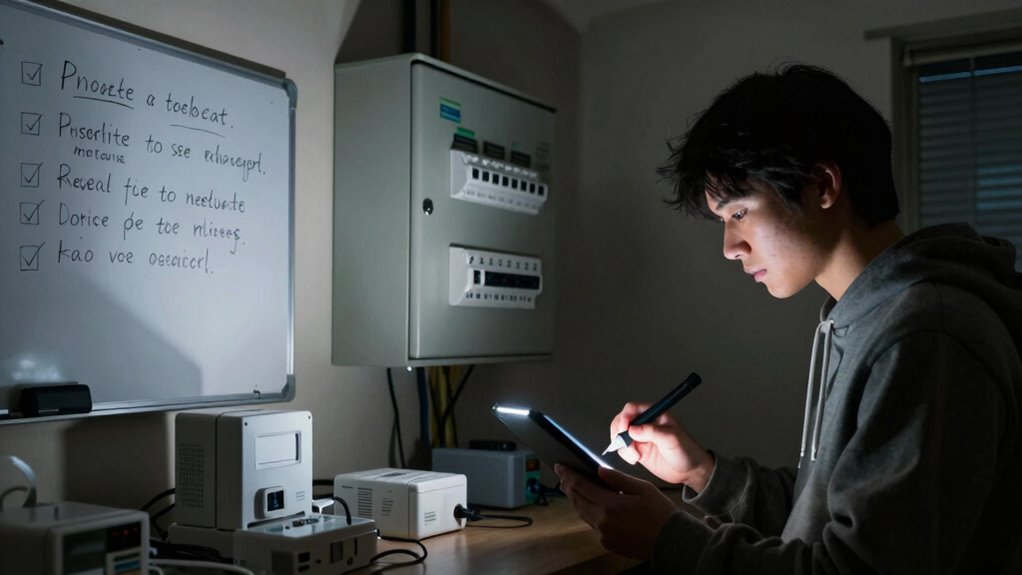
When a blackout hits, knowing exactly what needs backup power can make the difference between staying safe and facing unnecessary chaos. You need to have a clear understanding of your essential devices and systems, so you can prioritize what to keep running when the power goes out. The first step is to identify those critical items—medical equipment, refrigeration, communication devices, and heating or cooling systems—so you don’t waste resources on non-essential appliances. To do this effectively, you should regularly perform generator maintenance. Well-maintained generators are more reliable during emergencies, and routine checks ensure they operate efficiently when you need them most. Keep an eye on fuel levels, test run your backup system periodically, and address any mechanical issues beforehand. This way, you avoid surprises when the power fails.
Next, you should focus on power consumption tracking. By understanding how much energy your essential devices use, you can determine the size and capacity of the backup power system needed. Start by listing all critical appliances and gadgets, then measure or estimate their power consumption. Using a wattmeter or energy monitor can give you accurate readings for each device. Once you have this data, you can calculate your total power needs, ensuring your generator can handle the load without overworking or underperforming. Power consumption tracking helps you avoid over-investing in a backup system that’s too large or underestimating your requirements, which could leave you without power when you need it most. Regularly reviewing your power requirements can help you stay prepared for changes over time. Incorporating energy efficiency measures can further optimize your system and reduce overall demands. Additionally, understanding your power needs enables you to plan for potential upgrades or modifications to your backup setup. Conducting a risk assessment periodically can also help you identify vulnerabilities and prioritize upgrades to your backup system. Staying informed about industry standards can help ensure your backup system complies with safety and efficiency guidelines.
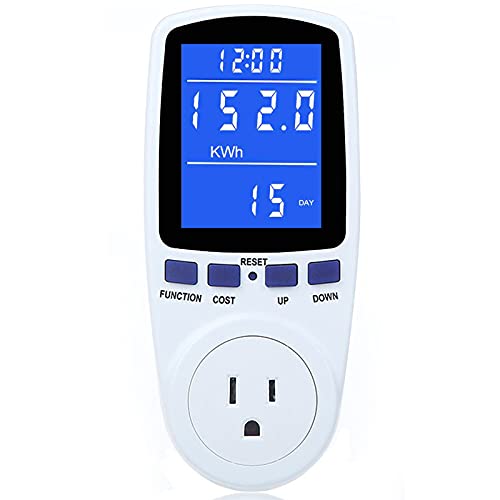
Upgraded Watt Power Meter Plug Home Electrical Usage Monitor Consumption, Energy Voltage Amps Kill Tester with Backlight, Overload Protection, 7 Modes Display
- Multiple Monitoring Parameters: Displays power, energy, volts, amps, and more
- Clear Large LCD Screen: 2.36 inch backlit display with wide viewing angles
- Adjustable Backlight Duration: 5 backlight time options for convenience
As an affiliate, we earn on qualifying purchases.
As an affiliate, we earn on qualifying purchases.
Frequently Asked Questions
How Often Should I Review My Backup Power Needs?
You should review your backup power needs at least once a year through a thorough energy assessment and power assessment. Regular reviews help you identify changes in your energy consumption and guarantee your backup system stays adequate. Additionally, consider reviewing after significant events like renovations or new equipment installations. Keeping your assessments current guarantees your backup power remains reliable, protecting you during unexpected blackouts.
What Are Common Items Overlooked in Blackout Preparations?
You often overlook emergency lighting and battery maintenance when preparing for a blackout. Emergency lights guarantee safety and visibility, so don’t forget to check their functionality regularly. Also, maintain and replace backup batteries as needed to prevent failures during outages. These small but vital items keep your home or workplace safe and operational, yet they’re frequently neglected in blackout preparations. Regular checks help confirm everything works when you need it most.
How Do I Prioritize Essential Devices for Backup Power?
You should focus on device prioritization by identifying essential items like medical equipment, communication devices, and refrigeration for perishable food. Use power management strategies to allocate backup power efficiently, ensuring critical devices stay operational during a blackout. Assess each device’s importance and energy needs, then create a plan that maximizes backup power use. This approach guarantees you maintain crucial functions without overloading your power sources.
Can Solar Power Be a Reliable Backup Source?
Imagine a clear, sunny day, and solar panels soaking up the bright rays—solar power can be a reliable backup source if you guarantee its backup capacity matches your needs. While solar reliability depends on weather and system size, pairing panels with batteries guarantees power even when the sun isn’t shining. Properly designed, solar backup offers a sustainable, eco-friendly solution that keeps your essential devices running during outages.
What Safety Measures Should I Follow With Backup Generators?
You should prioritize regular generator maintenance to guarantee it runs smoothly when needed. Always store fuel safely in approved containers, keeping it away from heat sources. Never operate the generator indoors or in enclosed spaces to prevent carbon monoxide poisoning. Test your backup generator periodically, and keep a record of maintenance dates. Following these safety measures helps protect you and ensures your generator performs reliably during outages.
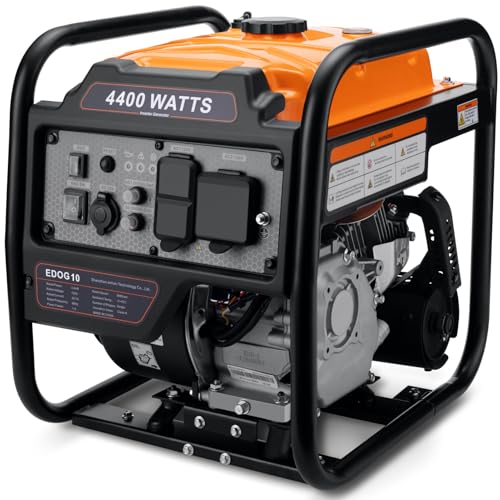
Oxseryn Power Equipment 4400 Watts Inverter Generator Gas Powered, Portable Open Frame Generator, Low Noise with ECO Mode, RV Ready, Emergency Home Backup
- High Power Output: 4400 peak and 3400 running watts
- Multiple Output Ports: 2 AC, 1 DC, RV port
- Long Runtime: Up to 14 hours at 25% load
As an affiliate, we earn on qualifying purchases.
As an affiliate, we earn on qualifying purchases.
Conclusion
By knowing what truly needs backup power, you’re like a skilled captain steering through darkness, steering clear of unnecessary burdens. You’ll have a clear map of essential devices, ensuring your energy reserves are reserved for the lighthouse moments. When the blackout hits, you’ll shine bright with confidence, illuminating only what matters most. Remember, in the storm of darkness, your well-planned backup strategy is the steady beacon guiding you safely to calmer waters.
Upgraded Watt Power Meter Plug Home Electrical Usage Monitor Consumption, Energy Voltage Amps Kill Tester with Backlight, Overload Protection, 7 Modes Display
- Multiple Monitoring Parameters: Displays power, energy, volts, amps, and more
- Clear Large LCD Screen: 2.36 inch backlit display with wide viewing angles
- Adjustable Backlight Duration: 5 backlight time options for convenience
As an affiliate, we earn on qualifying purchases.
As an affiliate, we earn on qualifying purchases.

APC UPS 600VA/330W UPS Battery Backup for Computer, Router, NAS, BE600M1
- Battery Backup for Devices: Keeps computer and router running during outages
- Extended Runtime: Provides 23 minutes of backup at 100W load
- Surge Protection: Protects against power surges and spikes
As an affiliate, we earn on qualifying purchases.
As an affiliate, we earn on qualifying purchases.
Baby shower & registry season Picks
baby registry must-haves
As an affiliate, we earn on qualifying purchases.