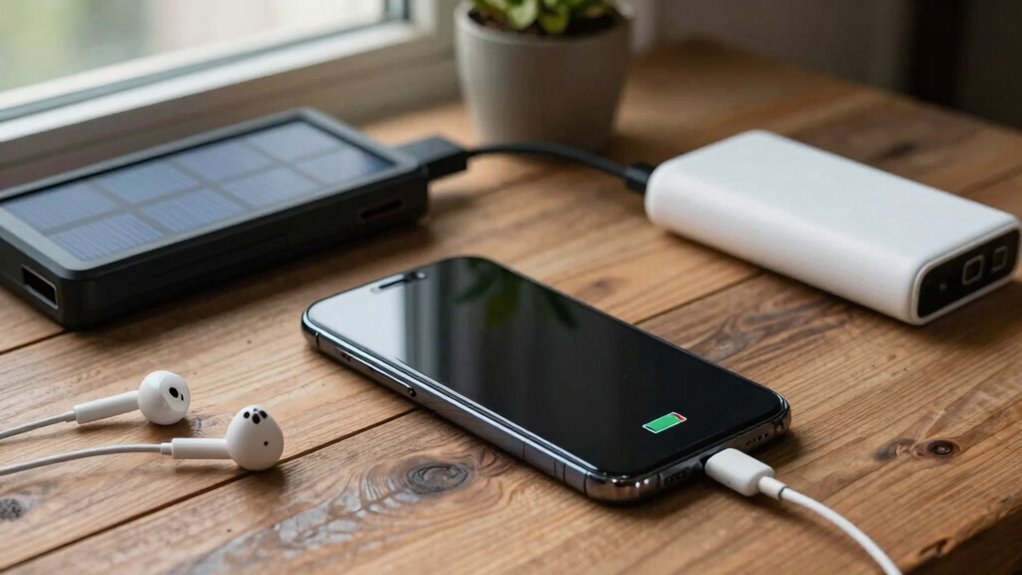

To stretch your device battery during multi-day outages, use solar chargers or power banks to keep devices running without stressing the battery. Optimize settings by enabling battery-saving mode, lowering screen brightness, and disabling Wi-Fi or Bluetooth when not needed. Practice smart habits like avoiding heavy use and keeping devices cool. Combining these tips with proper device management can considerably extend your battery life. For more effective strategies, explore additional methods that can help you stay connected longer.

Get backup power and energy gear delivered free — and shop member deals
- Fast, free delivery on millions of items
- Access to Prime Big Deal Days deals on October 6–7
- Prime Video, Amazon Music and more included
Key Takeaways
- Enable battery-saving modes, lower screen brightness, and disable unused features like Wi-Fi and Bluetooth.
- Use external power sources such as solar chargers and high-capacity power banks to recharge devices efficiently.
- Close background apps, limit notifications, and reduce automatic updates to minimize battery drain.
- Keep devices in cool environments and avoid heavy usage like gaming or streaming during outages.
- Regularly monitor and manage device power consumption to optimize battery life over multiple days.
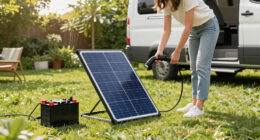
If you want your device’s battery to last longer throughout the day, adopting some simple habits can make a considerable difference. During multi-day outages, where charging options are limited, conserving your device’s power becomes essential. One effective strategy is to turn to solar chargers whenever possible. These portable devices harness sunlight, allowing you to recharge your phone or tablet without relying on traditional power outlets. Keep a solar charger in your emergency kit, especially if you’re planning outdoor activities or expect extended outages. When the sun is out, it becomes your reliable source of energy, helping stretch your device’s battery life. Just remember to position the solar panel correctly and be mindful of weather conditions to maximize efficiency.
Use solar chargers and position panels correctly to maximize energy during outages and outdoor activities.
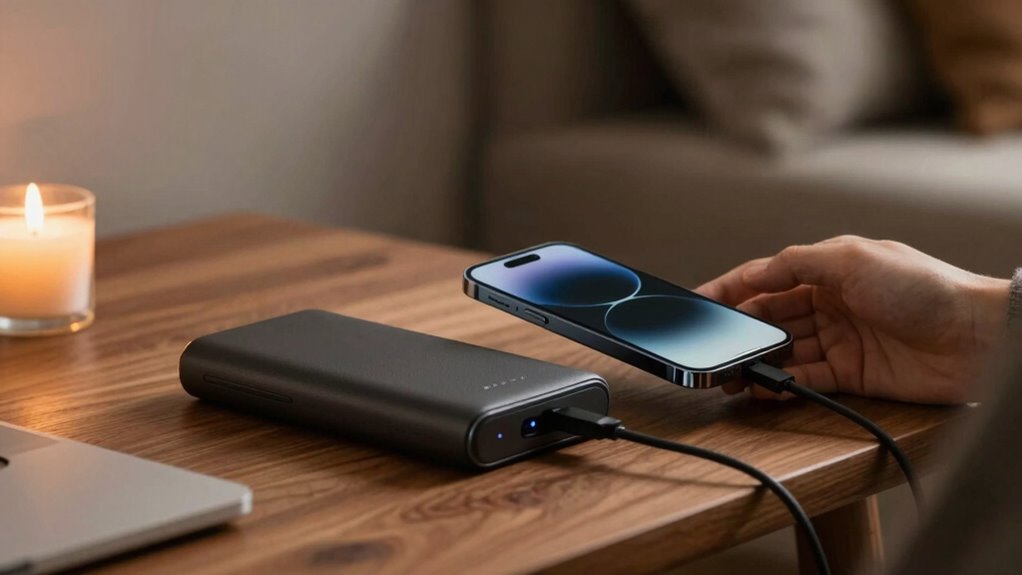
In addition to solar chargers, power banks are priceless when it comes to maintaining your device’s charge over several days. A good power bank acts as a portable battery that you can refill whenever you have access to power, and then use later when needed. Invest in a high-capacity power bank, especially one with fast-charging capabilities, so you can quickly top off your devices. Keep it charged and ready to go, and make sure to use it strategically—only when your device’s battery drops below a certain level or when you’re about to be away from charging sources for a while. Using power banks can markedly reduce unnecessary drain on your device’s battery, helping it last longer. Additionally, choosing the right battery capacity can make a significant impact on your device’s overall longevity during outages. Being aware of your device’s power consumption can also help you optimize usage and extend its life. Recognizing energy efficiency tips specific to your device can further enhance your battery management strategies. Incorporating device maintenance habits can also contribute to better battery health over time.
Beyond external power sources, managing your device’s settings is equally important. Switch to battery-saving modes, disable Wi-Fi and Bluetooth when not in use, and lower the screen brightness. Close apps running in the background, and avoid unnecessary notifications that can wake your device frequently. These small adjustments can add up, giving your battery more life during critical times. Also, consider reducing the frequency of automatic updates and background syncs, which drain power without you noticing.
Finally, practical habits like keeping your device cool and minimizing unnecessary usage can extend battery life. Heat accelerates battery drain, so store your device in a cool place and avoid heavy gaming or streaming during outages. Additionally, understanding how air quality can impact your device’s performance and battery health can help you take better care of your tech. By combining these habits—using solar chargers and power banks wisely, managing your device’s settings, and practicing responsible usage—you can markedly stretch your device’s battery life. This way, you stay connected longer, access essential information, and communicate when it matters most, even in challenging circumstances.
As an affiliate, we earn on qualifying purchases.
Frequently Asked Questions
Can External Batteries Fully Replace Device Charging During Outages?
External batteries, like power banks, can fully replace device charging during outages if they’re sufficiently charged and compatible. Solar charging power banks are especially useful, as they recharge via sunlight, extending their usefulness. Keep multiple power banks on hand, and maximize their capacity by limiting device use. This way, you guarantee your devices stay powered longer, even without access to traditional charging sources during multi-day outages.
How Does Screen Brightness Affect Battery Consumption?
Lowering your screen brightness through screen dimming greatly reduces battery consumption, helping your device last longer during outages. Bright screens drain power more quickly, so keeping brightness low conserves energy. Additionally, performing battery calibration ensures your device accurately reflects remaining charge, preventing unexpected shutdowns. By combining screen dimming with regular battery calibration, you optimize your device’s power use, making it more reliable during multi-day outages when charging options are limited.
Are There Any Apps That Help Conserve Battery Life?
Yes, there are apps that help conserve your device’s battery life. Battery saving apps and power management tools track your usage and optimize settings to extend battery life. They can automatically dim your screen, disable background apps, and manage connectivity features. Using these apps during outages keeps your device running longer, ensuring you stay connected when it matters most. Just choose reputable options compatible with your device for the best results.
Does Turning off Wi-Fi and Bluetooth Save Significant Power?
Turning off Wi-Fi and Bluetooth can save a significant amount of power, especially during multi-day outages. Engaging power saving settings helps reduce background activity, further conserving battery life. By disabling these features when not in use, you support overall battery maintenance, ensuring your device lasts longer. This simple step can make a notable difference, allowing your device to operate efficiently when you need it most.
How Often Should I Check My Device’s Battery Health?
Don’t let your battery catch you off guard—check its health every three to six months. Regularly monitoring your device’s battery calibration and tracking charging cycles helps you spot issues early. If you notice rapid declines, it might be time to recalibrate or replace the battery. Staying proactive guarantees your device stays reliable during outages, so you’re not left in the lurch when you need it most.
high capacity power bank fast charging
As an affiliate, we earn on qualifying purchases.
As an affiliate, we earn on qualifying purchases.
Conclusion
By mastering these simple tricks, you’ll become a guardian of your device’s energy, turning every charge into a lasting flame during those long outages. Think of your battery as a delicate garden—tend to it wisely, prune unnecessary apps, and keep it cool. With a little care, your device will shine bright, guiding you through the dark with unwavering power. Stay savvy, and let your battery’s light burn steady and strong.
As an affiliate, we earn on qualifying purchases.
outdoor solar charger for devices
As an affiliate, we earn on qualifying purchases.
As an affiliate, we earn on qualifying purchases.
Fall Picks
fall essentials
As an affiliate, we earn on qualifying purchases.