
To keep your fiber internet running during a power outage, you should set up backup power options like an uninterruptible power supply (UPS) for your modem and router. Consider using portable battery packs to power devices temporarily or keep a mobile hotspot nearby for quick access. Regularly test and recharge your backup solutions to make certain they’re ready when needed. For more tips on staying connected during outages, keep exploring ways to enhance your backup setup.

Get backup power and energy gear delivered free with Prime
- Fast, free delivery on millions of items
- Prime Video, Amazon Music and more included
- Member-only deals all year
Key Takeaways
- Use an uninterruptible power supply (UPS) to keep your modem and router powered during outages.
- Keep portable battery packs charged to provide temporary internet backup via USB or adapters.
- Set up mobile hotspots as a wireless backup for devices during fiber internet downtime.
- Regularly test and maintain backup devices to ensure they function when needed.
- Stay informed about power outage forecasts to proactively prepare backup solutions.
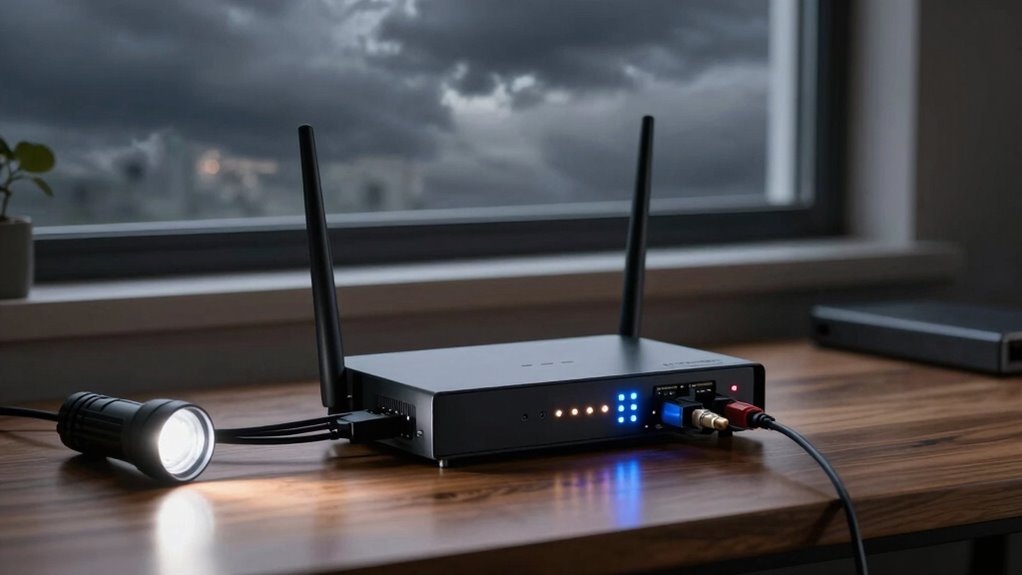
Power outages can disrupt your fiber internet connection, leaving you offline when you need it most. During these unexpected events, your online activities—whether working remotely, attending virtual classes, or streaming your favorite shows—come to a halt. To keep your internet up and running, you need dependable backup options that can step in when the power goes out. Wireless backup is one such solution that allows your devices to connect seamlessly to a secondary network, such as a mobile hotspot. This way, you’re not completely cut off from the internet, even if your primary connection drops. Setting up a wireless backup involves keeping a mobile device with a data plan nearby and ensuring it’s ready to share its connection when needed. It’s quick to activate and can provide essential internet access during brief outages, but it’s best suited for light browsing or urgent tasks due to data limits.
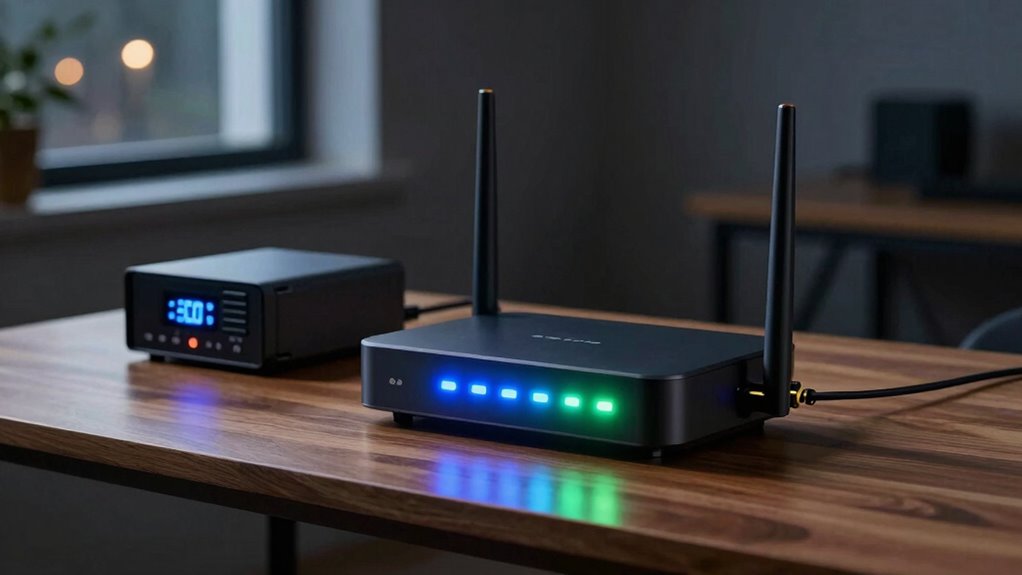
Battery solutions are another effective way to maintain connectivity during a power outage. These include uninterruptible power supplies (UPS) and portable battery packs designed specifically for networking equipment. A UPS is a compact device that connects directly to your modem and router, providing backup power to keep your fiber internet operational for minutes or even hours, depending on the capacity. This gives you enough time to save work, finish important calls, or properly shut down devices to prevent data loss. Portable battery packs, on the other hand, are highly versatile; they can power your modem or router directly via USB or power adapters, making them ideal for temporary outages or when you’re on the go. Investing in quality battery solutions ensures that your internet remains stable long enough to weather the blackout, reducing frustration and downtime. Being aware of power outages and internet disruption can help you better prepare with the right backup solutions. Additionally, understanding how backup power options work can help you choose the most suitable method for your needs.
Combining these strategies offers the best protection against power interruptions. For example, you could use a UPS to keep your home network active and a wireless backup for mobile devices during extended outages. This way, even if your main power source fails, your internet remains accessible through alternative means. Regular maintenance of your battery solutions—such as recharging portable packs and testing your UPS—is essential to guarantee they work when needed. Also, staying informed about power outage forecasts can help you prepare in advance and minimize disruptions. Being prepared with these battery solutions and wireless backup options not only minimizes service disruption but also grants you peace of mind, knowing that you won’t be left completely disconnected during a power outage. Ultimately, investing in the right backup solutions ensures your fiber internet stays reliable, no matter what unexpected power issues come your way.
Products Worth Considering

Philips Hue Smart LED Candle Bulbs, B39, E12, 2-Pack

Bose SoundLink Plus Portable Bluetooth Speaker, Black

Ring Alarm 5-Piece Wireless Security System
As an affiliate, we earn on qualifying purchases.
Frequently Asked Questions
Can I Use a Portable Generator to Power My Fiber Modem?
Yes, you can use a portable generator to power your fiber modem, but you must prioritize generator safety. Use a generator with enough capacity for your modem and other essential devices, and always operate it outdoors to avoid carbon monoxide buildup. Keep your generator well-maintained to protect its battery lifespan and guarantee reliable power. Remember, proper setup and safety precautions are key to keeping your internet running smoothly during outages.
How Long Can a Backup Battery Realistically Support Fiber Internet?
Think of your backup battery as a lifeboat—its support depends on its power capacity and battery lifespan. Typically, a well-maintained backup battery can support your fiber internet for 4 to 8 hours. The actual duration varies based on your device’s power demands and the battery’s capacity. To maximize uptime, invest in a higher-capacity battery and monitor its health regularly, ensuring you’re prepared for unexpected outages.
Are There Any Safety Tips for Using External Power Sources?
Yes, when using external power sources, prioritize emergency preparedness and electrical safety. Always read the manufacturer’s instructions carefully, and avoid overloading circuits. Use surge protectors to prevent damage to your equipment, and keep batteries and power banks away from water or heat. Make certain connections are secure before powering on, and unplug devices when not in use. Following these safety tips helps prevent accidents and ensures your fiber internet stays reliable during outages.
Will My Internet Speed Decrease During a Power Outage?
During a power outage, your internet speed may slow or drop, but your network security remains intact. Imagine a quiet, flickering light as the connection struggles to stay steady, affecting service reliability. While your data stays protected, the unstable power can cause temporary disruptions. To keep your connection consistent, consider backup power solutions, ensuring your network remains secure and reliable even when the lights go out.
What Maintenance Is Needed for Backup Power Systems?
You need to regularly check your backup power system’s battery lifespan and follow a maintenance schedule to guarantee reliability. Inspect batteries for corrosion or swelling, and test them periodically to verify they hold a charge. Replace batteries as recommended by the manufacturer, usually every 3-5 years. Keeping up with these maintenance tasks prevents unexpected failures during outages, ensuring your fiber internet remains operational when you need it most.
Conclusion
By preparing ahead, you turn your fiber internet into a sturdy lighthouse, guiding you safely through stormy blackouts. Keep backup power sources like UPS devices or generators ready, and your connection will shine brightly even when the grid dims. Think of it as installing a secret passage in your digital castle—ensuring your online world remains accessible no matter how dark the night. With a little planning, your internet can stay bright and steady, rain or shine.