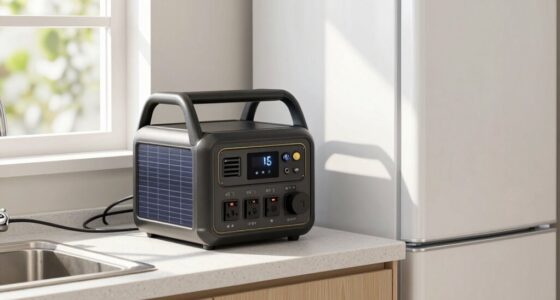
If your thermostat goes blank during an outage, it usually means there’s a loss of power from a tripped breaker, dead batteries, or wiring issues. Check your circuit breaker first, then replace batteries if needed. Inspect wiring connections for damage, and make certain no safety switches have been triggered. Sometimes a reset or firmware update restores function. If problems persist, a professional can help identify hidden faults—keep going to learn more about resolving these issues.

Get backup power and energy gear delivered free — and shop member deals
- Fast, free delivery on millions of items
- Access to Prime Big Deal Days deals on October 6–7
- Prime Video, Amazon Music and more included
Key Takeaways
- Power outages or tripped circuit breakers can cut power to the thermostat, causing the display to go blank.
- Dead or weak batteries may result in a blank screen, especially if the thermostat relies on batteries for power.
- Loose or damaged wiring disrupts power flow, leading to a non-responsive or blank thermostat display.
- Internal hardware failures, moisture damage, or aging components can cause the display to malfunction or go blank.
- Firmware glitches or software issues may temporarily freeze or turn off the display, often resolved by resets or updates.
Power Outages and Circuit Breaker Trips
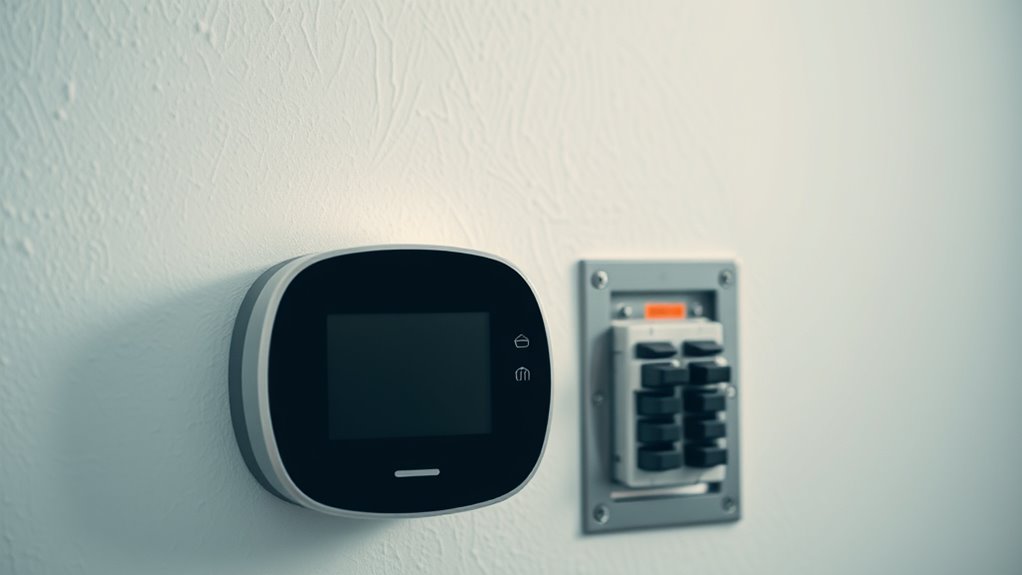
Power outages and tripped circuit breakers are common causes of a blank thermostat display. When the power goes out, your thermostat loses its electrical supply, leaving the screen blank and unresponsive. Similarly, if a circuit breaker trips, it cuts off power to your HVAC system, including the thermostat. Check your main breaker panel for any tripped switches and reset them if needed. Sometimes, a tripped breaker indicates an underlying issue like an overloaded circuit or a short. After resetting, see if the thermostat powers back on. If it doesn’t, verify that the breaker is fully engaged and inspect the breaker for signs of damage. Remember, repeatedly tripping breakers suggest a deeper electrical problem that should be diagnosed by a professional. Additionally, understanding your home’s electrical wiring system can help prevent recurring issues and ensure safe operation. Being aware of home electrical safety measures can also reduce the risk of future outages and equipment damage. Regularly inspecting your electrical components and understanding their capacity limits can further help in avoiding such problems. Familiarity with circuit breaker functionality can help you identify when a breaker is functioning properly or needs attention. Moreover, consulting a qualified electrician for persistent issues can help address underlying electrical faults before they cause further disruptions.
Checking and Replacing Batteries
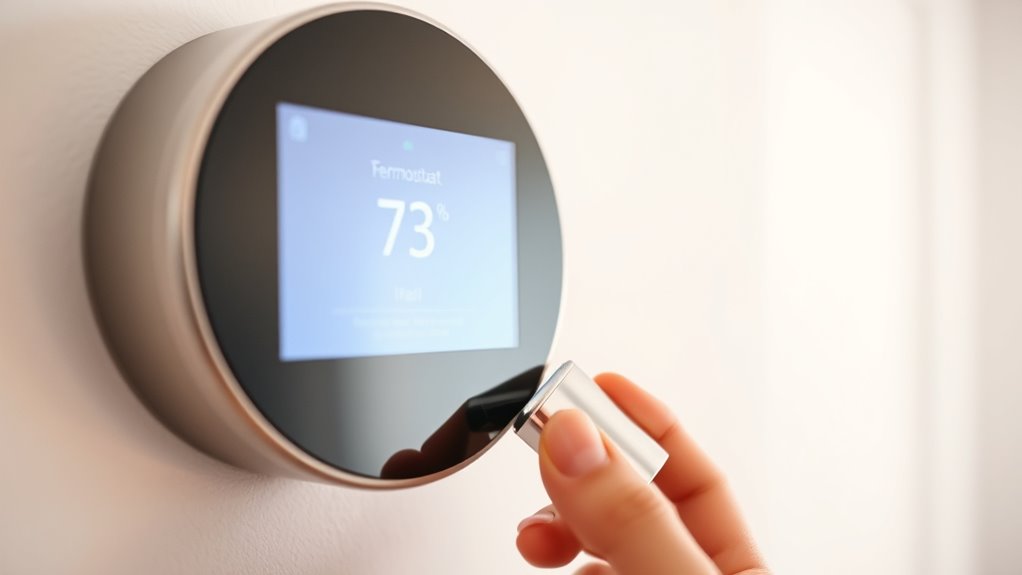
If your thermostat screen suddenly goes blank but the system’s not tripped or powered off, the next step is to check the batteries. Dead or weak batteries are the most common cause of a blank display, especially in battery-powered models. Look for signs like dimming, flickering, or intermittent display before it fully goes out. If you find that batteries are low or depleted, replace them with fresh, high-quality batteries. Most thermostats operate immediately after replacing batteries, restoring display and function. Some thermostats require batteries even when hardwired, so ensure contacts are clean and properly seated. Routine replacement every 6–12 months helps prevent unexpected blank screens and keeps your thermostat functioning reliably. Modern kitchen technology often incorporates smart features that can alert you when batteries are running low, ensuring continuous operation. Regularly checking device maintenance can also help identify potential issues before they cause a complete failure. Additionally, maintaining proper electrical connections can improve overall reliability and prevent power-related issues. Keep in mind that batteries can also corrode over time, which may interfere with connections and should be cleaned or replaced as needed. To further improve system reliability, consider inspecting the wiring and connections periodically to rule out loose or damaged wires.
Inspecting Wiring and Low-Voltage Connections
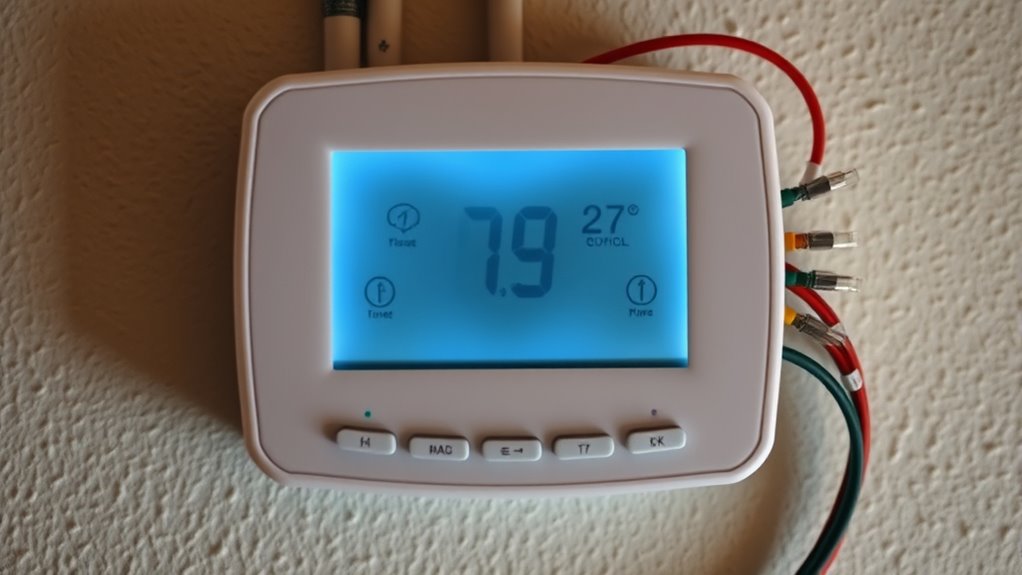
Start by checking for loose or disconnected wires at the thermostat and control panel, as these can interrupt power and cause the display to go blank. Look for signs of corrosion, damage, or bite marks that might indicate rodent activity or wear. Finally, measure the voltage at the terminals to verify the control circuit is receiving the proper 24V supply. Ensuring the power supply is stable and properly connected can help prevent display issues. Additionally, inspecting the wiring for proper connections can identify potential faults that disrupt the thermostat’s operation. Confirming the wiring integrity is crucial for reliable thermostat performance and to avoid future outages. Regularly checking the wiring connections can also help detect early signs of wear or corrosion before failures occur. Proper color accuracy in wiring and connections ensures the thermostat functions correctly and responds accurately to temperature changes.
Check for Loose Wires
Loose or disconnected wiring is a common culprit behind a blank thermostat display. You’ll want to check the wiring connections at the thermostat and the control board. Here’s what to do:
- Turn off power to avoid shocks, then remove the thermostat from its base.
- Inspect the wiring terminals for loose or disconnected wires, ensuring each is tightly secured.
- Look for signs of corrosion, frayed wires, or damage that could interrupt the control circuit.
- Verify that all wiring connections are properly routed and secured to prevent future issues.
- Additionally, consult your system’s wiring diagram to ensure all connections follow manufacturer guidelines for safety and reliability.
If you find loose wires, reconnect and tighten them properly. Also, gently tug on each wire to confirm they’re secure. Once everything looks good, restore power and test the thermostat. Proper wiring connections are essential for reliable operation.
Look for Corrosion or Damage
Carefully examine the wiring terminals and low-voltage connections for signs of corrosion, damage, or frayed wires. Look closely at the terminal screws and connectors; corrosion appears as green or whiteish deposits, which can interfere with electrical contact. Check for any broken or frayed wires that may have been damaged by rodents, nails, or accidental cuts during work. Loose or corroded connections can cause inconsistent power delivery, leading to a blank display. Also, inspect outdoor wiring for cracks, wear, or damage from weather or pests. Ensure all wires are securely attached and free of corrosion. Address any issues you find by cleaning corrosion with a wire brush, tightening connections, or replacing damaged wires before testing the thermostat again.
Measure Voltage at Terminals
Measuring the voltage at the thermostat terminals is a crucial step in diagnosing blank screens caused by wiring issues. You want to verify the thermostat is getting proper power and that connections are solid. Here’s what to do:
- Turn off power to avoid shocks, then carefully disconnect the thermostat from the base.
- Use a multimeter set to measure volts and check across the R (power) and C (common) terminals; you should see around 24V AC.
- If voltage is low or absent, inspect the wiring for corrosion, loose connections, or damage, especially at the control transformer and fuse.
- Ensuring you understand the control circuit can help identify whether the issue lies with wiring or the transformer itself.
If the voltage readings are inconsistent or zero, the wiring or transformer likely needs repair. Proper voltage confirms the control circuit is intact and helps pinpoint wiring faults.
Identifying Hardware or Software Failures
When your thermostat screen goes blank unexpectedly, internal hardware or software issues could be be the cause. Components inside the device might have failed over time, or firmware glitches could freeze the display. Checking for physical damage or updating software can help determine if the problem stems from hardware or software failures. Additionally, understanding the thermal behavior of the device can assist in diagnosing whether heat-related issues are affecting functionality. Recognizing how electrical load impacts the thermostat can also be crucial in troubleshooting display problems. Moreover, inspecting for necessary cookies that support device operations can sometimes reveal underlying issues affecting performance. Being aware of power supply stability and connections can further aid in pinpointing the root cause of display failures. Understanding local automation settings and routines may also help identify configuration issues that contribute to malfunctioning displays.
Internal Component Damage
Internal component damage is a common cause of a blank thermostat display, especially as devices age or experience electrical issues. Over time, internal circuits and electronics can wear out or fail, making the display go dark even if the HVAC system is functioning. To troubleshoot, consider these possibilities:
- Electronics failure: Internal circuit boards can burn out or develop cold solder joints, preventing power from reaching the display.
- Display damage: Cracks, backlight failure, or moisture ingress can cause the screen to go blank, even if other internal parts still work.
- Corrosion or moisture: Exposure to humidity or leaks can corrode internal components, disabling circuitry and resulting in a blank screen.
If internal damage is suspected, replacing the thermostat is often the most reliable solution.
Firmware or Software Glitches
Firmware or software glitches are common causes of a blank thermostat display, especially in smart or digital models. These glitches can freeze the display, cause it to flicker, or prevent it from updating. When this happens, your thermostat’s internal software may have become corrupted or encountered a bug. Sometimes, a simple reset can resolve the issue; turn the thermostat off, wait a few seconds, then power it back on. In other cases, firmware updates are needed to fix bugs or improve stability. If your thermostat supports it, check for available updates via the app or settings menu. Occasionally, internal memory corruption requires a factory reset or professional service. Regular firmware updates and resets can prevent software glitches from causing prolonged blank screens. Additionally, understanding navigation and mapping features can help troubleshoot if the thermostat has difficulty connecting or updating its location data. Recognizing the importance of firmware updates can ensure your thermostat operates smoothly and avoids these issues altogether.
Physical Display Issues
If your thermostat’s display remains blank despite powering on or resetting, the issue may lie with the hardware itself. You should check for common hardware failures that cause a blank screen:
- Display Damage: Cracks, backlight failure, or internal LCD issues can make the screen appear blank while internal electronics still work.
- Internal Electronics: Aging components or corrosion inside the thermostat can disable the display, especially in units over 10 years old.
- Moisture or Corrosion: Water ingress or dirt buildup inside the device can short circuits or damage the display circuitry, resulting in a persistent blank screen.
Safety Switches and HVAC Control Interactions
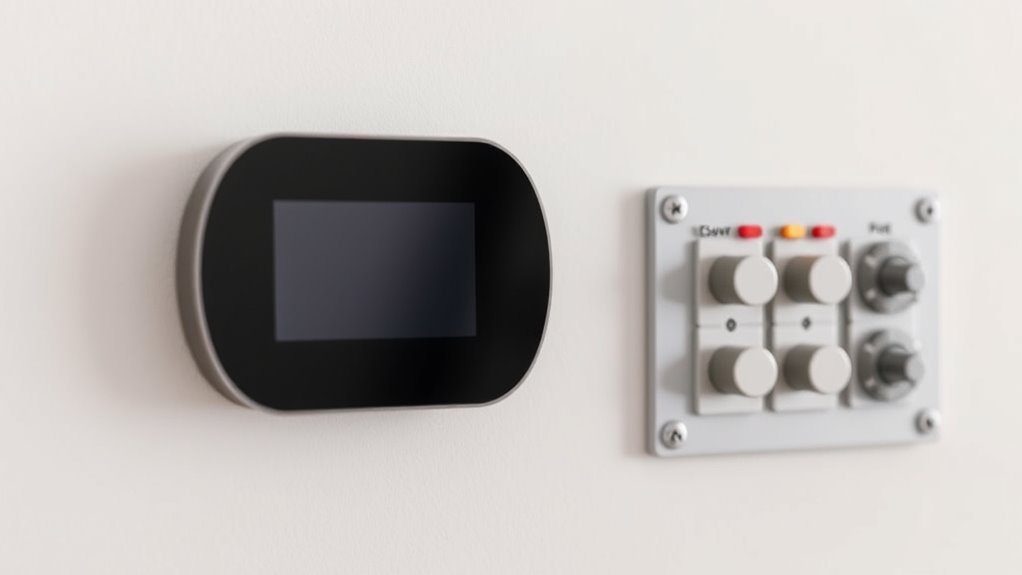
Safety switches, such as high-limit switches and condensate overflow switches, play a crucial role in protecting your HVAC system by cutting power when unsafe conditions occur. When these switches open, they remove power from the control circuit, causing the thermostat to go blank or appear unresponsive. High-limit switches activate if the system overheats, while condensate overflow switches trip if excess water threatens damage. Additionally, control board failures can disable the 24V power supply, making the thermostat seem dead. If safety switches or control interactions are involved, you might notice the thermostat’s display blank when these safety features trip or malfunction. Diagnosing these issues requires professional assessment to ensure safety and proper system operation before restoring power or replacing components.
Soft Resetting and Basic Troubleshooting
When your thermostat goes blank, a simple soft reset can often restore normal function without complex repairs. Here’s what you should do:
- Power cycle the breaker: Turn off the breaker controlling your HVAC system for 30 seconds, then turn it back on. This can reset the control board and clear minor glitches.
- Remove and reattach the thermostat: Gently disconnect the thermostat from its base, wait about 30 seconds, then reconnect it securely. This can resolve loose contacts or minor software issues.
- Reset smart thermostats: Use the device’s menu to select “Reset” or “Factory Reset,” or follow the manufacturer’s instructions for soft resetting. Sometimes a firmware refresh fixes display problems.
These steps often fix blank screens quickly, avoiding unnecessary repairs.
When to Seek Professional Assistance
Recognizing when to call in a professional is essential to avoid further damage or safety hazards. If you’ve checked batteries, circuit breakers, and wiring but the thermostat remains blank, it’s time to seek expert help. Signs include repeated tripping of the breaker, persistent fuse blows, or evidence of physical damage. Safety switches, control boards, or transformer issues often require specialized tools and knowledge. Attempting repairs beyond basic troubleshooting can risk personal injury or property damage. Consulting a licensed HVAC technician or electrician ensures proper diagnosis and safe resolution.
| Situation | Recommended Action |
|---|---|
| Repeated breaker trips or fuse blows | Call a professional |
| Visible wiring damage or corrosion | Seek licensed technician |
| Unresponsive smart thermostat after reset | Have a pro check internal components |
| Safety switch or control board faults identified | Contact HVAC or electrical specialist |
Frequently Asked Questions
Can a Power Outage Permanently Damage My Thermostat?
A power outage can permanently damage your thermostat, especially if there’s a power surge or electrical fault during the outage. Surges can blow internal components, leading to failure. Older thermostats are more vulnerable, and damage might not be immediately visible. If your thermostat stops working after a blackout, consider replacing it or having a professional inspect for internal damage to prevent future issues.
How Do I Know if My Thermostat’s Batteries Are Truly Dead?
You can tell if your thermostat’s batteries are dead if the display dims, flickers, or becomes intermittent before going blank. If replacing the batteries restores the display immediately, that confirms they were depleted. Check for corrosion or poor contacts if batteries seem fine but the screen still stays blank. Remember, many thermostats need fresh batteries every 6-12 months, so regular replacement helps prevent unexpected power loss.
What Specific Wiring Issues Cause a Thermostat to Blank Out?
Did you know that wiring issues account for up to 30% of thermostat failures? When your thermostat blanks out, loose, corroded, or disconnected wires are often the culprit. Poor contact or damaged wiring, such as frayed or chewed cords, interrupts the 24V control circuit. Shorted wires, bad connections, or rodent damage can all cause power loss. Inspect wiring visually and check voltage to pinpoint and fix these common problems.
How Can I Distinguish Between Hardware Failure and Software Glitches?
To tell if it’s hardware failure or a software glitch, start with a reset. If the display remains blank after resetting, it’s likely hardware, like a damaged LCD or internal component failure. If the thermostat resets or updates after a firmware update, it’s probably a software glitch. Check for physical damage or corrosion first, then try software resets; persistent issues point toward hardware failure needing professional repair or replacement.
Are Safety Switches Always the Cause of Thermostat Blank Screens?
Safety switches aren’t always the cause of a blank thermostat screen, but they can be at times. If a safety switch like a float switch or high-limit cutout opens, it cuts power to your thermostat. However, wiring issues, blown fuses, or control board failures are also common causes. To be sure, check safety switches first, then inspect wiring and fuses, or call a professional for a thorough diagnosis.
Conclusion
If your thermostat’s blank, it’s often just a gentle nudge from your system, asking for a little attention. Sometimes, a simple reset or a quick check is enough to keep things running smoothly. But if it still stays silent, it’s like a quiet whisper that it’s time to call in a pro. Trust your instincts—sometimes, the smallest fix can bring back the comfort you rely on.
Fall Picks
fall essentials
As an affiliate, we earn on qualifying purchases.