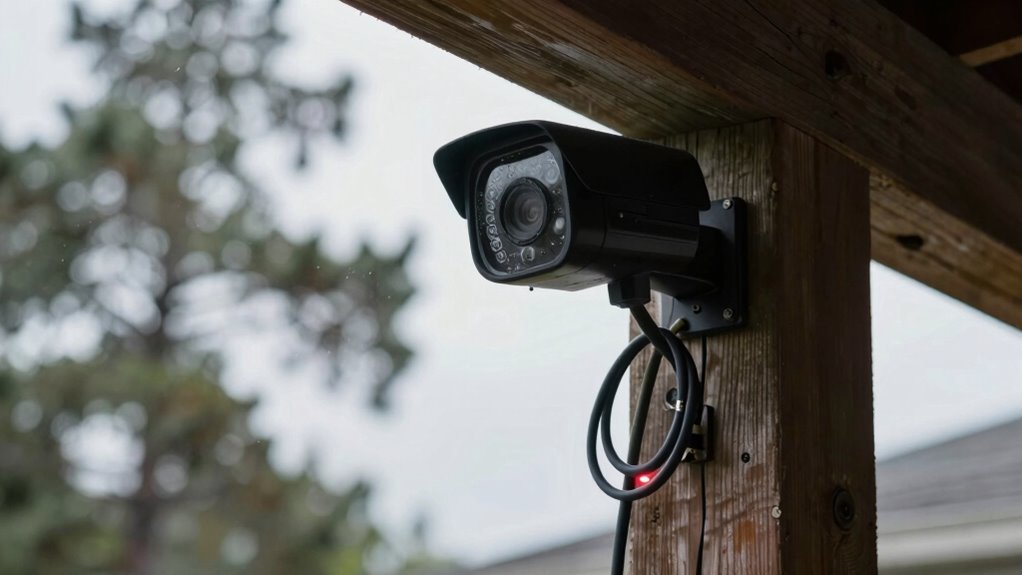

Before trusting your security systems during outages, verify backup power sources like batteries and generators are operational, well-maintained, and have enough runtime. Test these systems regularly to verify they activate correctly and keep recording data without gaps. Confirm communication channels are redundant and functioning during power failures. Check lock functions and emergency overrides, and ensure staff know how to respond. Maintaining these checks helps guarantee your systems remain reliable when you need them most. Stay informed on essential steps to keep your security trustworthy.

Get backup power and energy gear delivered free — and shop member deals
- Fast, free delivery on millions of items
- Access to Prime Big Deal Days deals on October 6–7
- Prime Video, Amazon Music and more included
Key Takeaways
- Verify backup power systems (UPS, batteries, generators) are operational and tested regularly to ensure continuous security system functionality.
- Confirm recording devices and storage solutions remain active and data integrity is maintained during outages.
- Test communication channels (cellular, wired internet, LTE failover) for redundancy and prompt alerts during power failures.
- Ensure lock and emergency egress systems have reliable power backups and proper override mechanisms.
- Train staff on emergency procedures, manual controls, and system responses to ensure preparedness during outages.
Assessing Backup Power Sources and Their Capabilities
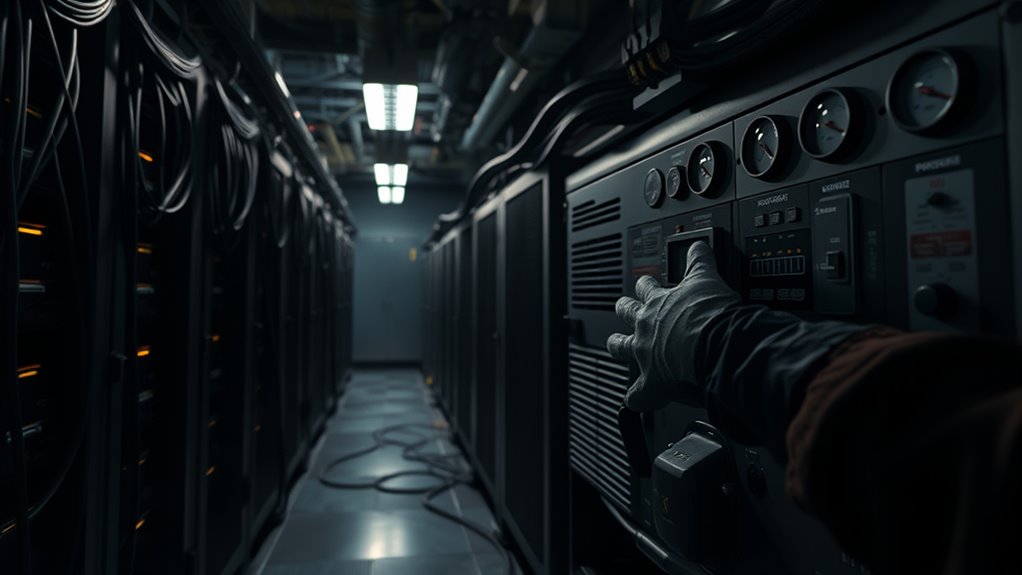
To effectively assess backup power sources, you need to identify the types of systems in place—such as UPS units, batteries, or standby generators—and understand their capabilities. Check the age and condition of batteries and UPS units, as most last about 3–5 years before replacements are needed. For generators, verify fuel levels, maintenance history, and whether automatic transfer switches are functioning correctly. Determine the maximum runtime each system can support, and ensure these estimates are validated through scheduled power-off tests. Keep records of past tests and monitor battery health with automatic alerts for low charge. Regularly inspecting and testing backup power systems is crucial to confirm they can reliably sustain critical security functions during outages. Conducting periodic performance evaluations can help identify potential weak points before an outage occurs. Understanding these factors helps you confirm your backup power can reliably sustain critical security functions during outages. Additionally, regularly testing your backup systems ensures they perform as expected when needed most. Incorporating a comprehensive maintenance schedule is essential for detecting potential issues early and maintaining system readiness over time. Maintaining awareness of backup system advancements can also help you implement improvements that enhance reliability and efficiency.
Verifying Runtime and Testing Power Failures
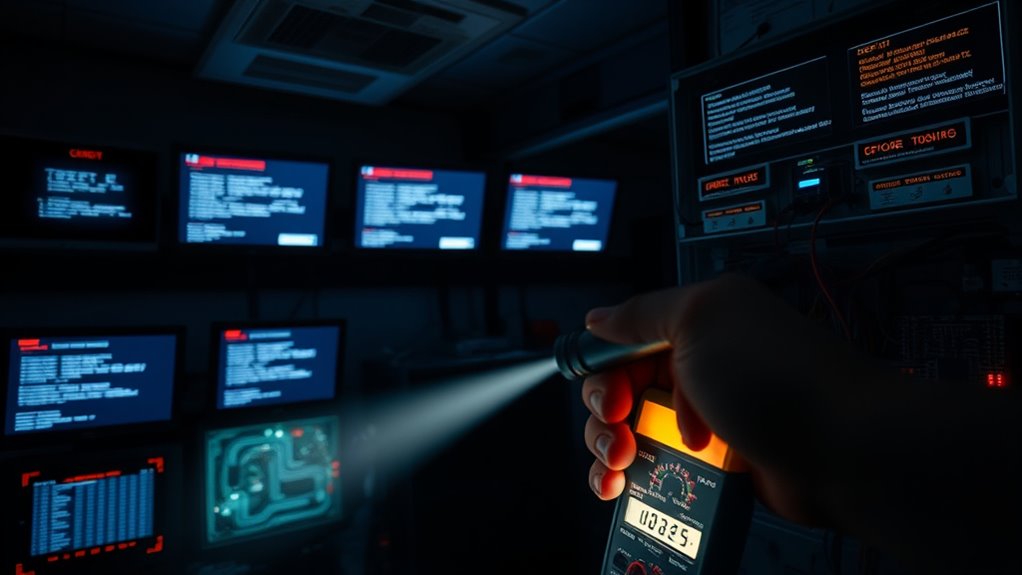
Regularly verifying your backup power’s runtime and testing power failure scenarios are essential to guarantee your security systems remain operational during outages. Testing helps confirm that your systems activate correctly and sustain critical functions under real conditions. To do this effectively, consider these steps:
Regularly test backup power to ensure security systems operate reliably during outages.
- Schedule routine power-off simulations to assess actual backup duration under load.
- Monitor battery health and replace batteries before they reach end-of-life.
- Test generator start-up and transfer switch operation to ensure seamless switchover.
- Document each test, noting any discrepancies or failures, and address issues promptly.
- Incorporate outdoor environment considerations, such as temperature fluctuations, which can impact battery and generator performance in remote or exposed locations.
- Keep an eye on battery capacity and performance metrics, as environmental factors can influence overall reliability.
- Regularly review your security system configurations to ensure they are optimized for backup operation.
- Evaluate the system load during testing to prevent overloads that could compromise backup performance.
- Additionally, consider the impact of wave and wind conditions, especially for outdoor security systems, as extreme weather can affect backup components and overall system reliability.
Consistent testing ensures your backup systems perform reliably when needed, reducing risks during actual outages. It also provides confidence that your security infrastructure remains resilient and ready for any contingency.
Ensuring Communication Path Resilience and Redundancy
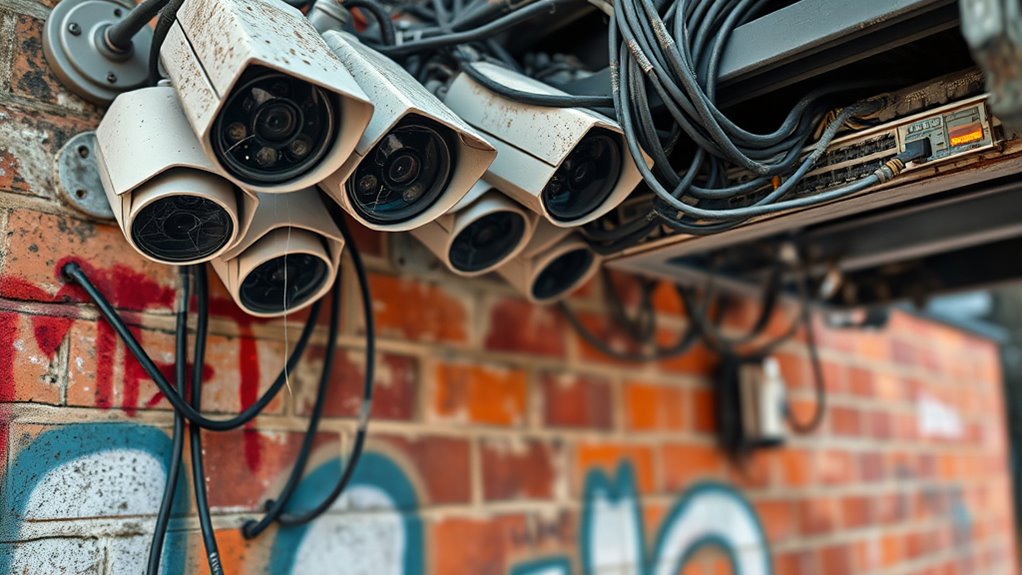
Reliable communication pathways are essential for maintaining security during power outages. You need multiple, independent channels—such as cellular, wired internet, and LTE failover—to prevent a single failure from disrupting alarm signals, camera feeds, or access control alerts. Regularly test these routes during scheduled power-down simulations to confirm they activate seamlessly and provide continuous coverage. Verify your cellular monitoring remains operational even if local internet fails, serving as an out-of-band alarm path. Automated alerts should notify you immediately if backup communication systems engage or encounter issues. Maintaining redundancy minimizes vulnerabilities, so avoid relying solely on a single provider or technology. Periodic reviews of your communication architecture help identify weak points and ensure your security system stays resilient, even during extended outages. Incorporating system diagnostics can help detect potential issues proactively before they impact security performance. Additionally, conducting comprehensive assessments of all communication links ensures ongoing reliability and readiness. Implementing redundant communication protocols further enhances overall resilience against outages.
Confirming Data Recording and Storage Integrity During Outages
During outages, ensuring your recordings remain intact depends on reliable backup power for your data systems and effective redundancy strategies. You need to verify that your cameras and storage devices continue functioning and that data is protected through multiple copies and offsite backups. Regular testing of recording continuity helps confirm that footage stays complete and accessible when it matters most.
Backup Power for Recordings
How can you guarantee that security recordings remain complete and uncorrupted when power outages strike? You need a robust backup power system dedicated to your recording equipment. Proper planning ensures continuous data capture, preventing gaps that compromise evidence integrity. Consider these critical factors: 1. Regularly test your UPS and batteries to confirm they support recording systems during outages. 2. Use generators with automatic transfer switches for extended runtime, and schedule routine load testing. 3. Implement surge protection and voltage regulation to shield equipment from transient power surges. 4. Monitor backup power health with automated alerts to address issues proactively before failure occurs. Additionally, understanding the importance of piercing care and hygiene can help prevent equipment damage caused by moisture or contamination during power disruptions.
Data Redundancy Strategies
Implementing thorough data redundancy strategies is essential to maintain the integrity and availability of security recordings during outages. You should employ a 3-2-1 backup approach: keep multiple copies of footage across different media types, such as local servers, external drives, and cloud storage. Regularly verify that backups are complete and accessible. Ensure local storage systems are protected with surge suppressors and voltage regulators to prevent damage during power fluctuations. Verify that your network connections to cloud providers are resilient, using redundant paths like multiple ISPs and cellular failover. Schedule routine tests to confirm that recordings continue seamlessly during simulated outages. Automated alerts for backup failures help you address issues proactively, ensuring critical footage remains intact and accessible when needed.
Testing Recording Continuity
Regularly testing your security system’s recording continuity guarantees you can verify that footage remains intact and accessible during power outages. To guarantee reliability, focus on these key areas:
- Conduct scheduled power-off simulations to confirm backup power activates and maintains recording functions. Backup power systems are essential for uninterrupted data collection during outages.
- Check that all storage devices, including NVRs or cloud backups, continue to operate without data gaps.
- Monitor system logs for recording interruptions or failures during simulated outages. Regular log reviews help identify potential issues before they become critical.
- Verify that automatic alerts notify you of recording disruptions, enabling prompt response.
- Implement redundant storage solutions to ensure data preservation even if primary systems fail during outages. Understanding system resilience can significantly improve your system’s reliability during unexpected outages.
Checking Access Control Lock Behavior and Emergency Overrides
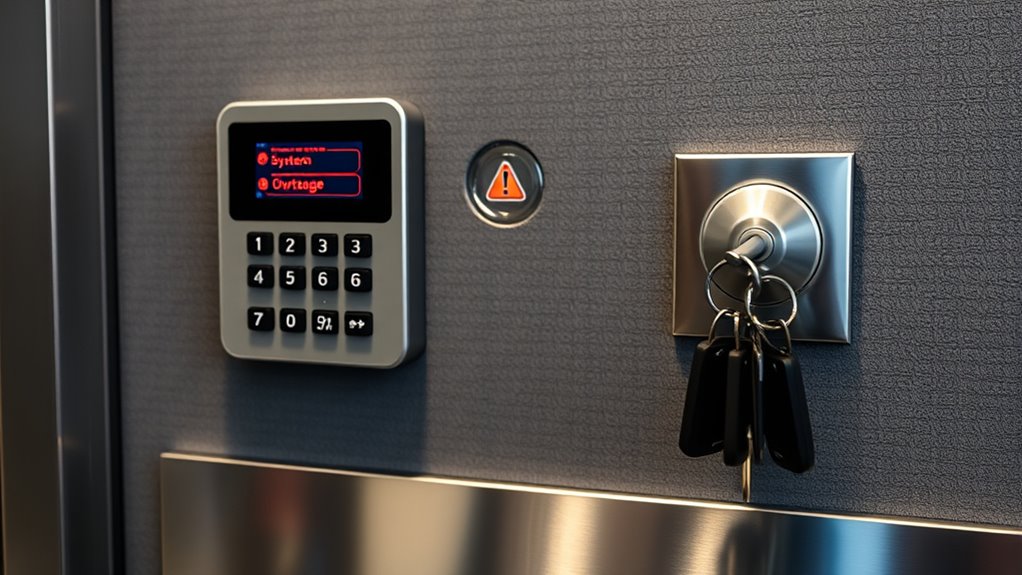
Understanding how your locks behave during power failures is essential; make certain their type (fail-secure or fail-safe) matches your security and safety needs. You should verify that emergency egress systems comply with local codes and remain operational when power is out. Regular testing of lock functions and overrides helps confirm occupants can exit safely during outages. Additionally, knowing the types of locks used can inform you about their performance in emergency situations and ensure they support your self-sufficiency and preparedness goals. Being aware of security system standards can further enhance your safety measures during outages. To ensure consistent safety, it’s also beneficial to review power backup options for your access control systems to prevent failures during outages. Considering system redundancy can further improve reliability during power disruptions. Incorporating industry best practices ensures your security system remains effective and compliant during outages.
Lock Type and Power Failures
When power failures occur, the behavior of access control locks depends on their design—specifically, whether they are fail-secure or fail-safe. Fail-secure locks remain locked during outages, maintaining security but potentially hindering egress. Fail-safe locks unlock, prioritizing safety and quick evacuation. To guarantee reliability, you should:
- Verify lock type aligns with safety and security policies.
- Test emergency override functions to confirm they operate correctly during power loss.
- Check battery backup status for credential readers, strikes, and interlocks.
- Confirm manual and mechanical overrides are accessible and compliant with local codes.
- Understand the energetic alignment of your security systems to ensure consistent performance during outages, which can involve assessing power source redundancies and backup systems.
Understanding these behaviors helps prevent unintended lockouts or safety hazards during outages, guaranteeing occupant safety and security integrity. Regular testing is vital to validate proper lock response under power failure conditions.
Emergency Egress Compliance
Ensuring emergency egress compliance requires verifying that access control locks and overrides function correctly during power outages. You need to confirm that fail-safe locks disengage when power fails and that emergency override mechanisms activate properly. Regular testing guarantees occupants can exit safely without delay. Check if battery backups sustain lock operation long enough for evacuation and verify that emergency keys or override switches work reliably.
| Lock Type | Behavior During Power Loss |
|---|---|
| Fail-safe | Unlocks automatically, facilitating safe egress |
| Fail-secure | Remains locked, requiring manual override or emergency key |
| Override Method | Functionality During Outage |
| Mechanical key | Provides immediate manual disengagement during power failure |
| Emergency switch | Activates unlocking in critical situations |
Reviewing System Redundancy and System Architecture Robustness

Reviewing system redundancy and architecture robustness involves evaluating how well your security infrastructure can withstand power outages and component failures. You need to identify vulnerabilities and guarantee continuous operation through multiple layers of resilience. Consider these key aspects:
- Implement dual communication pathways, such as wired internet and cellular backup, to prevent single-point failures.
- Use mirrored or redundant servers and storage to ensure data integrity during outages.
- Incorporate both wired and wireless controls, allowing fallback options if one system fails.
- Maintain clear documentation of system topology, power sources, and failover sequences for quick troubleshooting.
Conducting Regular Testing and Operational Drills

Regular testing and operational drills are essential to verify that your security systems perform reliably during power outages and other emergencies. They help identify weaknesses before an actual event, ensuring systems activate correctly and maintain functionality. Schedule simulations like power failures, generator startups, or communication disruptions. Document each test, noting runtime, response times, and system behavior. Use the table below to track key components:
| Test Type | Key Focus |
|---|---|
| Power-Off Simulation | Backup power activation |
| Communication Failures | Alert delivery and redundancy |
| Recording Continuity | Data preservation during outages |
| Door Lock Behavior | Fail-secure vs. fail-safe responses |
Consistent drills ensure everyone knows procedures, improve response times, and validate the resilience of your security infrastructure.
Monitoring System Alerts, Battery Health, and Maintenance Schedules
Monitoring system alerts and battery health is critical for maintaining security system reliability during outages. You need to ensure that alerts for low battery levels and system malfunctions are active and properly monitored. Regularly check and interpret these alerts to prevent unexpected failures. To optimize your maintenance, consider these key points:
- Set up automated alerts for battery health, system errors, and backup power engagement to receive timely notifications.
- Schedule routine inspections of batteries, UPS units, and generators, following manufacturer recommendations.
- Track maintenance schedules to avoid overlooked replacements or repairs, especially for aging components.
- Conduct periodic testing of backup power systems during simulated outages to verify alert accuracy and system readiness.
Staying proactive with alerts and maintenance ensures your security system remains operational when it matters most.
Reviewing Documentation, Procedures, and Staff Training
Ensuring your security system’s reliability during outages requires thorough documentation of system architecture, procedures, and staff training. You need clear diagrams of hardware layouts, power sources, and backup systems to identify vulnerabilities quickly. Well-defined procedures for manual overrides, power failures, and emergency responses guide staff during disruptions. Regularly update these protocols to reflect system changes and lessons learned from drills. Staff training is vital; personnel should be familiar with emergency procedures, troubleshooting steps, and manual controls. Conduct routine training sessions and simulations to reinforce knowledge. Documentation and training guarantee everyone knows their roles, reduces response times, and minimizes errors during outages. Regular reviews of these materials help maintain preparedness, keeping your security systems resilient and trustworthy when it matters most.
Frequently Asked Questions
How Often Should Backup Power Systems Be Inspected and Maintained?
You should inspect and maintain your backup power systems at least every six months. Regular checks make certain batteries, UPS units, and generators are functioning properly and have no signs of wear or damage. Schedule routine testing, including power-off simulations, to verify runtime and reliability. Keep detailed records of inspections and maintenance, and promptly replace any aging components to prevent unexpected failures during outages.
What Are the Signs of Failing Batteries or UPS Units?
You’ll notice failing batteries or UPS units when they no longer hold a charge, causing shorter backup runtimes. Look for warning indicators like unusual noises, overheating, or frequent automatic shutdowns. If the unit’s indicator lights turn red or flash, or if alarms sound, it’s a sign they need replacement. Regular testing and monitoring alerts help catch issues early before critical systems are compromised during outages.
How Can I Verify Communication Redundancy During an Outage?
You can verify communication redundancy during an outage by testing all backup paths regularly. Use scheduled power-off simulations to confirm cellular, wired internet, and LTE failover systems activate properly. Monitor automated alerts that notify you when backup communication channels engage or fail. Guarantee your remote monitoring center receives these alerts and verifies connectivity. Conduct routine drills to confirm seamless switching between paths, and review logs to identify any gaps or delays in redundancy.
What Procedures Ensure Data Integrity After Extended Power Failures?
You should regularly test your backup power systems, like NVRs and cloud storage, during simulated outages to verify data integrity. Confirm your backup strategies, such as 3-2-1 copies, are in place and functioning correctly. Monitor battery health and replace batteries as needed. Use surge protection to prevent equipment damage, and verify that your system continues recording seamlessly during extended power failures. Document and review these procedures periodically.
How Do Lock Behaviors Impact Occupant Safety During Outages?
Lock behaviors directly impact occupant safety during outages. Fail-secure locks keep doors locked when power fails, which can trap occupants if emergency egress isn’t planned. Fail-safe locks unlock automatically, allowing quick evacuation but potentially compromising security. You should verify lock configurations match safety policies, guarantee backup power supports critical locking mechanisms, and test door behavior during outages regularly. Proper integration with emergency systems guarantees safety without sacrificing security during power disruptions.
Conclusion
By thoroughly checking these critical aspects, you guarantee your security system remains steadfast when outages strike. Think of your system as a fortress—only as strong as its weakest link. Regular assessments and proactive maintenance turn uncertainty into confidence. Don’t wait for a breach to realize its vulnerabilities; stay one step ahead. Remember, in the world of security, vigilance isn’t just a choice—it’s your best defense against the unexpected.
Fall Picks
fall essentials
As an affiliate, we earn on qualifying purchases.