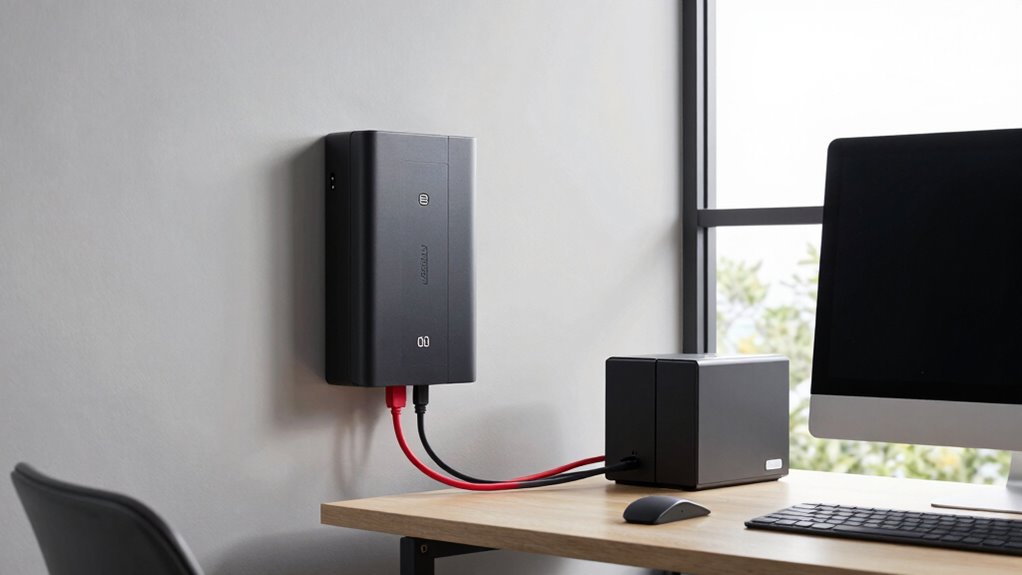

To build a reliable battery backup for your home office, start by evaluating the wattage of your essential devices like your computer, monitor, and router. Choose a UPS with slightly higher capacity than your total equipment needs to avoid overloading and ensure enough runtime. Regularly test and maintain your UPS batteries, replacing them every 3-5 years. Prioritize critical devices during outages and shut down non-essentials to conserve power. For more tips on creating an effective setup, keep going.
Open a free Amazon Business account
Business pricing, bulk buying and tax-exempt orders.
As an affiliate, we earn on qualifying purchases.
Key Takeaways
- Assess your essential devices’ wattage to determine the appropriate UPS capacity and runtime needs.
- Choose a UPS with slightly higher capacity than your total device wattage to handle surges and future expansion.
- Regularly test and maintain UPS batteries, replacing them every 3-5 years for reliable backup.
- Prioritize critical equipment like computers and routers, shutting down non-essential devices during outages.
- Develop a contingency plan for prolonged outages, including external power sources and safe shutdown procedures.
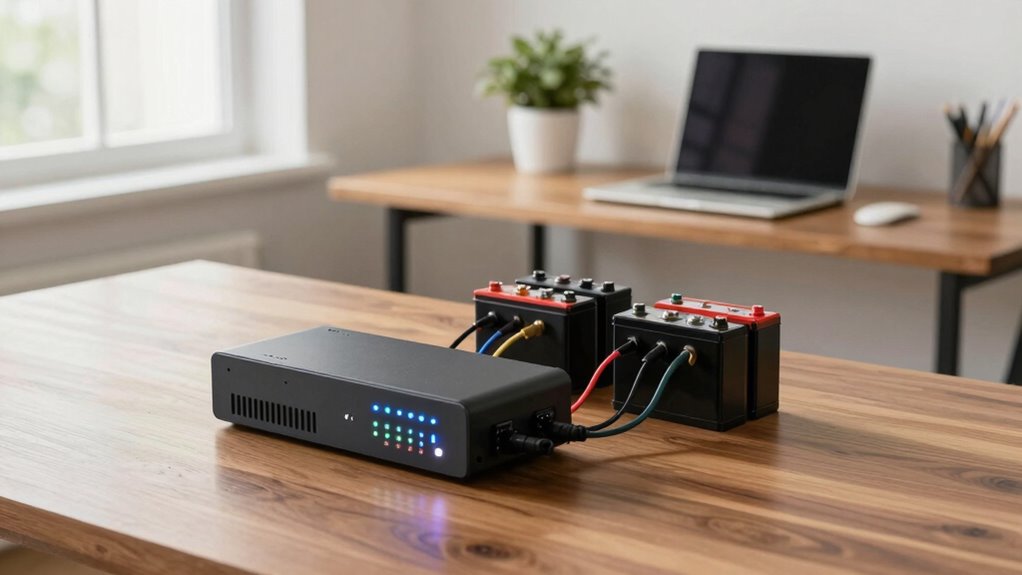
When you rely on your home office for work, power outages can disrupt your productivity and put important data at risk. Building a reliable battery backup setup is essential to keep your workflow uninterrupted and protect your equipment. The first step is understanding power management—how you distribute and conserve power during outages. You want to choose a UPS (Uninterruptible Power Supply) that matches your equipment’s power needs and provides enough runtime to save work and shut down safely. Oversizing the UPS can be costly and unnecessary, while undersizing can leave you unprotected. Assess the wattage of your computer, monitor, router, and other essential devices, then select a UPS with a slightly higher capacity to handle sudden surges or additional devices.
Choose a UPS that matches your device wattage for reliable backup and safe shutdown during outages.
Once you’ve chosen the right UPS, focus on backup maintenance. Regularly testing your system ensures that it will perform when needed. Many people forget to perform routine checks, which can lead to surprises during an outage. Schedule periodic tests to verify that your UPS can deliver the promised backup time and that all connections are secure. Keep the batteries clean and replace them according to the manufacturer’s recommendations—most UPS batteries last between three to five years. Proper backup maintenance not only prolongs the lifespan of your equipment but also guarantees that your backup system is always ready to support you. Power management plays a crucial role in optimizing backup performance and efficiency. Additionally, understanding the capacity requirements of your devices helps prevent overloading your backup system. Implementing proper power management practices can further improve overall system reliability.
Power management isn’t just about selecting the right equipment; it’s also about how you use it. During an outage, prioritize critical devices like your computer and router, and shut down non-essential equipment to conserve battery life. Consider plugging your devices into outlets that are connected to the UPS, so they automatically switch to backup power when the main power fails. This ensures a seamless transition without manual intervention, which is crucial when you’re in the middle of an important task or on a tight deadline. Proper power distribution can help maximize your backup runtime and protect your equipment from power fluctuations. To further enhance your backup setup, exploring energy-efficient devices can help reduce overall power consumption and extend your system’s runtime during outages.
In addition, keep a contingency plan for extended outages. While a UPS can provide temporary power, it’s wise to have backup options like portable chargers or external batteries for longer disruptions. Maintain a list of steps for safely shutting down your devices and saving your work if the backup power runs out. Investing in proper power management and diligent backup maintenance can safeguard your productivity and your valuable data, giving you peace of mind that your home office remains operational regardless of external power issues.
As an affiliate, we earn on qualifying purchases.
Frequently Asked Questions
How Long Should My Battery Backup Last During an Outage?
Your battery backup should last long enough to keep essential devices running during an outage, typically 4 to 8 hours, depending on your needs. Consider your battery capacity and desired power duration—if you need to work through power cuts, aim for a higher capacity that provides longer runtime. Balance your backup size with your budget, ensuring you have enough power duration to save work and stay connected until power returns.
Can I Connect Multiple Devices to a Single Battery Backup?
You can connect multiple devices to a single battery backup, but you need to be cautious—don’t bite off more than you can chew. Prioritize essential devices and consider their power consumption, especially if you want to include renewable energy options. Keep in mind, the more devices you connect, the faster your battery’s lifespan declines. So, plan carefully, or you’ll find yourself in a pickle when outages last longer than expected.
What Maintenance Is Required for a Home Battery Backup System?
To keep your home battery backup system running smoothly, you need to follow a regular maintenance schedule. Check the battery’s connections and overall condition monthly, and keep it clean and dry. Monitor the battery lifespan and replace it when it nears its end. Make certain ventilation is adequate, and follow manufacturer guidelines for any specific upkeep. Proper maintenance helps extend your system’s life and ensures reliable backup power when needed.
How Does Temperature Affect Battery Backup Performance?
They say “a stitch in time saves nine,” and that applies to temperature effects on your battery backup. Extreme heat or cold can considerably impact battery efficiency, causing it to drain faster or hold less charge. Cold temperatures slow chemical reactions inside the battery, reducing performance, while heat accelerates aging. To keep your backup running smoothly, store and operate it within recommended temperature ranges for ideal performance.
Is a Portable or Stationary Battery Backup Better for Home Offices?
A stationary battery backup is generally better for home offices because it offers higher capacity and more reliable power during outages. However, portable options have advantages like flexibility and easy relocation, perfect if you work in different spaces or need backup for multiple devices. Consider your power needs, space, and mobility. If stability and capacity are priorities, choose stationary; if convenience and portability matter more, opt for a portable backup.
uninterruptible power supply for computer
As an affiliate, we earn on qualifying purchases.
As an affiliate, we earn on qualifying purchases.
Conclusion
Think of your home office battery backup as a trusty lighthouse guiding your work through stormy nights. Just as a lighthouse keeps ships safe amidst darkness, your backup system ensures your productivity stays steady during power outages. When you build it the right way, you’ll navigate any blackout with confidence, knowing your work won’t drift off course. Keep it well-maintained, and your home office will always shine bright, no matter what storms may come.
surge protector with battery backup
As an affiliate, we earn on qualifying purchases.
As an affiliate, we earn on qualifying purchases.
As an affiliate, we earn on qualifying purchases.
Fall Picks
fall essentials
As an affiliate, we earn on qualifying purchases.