
TL;DR
Listen free for 30 days with Audible
Thousands of audiobooks and originals — cancel anytime.
Start your free trialAs an affiliate, we earn on qualifying purchases.
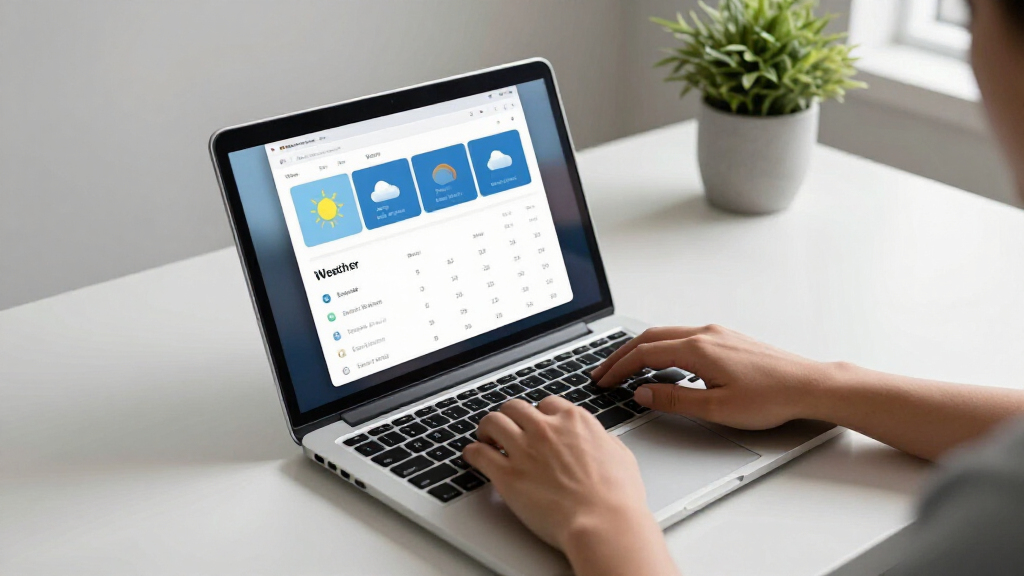
The built-in Weather app in Windows 11 is reported to use over 1 GB of RAM, which could impact system performance. Microsoft has not yet responded to these claims. The issue highlights potential inefficiencies in Windows 11’s resource management.
Recent reports have confirmed that Windows 11’s built-in Weather app is consuming over 1 GB of RAM during typical use. This high memory usage has raised concerns among users and experts about the app’s efficiency and potential impact on overall system performance. Microsoft has not issued an official statement addressing these claims as of now.
The concern originated from user reports and independent testing indicating that the Weather app, which is integrated into Windows 11, can consume more than 1 gigabyte of RAM while running in the background or during active use. This memory footprint significantly exceeds typical expectations for a lightweight app, especially one that primarily displays weather information.
Microsoft’s official documentation describes the Weather app as a simple, resource-light application. However, recent findings suggest that it may be consuming resources disproportionately, possibly due to background data fetching, animations, or other features. The issue appears to be consistent across multiple Windows 11 devices, including those with modest hardware specifications.
Microsoft has not yet responded publicly to these reports, and it remains unclear whether this high RAM usage is a bug, a feature, or a misconfiguration. Experts warn that if the problem persists, it could lead to reduced performance, especially on systems with limited RAM, affecting user experience and multitasking capabilities.
Potential Impact on Windows 11 Users and System Performance
This development matters because excessive RAM consumption by a built-in app can degrade overall system performance, especially on devices with limited memory. Users may experience slower responsiveness, increased battery drain, or system instability. It also raises questions about resource management practices within Windows 11 and whether other apps or processes might similarly be inefficient.
For enterprise users and IT administrators, such issues could complicate device management and performance optimization. The situation underscores the importance of ongoing software testing and optimization in Windows updates.

Microsoft Windows 11 (USB)
- Refreshed, user-friendly design: Less chaos, more calm
- Enhanced security features: Biometric logins and advanced antivirus
- Optimized multitasking tools: Snap layouts, desktops, seamless redocking
As an affiliate, we earn on qualifying purchases.
As an affiliate, we earn on qualifying purchases.
Background on Windows 11’s Resource Management and App Design
Windows 11 introduced various new features and redesigned interfaces, with an emphasis on integration and user experience. The Weather app, part of the Microsoft Weather service, has been included as a default app since Windows 10, with improvements in Windows 11 to enhance visual appeal and data integration.
Historically, Microsoft has aimed to keep built-in apps lightweight, but recent reports suggest that some apps may not align with this goal. The issue of high RAM usage by the Weather app appears to be a new concern, possibly linked to recent updates or changes in app architecture.
Prior to this, Windows 11 has faced scrutiny for other performance-related issues, but this particular RAM consumption anomaly is a new development attracting attention from users and experts alike.
“We are aware of reports regarding resource usage and are investigating the matter.”
— Microsoft spokesperson
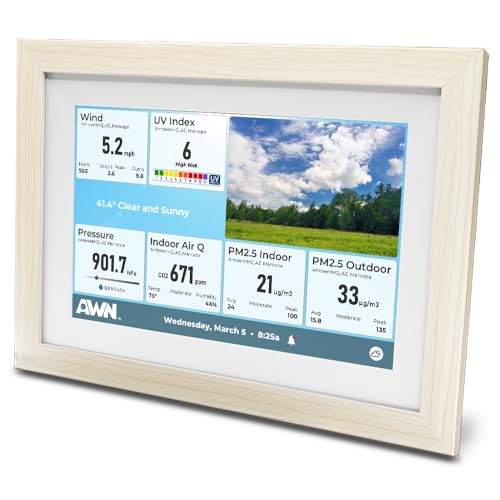
Ambient Weather Network Weather Window
- All Weather Data in One View: Combine station data, public stations, and camera images
- No Station Needed: Access data from over 180,000 public stations
- Hyper-Local Forecasting: Get current, hourly, and 10-day forecasts
As an affiliate, we earn on qualifying purchases.
As an affiliate, we earn on qualifying purchases.
Extent and Cause of the RAM Usage Issue Remain Unclear
It is not yet confirmed whether the high RAM usage is due to a bug, a deliberate feature, or a misconfiguration. The scope of the problem across different device types and configurations is still being assessed, and Microsoft has not provided an official explanation or a timeline for resolution.

WinOptimizer 28 – Increase the performance, stability and system optimizer – License for 3 PCs – for Windows 11, 10, 8.1, 7
- System Optimization: One-click and automated PC optimization
- Crash Fixes: Eliminates errors and crashes
- Performance Boost: Speeds up application launches
As an affiliate, we earn on qualifying purchases.
As an affiliate, we earn on qualifying purchases.
Microsoft Likely to Investigate and Address the Issue in Future Updates
Microsoft is expected to investigate the reports and may release updates to optimize the Weather app’s resource management. Users are advised to monitor system performance and consider closing the app if experiencing issues. Further official statements are anticipated in the coming weeks as the company assesses the situation.

XINDELL Interior Windshield Cleaner Tool – Car Interior Window Cleaning Kit with Extendable Handle & 4 Microfiber Pads, Auto Wiper Inside Compact Windshield Brush for Car & Home Windows
- ✅Effortless Auto Glass & Windshield Cleaning – The…
- ✅Full Coverage for Perfect Visibility – Features an…
- ✅Inside & Outside, Dry or Wet – Nano-fiber…
As an affiliate, we earn on qualifying purchases.
As an affiliate, we earn on qualifying purchases.
Key Questions
Is the high RAM usage confirmed on all Windows 11 devices?
Currently, reports indicate that the issue is present on multiple devices, but comprehensive testing across all configurations has not been completed. Microsoft has not confirmed the scope of the problem.
Will Microsoft release a fix for this RAM issue?
Microsoft has acknowledged the reports and is investigating; a fix or update is likely but has not been officially announced yet.
Does this problem affect other built-in Windows 11 apps?
There is no evidence to suggest that other apps are similarly affected at this time, but ongoing investigations may reveal broader resource management concerns.
Should I disable the Weather app to improve performance?
If experiencing significant performance issues, users may consider closing or disabling the app temporarily until an official fix is released.
Source: hn
Grilling season Picks
grills
As an affiliate, we earn on qualifying purchases.