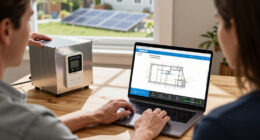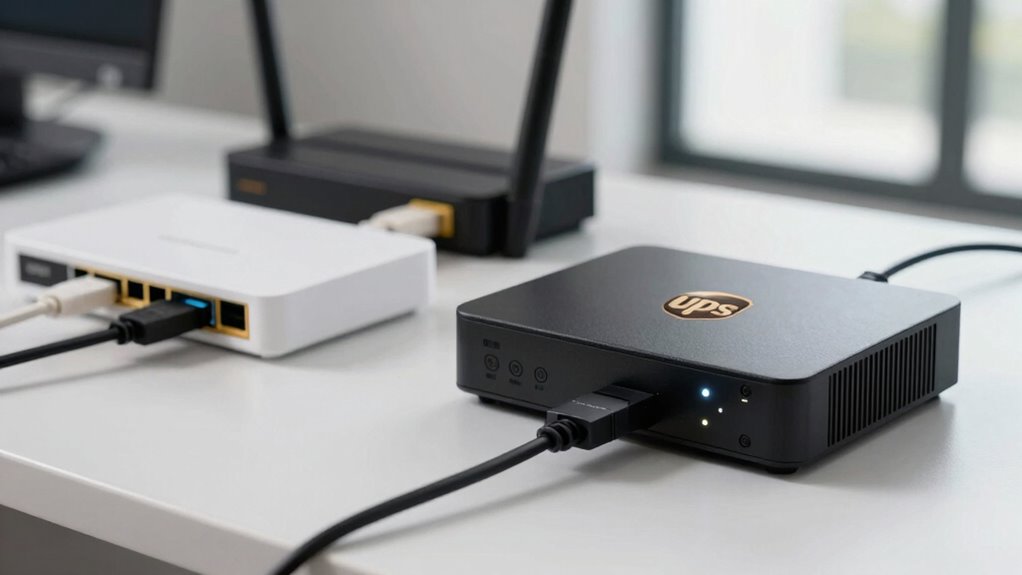

To keep your modem and router online during power outages, choose a UPS with surge protection and enough capacity for your devices. Plug them into the UPS’s protected outlets, and verify it’s grounded properly. Regularly test and replace the batteries to maintain backup power, and keep the UPS in a cool, ventilated spot. Proper setup and maintenance help prevent data loss and protect your equipment. Keep going to discover more tips for reliable internet backup.

Get backup power and energy gear delivered free with Prime
- Fast, free delivery on millions of items
- Prime Video, Amazon Music and more included
- Member-only deals all year
Key Takeaways
- Select a UPS with surge protection and sufficient capacity for your modem and router’s power needs.
- Ensure the UPS is properly grounded and avoid daisy-chaining with other power strips.
- Regularly test the UPS and replace batteries promptly to maintain backup reliability.
- Plug devices into surge-protected outlets on the UPS and keep it in a ventilated, dust-free environment.
- Proper maintenance and timely battery replacement prevent downtime and protect your internet equipment.
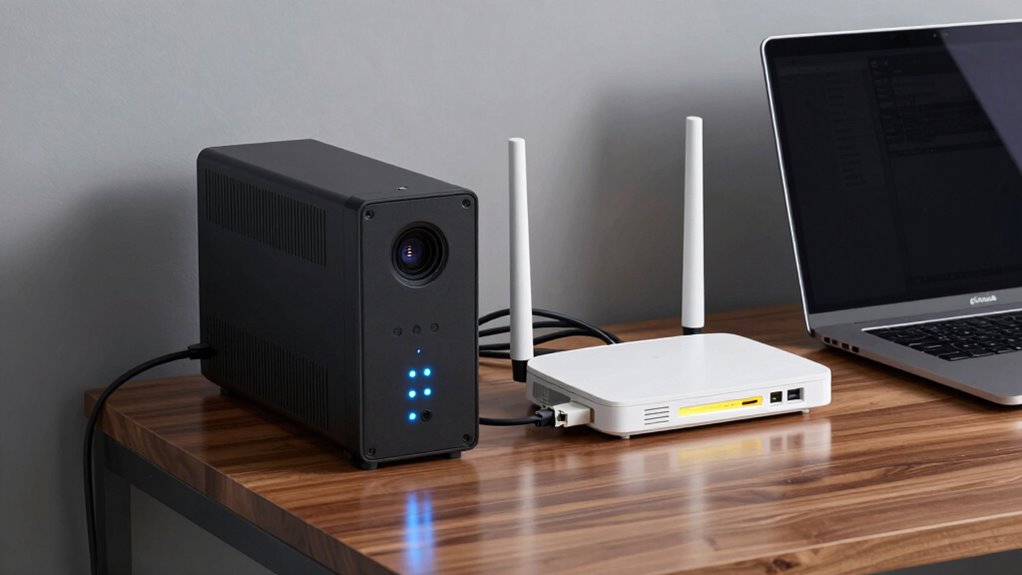
In today’s connected world, having a reliable internet connection is essential, especially when working from home or managing important tasks online. Your modem and router are the backbone of that connection, but power interruptions or surges can disrupt your workflow and cause data loss. To prevent such issues, using an Uninterruptible Power Supply (UPS) is a smart move. A UPS not only provides backup power during outages but also offers power surge protection, shielding your devices from sudden voltage spikes that can damage sensitive electronics. When choosing a UPS, look for one that specifically mentions surge protection capabilities, guaranteeing your modem and router are safeguarded against unexpected voltage surges that often occur during storms or power fluctuations.
Once you have a UPS in place, you should familiarize yourself with battery maintenance tips to keep it functioning at its best. Regularly testing your UPS is essential; many units have a self-test feature that you can activate periodically to verify the battery’s health. If your UPS indicates a weak or degraded battery, don’t ignore it—replace it promptly to maintain continuous backup power when needed. Maintaining clean and dust-free surroundings around your UPS also extends its lifespan, as dust can cause overheating and reduce battery efficiency. Keep the UPS plugged into a properly grounded outlet, and avoid daisy-chaining it with other power strips, which can overload the circuit and diminish its protective capabilities. Additionally, understanding power surge protection is crucial because it prevents voltage spikes from reaching your modem and router, which can cause immediate damage or degrade their components over time. Many UPS units come with built-in surge protectors, but you can also add extra surge protectors for added security. Proper battery maintenance is essential for ensuring your UPS remains reliable, especially in areas prone to frequent power fluctuations. Regularly monitoring your UPS’s battery life can help you anticipate when replacements are needed, ensuring continuous protection. Always ensure your devices are plugged into the surge-protected outlets on the UPS and not directly into the wall, especially if the wall socket lacks surge protection. This setup helps absorb unexpected voltage spikes, keeping your internet gear safe.
Regularly test and replace your UPS battery to ensure reliable backup during power outages.
Furthermore, it’s important to remember that regular battery replacement is key to maintaining your UPS’s reliability, especially if you experience frequent power fluctuations. Proper battery maintenance tips, like periodic testing and timely replacement, guarantee your UPS remains ready to kick in during outages. Combining this with power surge protection makes your internet setup more resilient, reducing downtime and safeguarding your expensive equipment. By investing in a reliable UPS and staying proactive with maintenance, you protect your internet connection and guarantee uninterrupted access—even when the power flickers or goes out altogether.
UPS for modem and router with surge protection
As an affiliate, we earn on qualifying purchases.
As an affiliate, we earn on qualifying purchases.
Frequently Asked Questions
How Long Should My UPS Last During a Power Outage?
During a power outage, your UPS should last long enough to keep your modem and router running for about 15 to 30 minutes. This depends on the battery lifespan and your device’s power efficiency. To maximize backup time, choose a UPS with a higher capacity and guarantee your equipment is energy-efficient. Regularly maintain the battery to keep it functioning at its best, so you get reliable backup during outages.
Can I Connect Multiple Devices to a Single UPS?
Yes, you can connect multiple devices to a single UPS, but you need to take into account device compatibility and power capacity. Check the UPS’s maximum wattage and ensure your devices don’t exceed it. Also, think about the importance of battery replacement; over time, batteries degrade, reducing backup time. Distribute devices wisely, prioritizing essentials, and regularly replace the battery to maintain reliable backup performance during outages.
What Maintenance Is Required for a UPS?
Think of your UPS as a trusted guardian that needs regular care to stay alert. You should check its battery lifespan periodically, replacing batteries when they weaken. Keep firmware updated to guarantee peak performance and security. Also, test the unit by simulating power outages, and keep it clean and dust-free. Proper maintenance guarantees your UPS stays ready to protect your devices during unexpected outages.
Does a UPS Protect Against Power Surges?
Yes, a UPS offers surge protection and power filtering, safeguarding your devices from voltage spikes and electrical noise. It absorbs or diverts excess energy during power surges, preventing damage to your modem and router. By incorporating a UPS with surge protection features, you guarantee your network equipment stays safe during unexpected electrical events, maintaining reliable internet access and avoiding costly repairs caused by power fluctuations.
How Do I Choose the Right UPS Capacity?
To choose the right UPS capacity, you need to take into account your device’s power needs and runtime requirements. Check your modem and router’s wattage, then select a UPS with at least 20-30% more capacity to ensure energy efficiency and avoid overloading. Also, contemplate battery lifespan; a higher-capacity UPS typically has a longer lifespan and better backup time, keeping your network running smoothly during outages.
Uninterruptible Power Supply for internet backup
As an affiliate, we earn on qualifying purchases.
As an affiliate, we earn on qualifying purchases.
Conclusion
Having a UPS for your modem and router isn’t just about avoiding outages; some believe it can even protect against power surges that cause long-term damage. While there’s debate, investing in a UPS certainly guarantees your internet stays alive during blackouts, keeping you connected and protected. Ultimately, a UPS offers peace of mind, proving its worth beyond just backup—it’s a safeguard for your entire home network. Stay powered, stay connected.
As an affiliate, we earn on qualifying purchases.
surge protector for modem and router
As an affiliate, we earn on qualifying purchases.
As an affiliate, we earn on qualifying purchases.
Halloween Picks
halloween
As an affiliate, we earn on qualifying purchases.