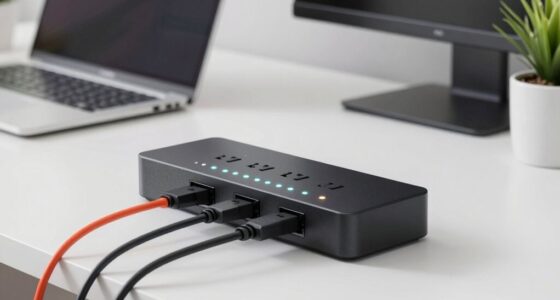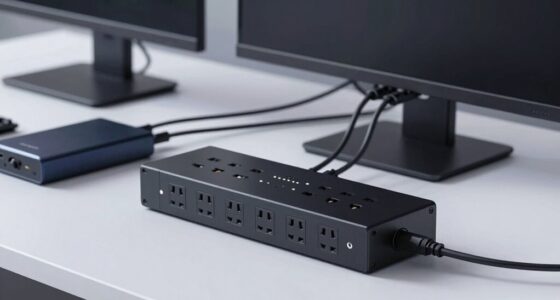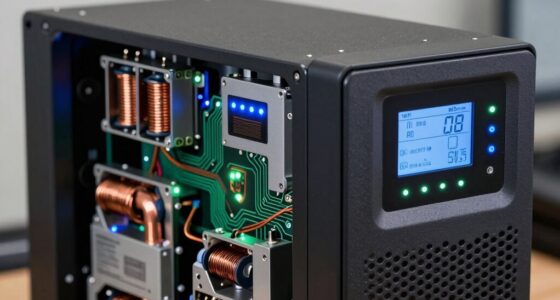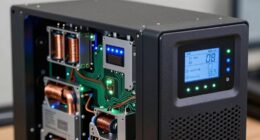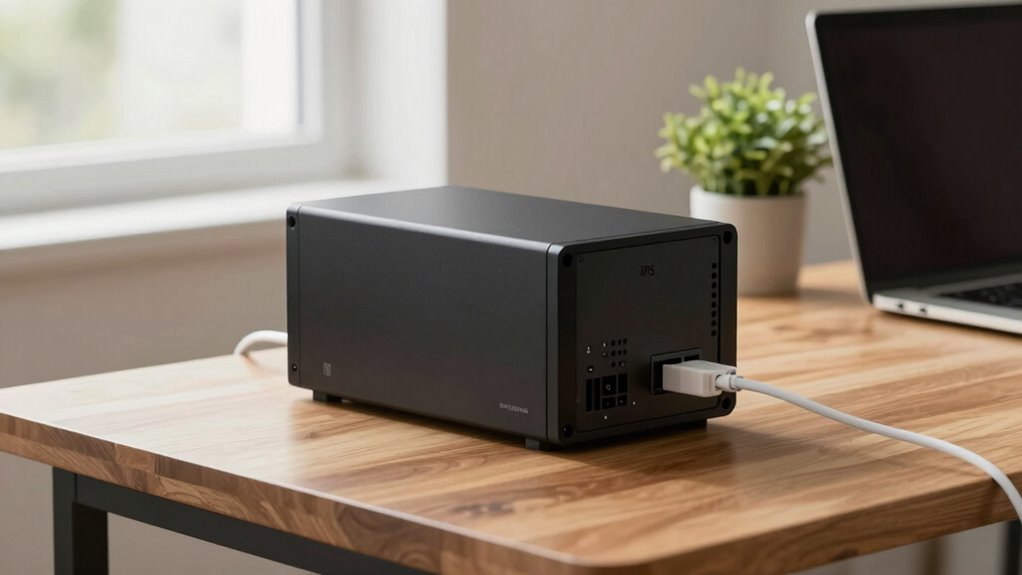

For your home desk setup, a UPS between 600 and 1500 VA usually works well, depending on how many devices you connect. If you only need to keep a computer and monitor running during outages, a 600 VA unit should suffice for a few minutes. For more devices or longer backup time, consider a larger capacity. To get the best sense of what fits your needs, keep exploring the details behind selecting the right size.
Key Takeaways
- Aim for a UPS capacity between 600 to 1500 VA based on your device power needs.
- Calculate total wattage of all devices (computer, monitor, printer) to determine appropriate size.
- For essential devices and short backup, a 600-800 VA UPS may suffice; larger setups need higher capacity.
- Consider longer backup times by choosing a UPS with higher VA or reducing connected devices.
- Ensure the UPS includes surge protection to safeguard against electrical fluctuations.
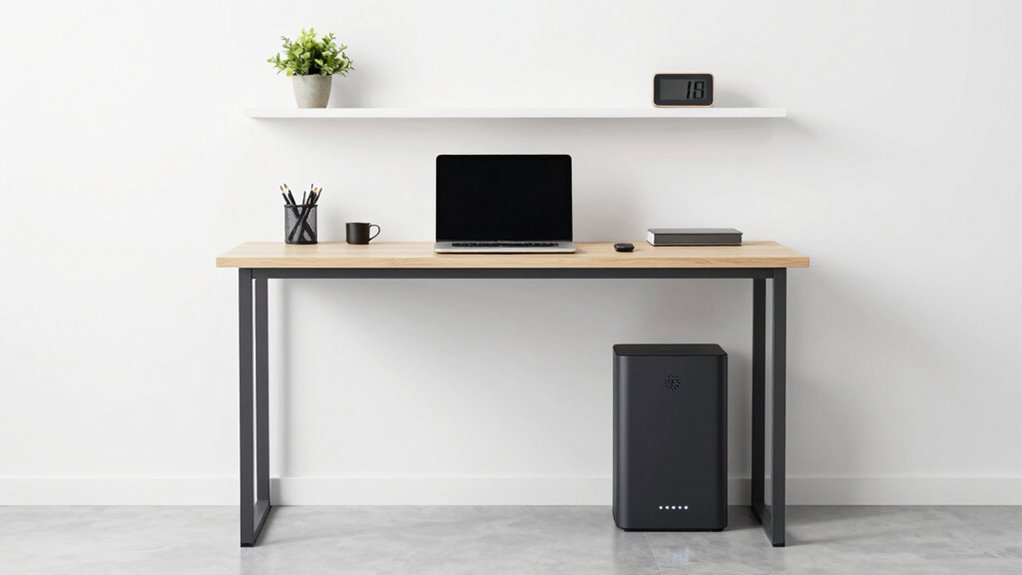
Are you wondering what size UPS is appropriate for your work-from-home desk? Choosing the right UPS depends on how much battery backup you require and how well it can shield your equipment from power surges. When you’re working from home, your setup probably includes a computer, monitor, maybe a printer, and other electronic devices. You don’t want a sudden power outage or a damaging power surge to interrupt your workflow or, worse, cause hardware damage. That’s where a UPS comes into play. It provides a dependable battery backup and protects your devices from unexpected electrical issues.
Choosing the right UPS protects your work and devices from power outages and surges.
The size of UPS you should select hinges on the total power consumption of your equipment. Most home office devices are relatively low wattage, but it’s important to check each device’s power requirements. Add up these wattages, then choose a UPS with a capacity that exceeds that total. This guarantees your equipment will get enough battery backup time during outages. Typically, a UPS rated between 600 and 1500 VA (volt-amps) suffices for a standard work-from-home setup. A 600 VA UPS can keep your computer and monitor running for a few minutes—enough time to save work and shut down properly. If you have more devices or need longer backup, go higher in capacity.
You also want to contemplate how well the UPS handles power surges. Power surges—sudden spikes in electrical current—can fry sensitive electronics. A good UPS includes surge protection, which acts like a shield against these damaging voltage spikes. Not all UPS units offer the same level of surge protection, so look for models with built-in surge suppressors or additional surge protectors. This way, your devices stay safe even during thunderstorms or electrical grid fluctuations. surge protection is a crucial feature to prevent damage caused by electrical fluctuations. Additionally, understanding power capacity helps you choose a UPS that can reliably support your entire setup. Knowing how to assess electrical vulnerabilities in your home can further enhance your overall protection strategy. Being aware of your home’s electrical grounding quality can also significantly reduce the risk of damage from power issues.
Another factor to consider is the runtime—the amount of time your UPS can keep your devices powered during an outage. For most home offices, a backup of 5 to 15 minutes is enough to save work and shut down safely. If you want longer runtime, you’ll need a bigger UPS or consider connecting only essential devices to the battery backup. Remember that larger UPS units tend to be more expensive and bulkier, so balance your needs with your budget and space constraints.
Ultimately, selecting the right UPS for your work-from-home desk involves understanding your equipment’s power needs and ensuring it offers enough battery backup and surge protection. When you choose wisely, you’ll create a safer, more reliable workspace that minimizes disruptions and protects your valuable electronics from power surges.

Tripp Lite 600VA UPS Desktop Battery Backup and Surge Protector, 300W, 4 Outlets, Home & Office UPS, Small Form Factor, Wall Mounting Option, 5ft Cord, 3-Year Warranty (BC600R)
600VA UPS: 300W uninterruptible power supply provides low-maintenance battery backup and surge protection. Restarts automatically once power is…
As an affiliate, we earn on qualifying purchases.
As an affiliate, we earn on qualifying purchases.
Frequently Asked Questions
Can a UPS Protect Against Power Surges?
Yes, a UPS can protect against power surges by offering surge protection and power filtering. When you connect your devices to a UPS, it helps block sudden voltage spikes that could damage your equipment. Many UPS units include built-in surge protectors and filters, so you get cleaner power and safeguard your work setup. Just make certain you choose a UPS with adequate surge protection features for your specific needs.
How Long Should a UPS Keep My Devices Running?
A UPS should keep your devices running long enough for you to save work and shut down safely, typically 5 to 15 minutes. This depends on its power capacity and battery lifespan. If you need longer backup time, choose a UPS with higher capacity. Remember, over time, the battery lifespan decreases, so regular maintenance or replacements guarantee your UPS continues to provide reliable backup power when needed.
Is a Larger UPS Always Better for My Setup?
A larger UPS isn’t always better, like trying to fit a square peg in a round hole. It might offer more battery capacity, but it can also increase noise levels and cost more unnecessarily. You should choose a UPS that matches your device power needs—bigger isn’t necessarily safer or more efficient. Focus on the right size for your setup to guarantee smooth operation without excess noise or expense.
Do All UPS Units Require Maintenance?
Not all UPS units require frequent maintenance, but some do need regular checks. Battery lifespan varies, so you should monitor it and replace batteries when needed. Maintenance frequency depends on usage and environment; generally, it’s good to inspect your UPS every six to twelve months. Proper maintenance helps guarantee your UPS works reliably during outages, protecting your work setup. Always follow the manufacturer’s guidelines for peak performance.
Can I Use a UPS With Multiple Devices Simultaneously?
Yes, you can use a UPS with multiple devices at once, but it depends on its battery capacity and power management features. Make certain the total power draw of your devices doesn’t exceed the UPS’s wattage rating. Good power management helps optimize battery life, so choose a UPS designed for multiple devices, and always check its capacity to prevent overloads or unexpected shutdowns during power outages.

CyberPower ST425 Standby UPS Battery Backup and Surge Protector, 425VA/260W, 8 Outlets, Compact, UL Certified
425VA/260W Standby Battery Backup Uninterruptible Power Supply (UPS) System uses simulated sine wave output to safeguard home office…
As an affiliate, we earn on qualifying purchases.
As an affiliate, we earn on qualifying purchases.
Conclusion
Choosing the right UPS size for your home office is vital to keep your work seamless. A study shows that 70% of remote workers experience power outages at least once a month, emphasizing the importance of backup power. Opting for a UPS that can support your essential devices for at least 15-30 minutes guarantees you won’t lose valuable work. Invest wisely, and you’ll maintain productivity and peace of mind during unexpected outages.

CyberPower CP1500PFCLCD PFC Sinewave UPS Battery Backup and Surge Protector, 1500VA/1000W, 12 Outlets, AVR, Mini Tower, UL Certified
1500VA/1000W PFC Sine Wave Battery Backup Uninterruptible Power Supply (UPS) System designed to support active PFC and conventional…
As an affiliate, we earn on qualifying purchases.
As an affiliate, we earn on qualifying purchases.

APC Back-UPS 650VA / 390W Battery Backup & Surge Protector, 8 Outlets, RJ45 Ethernet Protection, BE650G1 Uninterruptible Power Supply for Computers, Wireless Routers, and Home Office Electronics
KEEPS DEVICES RUNNING DURING POWER OUTAGES: Reliable 650VA / 390W UPS battery backup that protects home office electronics…
As an affiliate, we earn on qualifying purchases.
As an affiliate, we earn on qualifying purchases.